

Payments & AR
Diabetes Care Integrated Patient Payments Software
Card-on-file, text-to-pay and payment plans for the small, repeating balances that diabetes training and monthly CGM reads leave behind.
Diabetes Care Integrated Patient Payments Software lets patients pay diabetes balances by card, mobile wallet, text link or a saved card, and posts each payment straight to the ledger. It fits the small, repeating amounts that come from training classes and monthly CGM reads, and it supports payment plans for larger deductible balances.



 6,500+ specialty providers
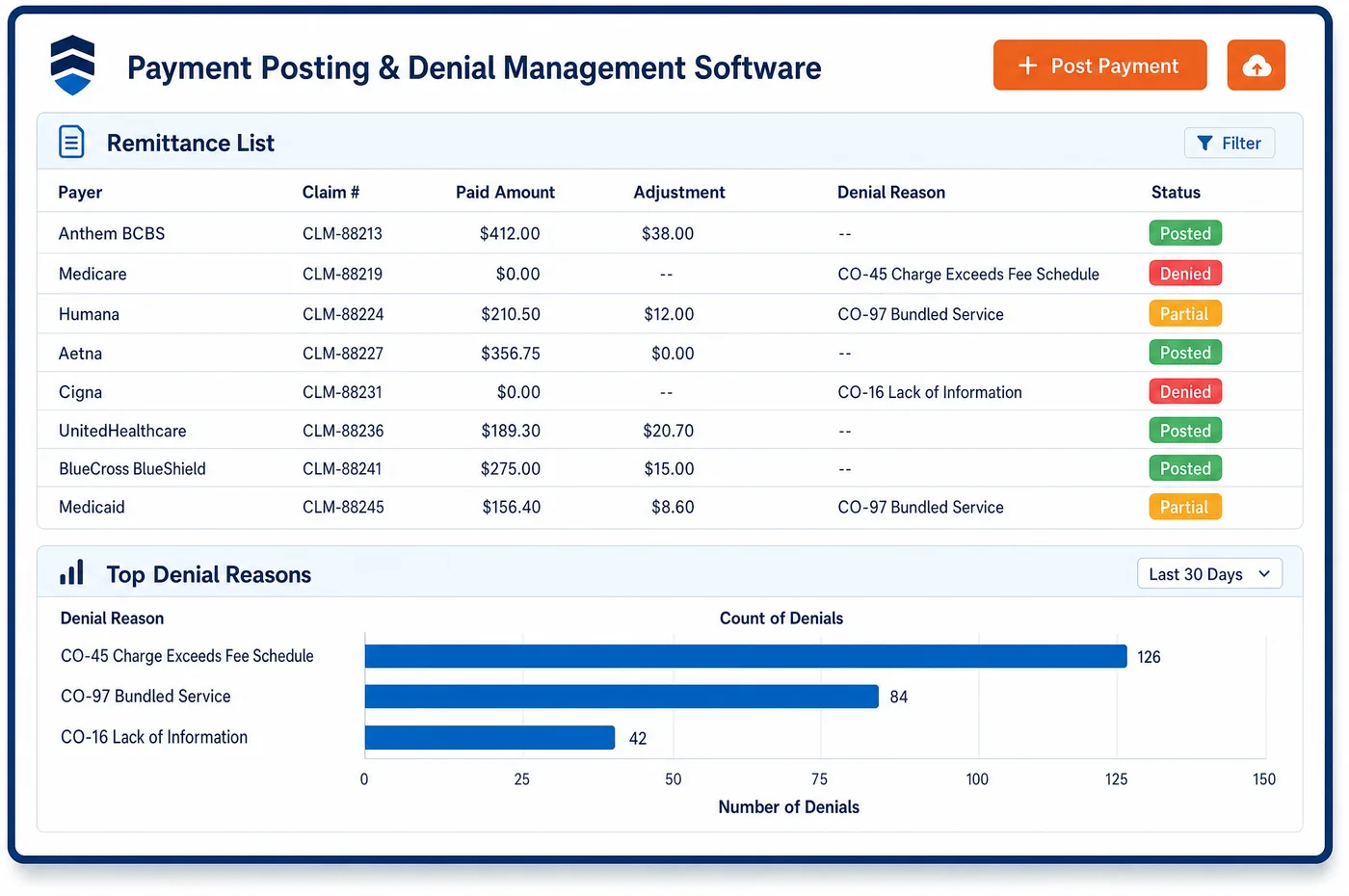
Integrated Patient Payments in a Diabetes Care Practice
Diabetes care leaves many small balances rather than a few large ones. A patient in a training program may owe coinsurance after each class. A patient on CGM may owe a share of each monthly data review. Asking for each of these by paper statement costs more than the balance is worth, and automation can send the reminders instead. With integrated patient payments, a patient can store a card at the first visit and agree to have the final share charged once the payer has paid. Others get a text with a secure link and pay from a phone. Larger balances, such as a deductible early in the year, can be split into a payment plan with drafts on a set date. Every payment posts to the patient ledger as soon as it clears, so the portal, the front desk and the next statement all show the same balance. Card data is handled by payment gateways built to the PCI standard.
Why Is Integrated Patient Payments Different in Diabetes Care?
Diabetes balances are small and they repeat. A monthly device review, a class, a short follow-up visit: each leaves a share that might be worth less than the cost of mailing a statement. Collecting these by paper is slow and often fails. A saved card, used only after the payer has paid and with the patient's agreement, turns a string of small balances into routine payments that need no chasing.
Collecting at check-in takes care in this specialty, because the patient's share changes from one service to the next. Under Medicare, training carries coinsurance, but nutrition therapy and most diagnostic lab tests do not. A front desk that asks every patient for the same amount will collect money that must later be refunded. Integrated patient payments work best when the amount asked for comes from the service booked and the payer's rules, not a flat copay.
Payments also have to land in the right place. A payment taken at a group class, by text link or by a monthly draft is only useful if it posts to the same ledger the statement reads from. When it does, the next diabetes statement already shows the payment, and the patient is not billed twice. When it does not, staff spend their time matching card receipts to accounts by hand.
What Diabetes Care Integrated Patient Payments Software Handles
- Card data under PCI DSS
- Card numbers are handled by payment gateways built to the PCI Data Security Standard and stored as tokens. Staff never write down or key in a full card number to save it. (PCI Security Standards Council: PCI Data Security Standard)
- Coinsurance on training classes
- Medicare training carries Part B coinsurance after the deductible. Patients in a class series can save a card and have each class's share charged after the payer pays, rather than paying at the door. (Medicare.gov: Diabetes self-management training)
- No collection for covered nutrition therapy
- A patient who qualifies for Medicare nutrition therapy pays nothing for it. The check-in screen shows no amount due for those visits, so nothing is collected that must later be refunded. (Medicare.gov: Medical nutrition therapy services)
- Lab tests with no patient share
- Patients usually pay nothing for Medicare-covered diagnostic lab tests, such as an A1c. Point-of-service amounts leave those tests out, which keeps card-on-file charges accurate. (Medicare.gov: Diagnostic laboratory tests)
- Monthly CGM data reviews
- Code 95251 may be reported once a month at most. When a patient has agreed to it, the share for each month's review is charged to the saved card after the remittance posts, one charge per month. (AAFP: Coding for Remote Patient Monitoring and Continuous Glucose Monitoring)
- Self-pay amounts matched to the estimate
- Self-pay and uninsured patients have a right to a good faith estimate before scheduled care. Deposits or plans for a self-pay training program are set from that estimate, so the amount collected lines up with what the patient was told. (CMS: Good Faith Estimate (No Surprises Act))
How Does Diabetes Care Integrated Patient Payments Software Work?
1. Save a card with consent
At the first visit or class, the patient can save a card and agree to how it will be used. The consent is stored on the account with the card token.
2. Wait for the payer
Charges to a saved card wait until the remittance has posted through diabetes payment posting. The patient pays the final share, not a guess.
3. Send a text link when needed
Patients without a saved card get a secure text-to-pay link. They can pay from a phone with a card or mobile wallet.
4. Set up a plan for larger balances
A deductible balance can be split into a payment plan with drafts on set dates. Each draft posts on its own, and the plan balance updates as it goes.
5. Post every payment to the ledger
Payments from the front desk, the portal, text links and plans post to the same patient ledger. Statements, the portal and the next check-in all show the same balance.
Diabetes Care Integrated Patient Payments Software vs. Generic Software
| Area | Generic approach | Unlimited Systems |
|---|---|---|
| Small repeating balances | A paper statement for each class or monthly review. | Charged to a saved card after the payer pays, with consent. |
| Check-in amounts | One flat amount asked of every patient. | Amount based on the service booked and the payer's rules. |
| Card storage | Card numbers kept on paper or in notes. | Tokens held by a PCI-compliant gateway. |
| Payment plans | Plans tracked by hand on a calendar. | Drafts on set dates that post on their own. |
| Posting | Card receipts matched to accounts at day's end. | Payments are posted to the ledger when they clear. |
Who Uses It in a Diabetes Care Practice
- Front desk: A check-in amount that fits the service booked, so training patients pay their share and nutrition patients are not asked for money they do not owe.
- Patient: One saved card for classes and monthly device reviews, or a text link to pay from a phone, with no surprise charges.
- Billing manager: Fewer small balances aging on paper, fewer refunds and payments that post themselves. Results show up in diabetes care AR follow-up.
Diabetes Care Integrated Patient Payments Software FAQs
With integrated patient payments, a patient can save a card and agree to have the share of each monthly CGM review charged after the payer pays. Code 95251 is reported once a month at most, so there is one charge per month at most. The payment posts to the ledger at once, and the next statement shows it.
Patients can pay at a class, but the share is often not final until the payer responds. Under Medicare, training carries coinsurance after the deductible, so the amount depends on where the patient stands with the deductible. A practice can instead save a card and charge each class's final share after the remittance posts.
A patient who qualifies for Medicare medical nutrition therapy pays nothing for the covered service. The check-in screen shows no amount due for those visits. Collecting a flat copay would only create a credit balance and a refund later. Other payers may charge cost sharing, and the amount shown follows that payer's rules.
Card numbers are handled by payment gateways built to the PCI Data Security Standard. The practice keeps a token, not the card number, so staff never see or store full card details. Patients agree to how a saved card will be used, and that consent is stored on the account.
A patient with a large balance, such as a deductible met early in the year on diabetes services, can be offered a payment plan. Drafts run on set dates and post on their own. The plan balance updates after each draft, and the patient can see it in the portal at any time.
Payments made through a text link post to the same patient ledger as payments taken at the front desk or in the portal. The balance updates as the payment clears. The next statement, the portal and the check-in screen all show the same amount, so the patient is not billed again for what they already paid.
Related Diabetes Care Software
Payments & AR
In the revenue cycle
Integrated Patient Payments for related specialties
Sources
- PCI Security Standards Council: PCI Data Security Standard
- Medicare.gov: Diabetes self-management training
- Medicare.gov: Medical nutrition therapy services
- Medicare.gov: Diagnostic laboratory tests
- AAFP: Coding for Remote Patient Monitoring and Continuous Glucose Monitoring
- CMS: Good Faith Estimate (No Surprises Act)
GET STARTED
See Unlimited Systems in Action
Whether you're actively evaluating new technology or simply preparing for your next vendor renewal, Unlimited Systems can help you understand where your current workflows may be creating avoidable revenue risk.