

Front office
Allergy & Immunology Patient Management Software
Follow each allergy patient from referral and testing through years of shots, biologic renewals and asthma follow-ups on one record.
Allergy & Immunology Patient Management Software keeps one record for each patient across a long course of care. Referrals, skin and blood test results, extract prescriptions, the shot log, biologic approvals and asthma follow-ups all live on that record. Staff can see where each patient is in care and what comes next.



 6,500+ specialty providers
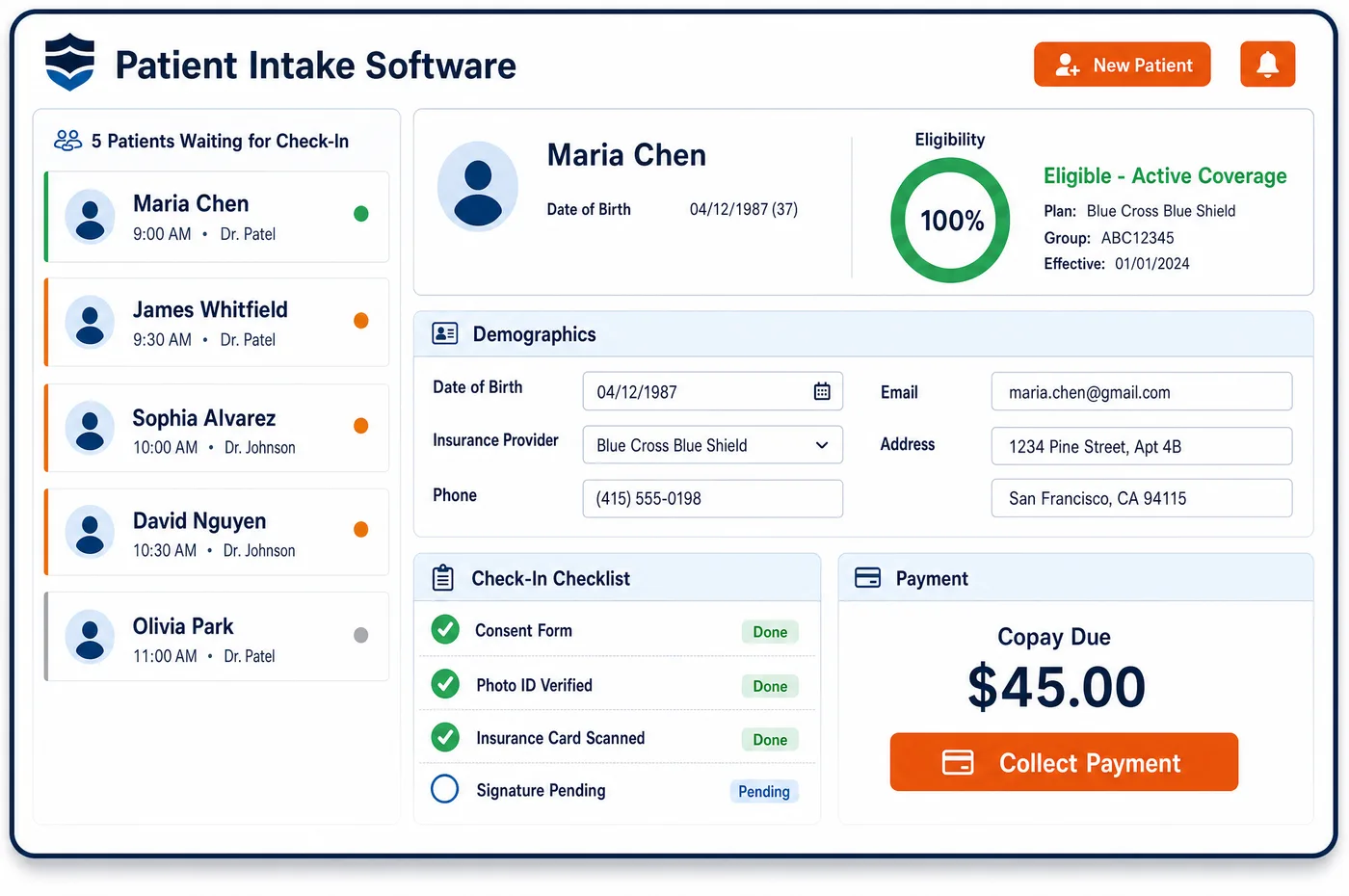
Patient Management in a Allergy & Immunology Practice
An allergy patient is rarely seen just once. A typical path starts with a referral from a primary care doctor or pediatrician, then an evaluation and skin or blood testing. A patient who starts allergen immunotherapy moves through build-up shots, often weekly or more, and then maintenance shots that can run for years. Others start a biologic such as omalizumab for asthma, hives or nasal polyps, which needs an approval and later a renewal. Allergy & immunology patient management software keeps all of this on one record. The record shows the extract prescription and each vial, the shot log with dose and reaction notes, the current approval and its end date, and the next reassessment visit. When a shot is missed or a renewal is near, the record flags it, so the care team acts before the gap grows. Front desk, nurses, billers and physicians all work from the same view.
Why Is Patient Management Different in Allergy & Immunology?
Allergy care is a long relationship, not a single visit. Allergen immunotherapy usually means a build-up phase and then years of maintenance shots, with planned reassessment along the way. A record that only holds visit notes can't show whether a patient is on track, behind on shots, or due for a new vial.
The same patient may also cross several lines of care. A child with asthma might have skin testing, a food challenge, allergy shots and later a biologic. Each one has its own codes, approvals and payer rules. Patient management in allergy has to tie these together, starting with clean registration details and the history gathered at pre-visit intake.
Long courses also mean coverage changes mid-course. A patient may age into Medicare, switch employers or move to a plan that splits medical and pharmacy drug benefits differently. When that happens, the extract plan, the biologic approval and the shot schedule all need a fresh look. One record that shows each item and its status makes that review quick.
What Allergy & Immunology Patient Management Software Handles
- Antigen supply limit (Medicare)
- For Medicare, payment covers a reasonable supply of antigens, which CMS describes as not more than a twelve-month supply prepared for one patient at a time. The record shows when each vial was made, so staff can see when a new one is due. (Medicare Benefit Policy Manual, Chapter 15, Section 50.4.4.1: Antigens)
- Treatment plan and dosage regimen
- Medicare pays for antigens when the preparing physician has examined the patient and set a plan of treatment and a dosage regimen. That plan is stored on the record with the vial contents, so every refill traces back to it. (Medicare Benefit Policy Manual, Chapter 15, Section 50.4.4.1: Antigens)
- Maintenance immunotherapy and modifier EJ
- One Medicare contractor, CGS for Kentucky and Ohio, requires the EJ modifier on maintenance immunotherapy claims. The record tracks when a patient moves from build-up to maintenance, so the right modifier follows the shots when the practice bills that contractor. (CMS Medicare Coverage Database, Billing and Coding Article A59981: Allergen Immunotherapy (AIT) with Subcutaneous Immunotherapy (SCIT) (CGS))
- Periodic reassessment
- The CGS immunotherapy LCD expects patients on shots to be reevaluated at regular intervals and limits ongoing coverage when there is no clear benefit. Reassessment visits are tracked on the record, and patients who are overdue are listed for follow-up. (CMS Medicare Coverage Database, LCD L40056: Allergen Immunotherapy (AIT) with Subcutaneous Immunotherapy (SCIT) (CGS))
- Biologic approvals and renewals
- Commercial policies such as UnitedHealthcare's for Nucala and Fasenra grant an initial approval, then require proof of response, like fewer exacerbations, to renew. The end date sits on the record, and the response notes are kept with it for the renewal request. (UnitedHealthcare Commercial Medical Benefit Drug Policy 2026D0055AA: Respiratory Interleukin-5 Inhibitor)
- Self-administered biologics (Medicare)
- A Medicare billing article for omalizumab says it is not covered under Part B when the patient self-administers it. The record notes whether each biologic is given in the office or at home, which decides which benefit pays. (CMS Medicare Coverage Database, Billing and Coding Article A52448: Omalizumab)
How Does Allergy & Immunology Patient Management Software Work?
1. Open the record at referral
The referral, insurance and reason for visit start the record before the first visit. Prior test results from the referring office are attached, so the allergist can see what has already been done.
2. Add testing and diagnosis
Skin and blood test results, the allergens found and the diagnosis are saved to the record. These later support the extract prescription and any biologic request.
3. Track the treatment course
The extract prescription, each vial and the shot log are kept together. Biologics are tracked the same way, with drug, dose, approval and end date, and visits come from allergy patient scheduling.
4. Flag gaps and renewals
Missed shots, vials near the end of their supply and approvals close to expiring show up as tasks. Staff work those tasks before a gap in care or coverage opens.
5. Reassess and update
At reassessment visits, the physician notes the response and the plan going forward. That note stays with the course, so a payer review or a renewal has the history in one place.
Allergy & Immunology Patient Management Software vs. Generic Software
| Area | Generic approach | Unlimited Systems |
|---|---|---|
| Treatment course | Shot history kept on paper flow sheets. | Shot log, vials and doses kept on the patient record. |
| Biologic approvals | End dates tracked in a spreadsheet. | Approval and end date shown on the record with renewal tasks. |
| Coverage changes | Found when a claim denies. | Flagged when the insurance on the record changes. |
| Reassessment | Left to the physician's memory. | Overdue reassessments listed for follow-up. |
| Care across lines | Testing, shots and biologics in separate systems. | One record that ties testing, shots and biologics together. |
Who Uses It in a Allergy & Immunology Practice
- Allergy nurse: The shot log, vial details and reaction notes in one place before each injection, with missed shots flagged.
- Practice manager: Lists of patients with expiring approvals, vials due and missed shots, so staff time goes where gaps are opening.
- Physician owner: A clear view of each patient's course, from testing to maintenance to biologic response, ready for reassessment and payer review.
Allergy & Immunology Patient Management Software FAQs
Patient management in an allergy practice means following each patient across a long course of care, not one visit. It covers the referral, testing, diagnosis, extract prescriptions, the shot log, biologic approvals and asthma follow-ups. Allergy & immunology patient management software keeps these on one record, so staff can see each patient's status and the next step.
Each patient's extract prescription, vials and shot log are kept together on the record. Every injection is logged with the dose, the vial and any reaction. When a patient misses shots or a vial nears the end of its supply, a task is created so staff can reach out or order a new vial before the course stalls.
Biologic approvals are stored with the drug, dose and end date. As the end date nears, a renewal task appears, and the physician's notes on response, such as fewer flares or less rescue inhaler use, are kept with the approval. That gives staff what payers usually ask for when they review a renewal request.
A change in coverage is flagged on the record. Staff then review the extract plan, any biologic approval and the shot schedule against the new plan. A patient who turns 65 and moves to Medicare, for example, may need a fresh look at how biologics are covered and how extract doses are counted.
Payers may ask for the treatment plan, the extract order and the shot log behind immunotherapy claims. Because those items sit on the same record, staff can pull them together quickly. Specialty societies have described what payers reasonably need for these claims, and the record keeps each of those items in one place.
Many allergy patients are children, and siblings are often seen by the same practice. Each child keeps a separate record, linked to the parent or guardian who gives consent and pays the bill. That keeps test results and shot logs apart while letting the family manage visits and balances together.
Related Allergy & Immunology Software
Front office
Patient Management for related specialties
Sources
- Medicare Benefit Policy Manual, Chapter 15, Section 50.4.4.1: Antigens
- CMS Medicare Coverage Database, Billing and Coding Article A59981: Allergen Immunotherapy (AIT) with Subcutaneous Immunotherapy (SCIT) (CGS)
- CMS Medicare Coverage Database, LCD L40056: Allergen Immunotherapy (AIT) with Subcutaneous Immunotherapy (SCIT) (CGS)
- UnitedHealthcare Commercial Medical Benefit Drug Policy 2026D0055AA: Respiratory Interleukin-5 Inhibitor
- CMS Medicare Coverage Database, Billing and Coding Article A52448: Omalizumab
- AAAAI, AAOA and ACAAI: Guidance for the Evaluation by Payors of Claims Submitted Using CPT Codes 95165, 95115 and 95117 (2024)
GET STARTED
See Unlimited Systems in Action
Whether you're actively evaluating new technology or simply preparing for your next vendor renewal, Unlimited Systems can help you understand where your current workflows may be creating avoidable revenue risk.