

Payments & AR
Ambulatory Surgery Center Patient Billing Software
Send clear facility statements that set the ASC bill apart from the surgeon's, explain screening colonoscopy cost sharing, and show what changed from the estimate.
Ambulatory Surgery Center Patient Billing Software turns the patient's share of each facility claim into a clear statement. It shows what insurance paid, why the patient owes the rest, and how the final amount compares with the estimate given before surgery. It also makes clear that the surgeon, anesthesia and pathology send their own bills.



 6,500+ specialty providers
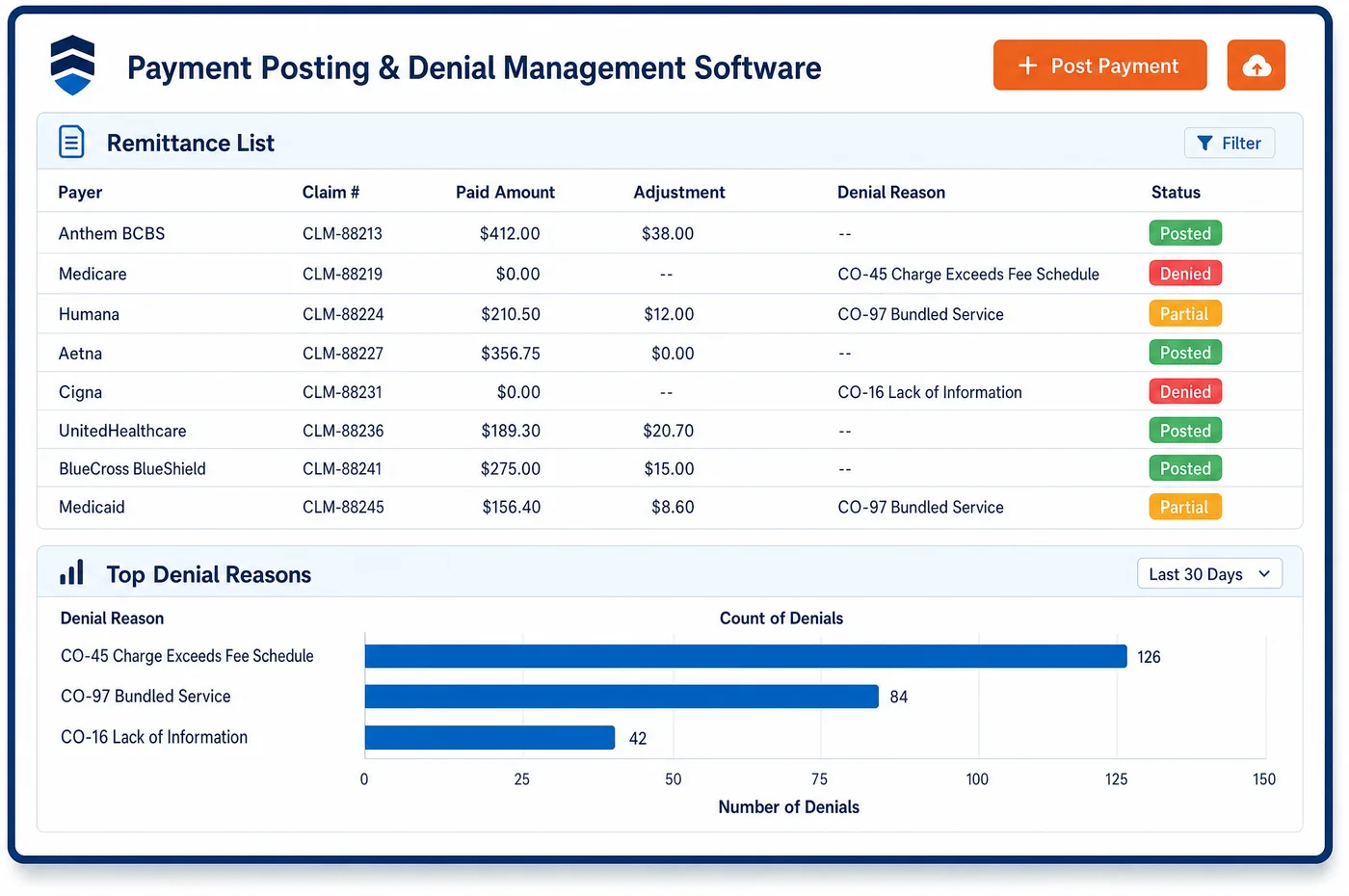
Patient Billing in a Ambulatory Surgery Center Practice
Patients often expect one bill for surgery and get three or four. The ASC bills the facility fee, while the surgeon, the anesthesia group and sometimes a pathology lab each send their own. Patient billing for an ASC starts by saying that up front, so the facility statement names what it covers. The patient share comes from the posted remit, not from the estimate. When the 835 shows a different deductible or coinsurance, the statement says why. For Medicare, ASC services carry the usual Part B deductible and coinsurance. Screening colonoscopy is the exception: no deductible applies, even when a polyp is removed in the same encounter, and the coinsurance is being phased down until it is waived from 2030. Statements go out by text and email with a link to pay, and paper goes to patients who want it. Payment plans and card-on-file payments let patients settle a large balance over time.
Why Is Patient Billing Different in Ambulatory Surgery Center?
The facility fee is the bill patients understand least. They met the surgeon, not the center's billing office, and the statement may arrive before any other bill. A statement that lists CPT codes and a total invites calls. One that names the procedure, the date, what insurance paid and what is left is far easier to act on. Clear facility statements also cut disputes about who sent which bill.
Cost sharing in an ASC follows rules patients rarely know. A screening colonoscopy that turns into polyp removal changes how Medicare cost sharing works for that visit. A cataract patient who picks a premium lens owes for the lens function Medicare does not cover. Self-pay patients who schedule ahead are owed a good faith estimate. Each of these cases needs its own short explanation on the statement.
Balances can be large, too. High-deductible plans put much of a joint or spine case on the patient. Collecting a deposit before surgery helps, but the final share is set only when the remit posts. ASC patient billing has to true up deposits, refund overpayments and offer a plan for the rest, all from the same ledger the payment posting team uses.
What Ambulatory Surgery Center Patient Billing Software Handles
- Part B deductible and coinsurance for ASC services
- Medicare ASC services carry the usual Part B deductible and coinsurance. The statement takes the patient share from the posted remit, so it matches what Medicare reported. (Medicare Claims Processing Manual, Chapter 14: Ambulatory Surgical Centers (sections 30.1, 40.9, 60.3))
- Screening colonoscopy cost sharing
- When a screening colonoscopy leads to polyp removal in the same encounter, Medicare applies no deductible, and the coinsurance is being reduced until it is waived for dates of service from January 1, 2030. Statements explain this, so patients see why the share differs from other procedures. (Medicare Claims Processing Manual, Chapter 14: Ambulatory Surgical Centers (sections 30.1, 40.9, 60.3))
- Premium IOL functions (V2787, V2788)
- For cataract surgery with an astigmatism-correcting or presbyopia-correcting lens, the ASC reports the non-covered lens function with V2787 or V2788. That charge shows on its own statement line, apart from the covered cataract procedure. (Medicare Claims Processing Manual, Chapter 14: Ambulatory Surgical Centers (sections 30.1, 40.9, 60.3))
- Beneficiary liability by payment indicator
- Medicare tells contractors to assign beneficiary liability for facility charges on codes with ASC payment indicators C5, E5, U5 and X5. These lines are flagged, so staff review notices and the balance before a statement goes out. (Medicare Claims Processing Manual, Chapter 14: Ambulatory Surgical Centers (sections 30.1, 40.9, 60.3))
- Good faith estimates for self-pay patients
- Patients who do not use insurance and schedule ahead must get a good faith estimate. The estimate is stored with the case, so the final statement can be compared with it. (CMS Medical Bill Rights: Good faith estimates)
- Co-provider charges in self-pay estimates
- HHS is using enforcement discretion, pending future rules, when self-pay estimates leave out charges from co-providers such as an anesthesia group. The facility statement still lists which other bills the patient should expect. (CMS FAQs: Good Faith Estimates for Uninsured (or Self-Pay) Individuals, Part 3 (co-provider enforcement discretion))
How Does Ambulatory Surgery Center Patient Billing Software Work?
1. Set the share from the remit
The patient balance is taken from the posted 835, not from the estimate. Deductible, coinsurance and copay each show as their own line.
2. Compare with the estimate
The final share is compared with the estimate given before surgery. A difference shows on the statement with its reason, such as an added procedure or an unmet deductible.
3. True up deposits
Deposits taken before surgery are applied to the final balance. Overpayments go to refund review, and any amount left moves to the statement.
4. Send a clear statement
Statements go out by text and email with a secure link, using plain words for the procedure and date. Paper goes to patients who ask for it.
5. Offer a plan
Patients with a large share can set up a payment plan without a phone call. Plan payments post to the ledger as they clear.
6. Answer questions and disputes
Calls and messages about the bill are logged on the account. A dispute pauses the statement cycle until staff respond.
Ambulatory Surgery Center Patient Billing Software vs. Generic Software
| Area | Generic approach | Unlimited Systems |
|---|---|---|
| Statement content | CPT codes and a total. | Procedure, date, insurance paid and the reason for the balance. |
| Other bills | Patients left to guess who else will bill. | The statement names the surgeon, anesthesia and pathology bills as separate. |
| Estimate versus actual | Never compared. | Final share compared with the estimate, with the reason shown. |
| Deposits | Applied by hand, often late. | Applied to the final share when the remit posts. |
| Delivery | Mailed paper statements and nothing else. | Text and email links, with paper on request. |
Who Uses It in a Ambulatory Surgery Center Practice
- Patient account representative: Statements that answer the usual questions on their face, so calls focus on real problems.
- Pre-admission staff: A view of how final balances compared with their estimates, which helps tune ASC financial clearance before the next case.
- Administrator: Patient balances by payer and procedure type, plus refunds owed, for each ASC in the group.
Ambulatory Surgery Center Patient Billing Software FAQs
A patient usually gets a facility bill from the ASC and separate bills from the surgeon, the anesthesia group and sometimes a pathology lab. Each one bills for its own part of the care. The ASC statement says it covers the facility fee and names the other bills to expect, which cuts down on calls about duplicate charges.
ASC patient billing applies the Medicare rule for screening colonoscopy. No deductible applies when polyp removal happens in the same encounter, and the coinsurance is being phased down until it is waived starting January 1, 2030. The statement explains the share that remains for that date of service. Commercial plans set their own rules, so the share for those comes from the plan's remit.
When a patient picks an astigmatism-correcting or presbyopia-correcting lens, the non-covered lens function is reported with V2787 or V2788. That amount shows as its own line on the statement, apart from the covered cataract surgery. Staff explain the cost before surgery, so the statement matches what the patient agreed to pay.
The final share comes from the payer's remit, so it can differ from the estimate. The statement shows both amounts and the reason, such as an added procedure or a deductible not yet met. For self-pay patients, the good faith estimate is kept with the case, and a large gap can open a federal dispute process.
Patients can set up a payment plan from the statement link without calling the office. Plan payments draft on the schedule they choose and post to the ledger as they clear. Staff see who is on a plan and who has missed a payment, so follow-up is based on the account rather than guesswork.
A deposit collected before surgery is applied to the final balance once the remit posts. If the deposit was more than the patient owes, the credit goes to refund review. If it was less, the rest appears on the statement with the deposit shown as already paid, so the patient sees the full picture.
Related Ambulatory Surgery Center Software
Payments & AR
In the revenue cycle
Patient Billing for related specialties
Sources
GET STARTED
See Unlimited Systems in Action
Whether you're actively evaluating new technology or simply preparing for your next vendor renewal, Unlimited Systems can help you understand where your current workflows may be creating avoidable revenue risk.