

Front office
Cardiology Patient Registration Software
Capture the right plan, referral, ordering provider and hospital status at sign-up, so cardiac tests and procedures bill to the right place.
Cardiology Patient Registration Software captures who a heart patient is and who pays for their care. It records demographics, the exact health plan, the referring and ordering providers, and whether the patient is a hospital patient. It keeps one clean record per patient, even when the hospital and the office both send data.



 6,500+ specialty providers
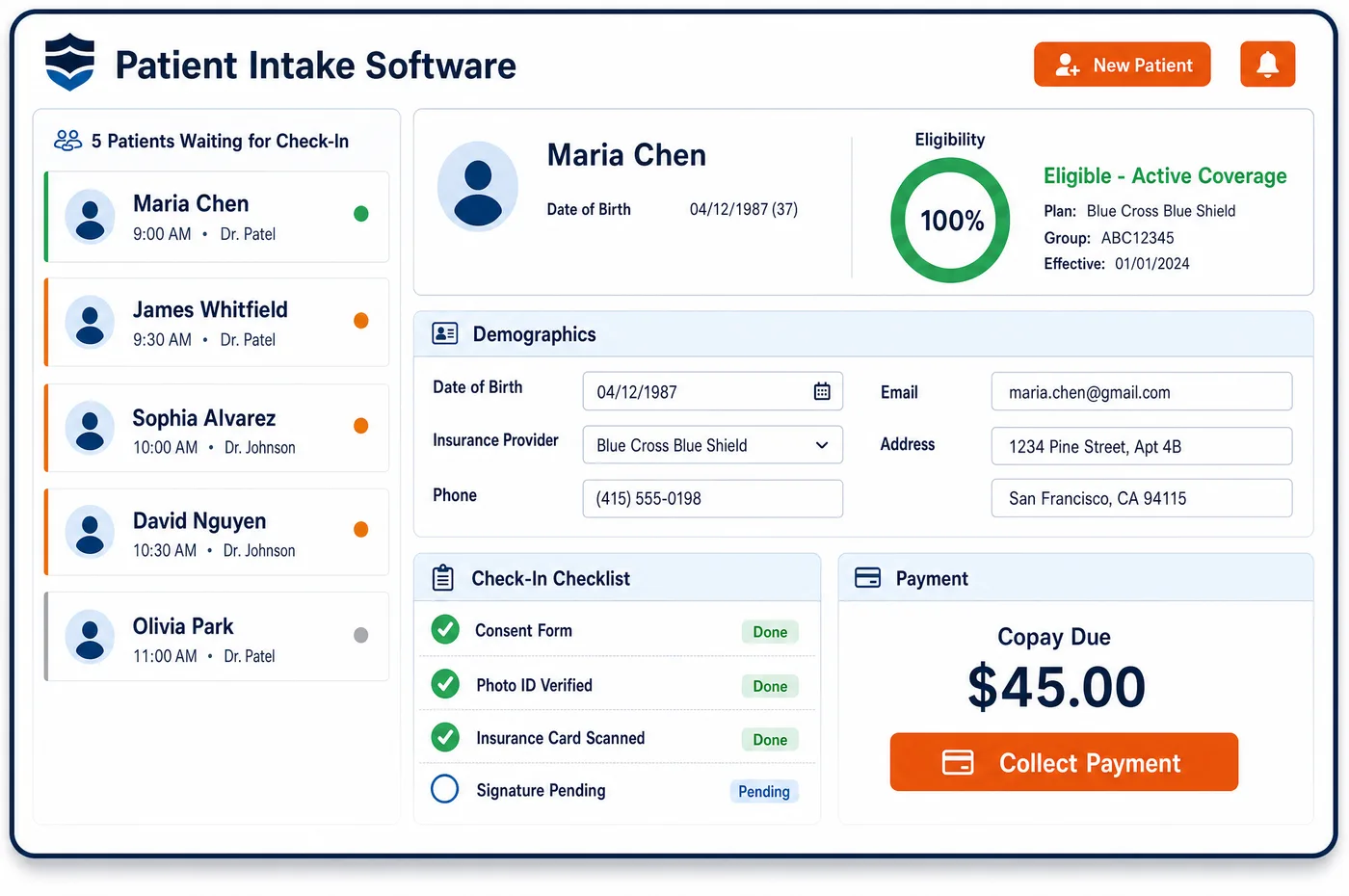
Patient Registration in a Cardiology Practice
Registration in cardiology starts with a referral. Most new patients come from a primary care doctor or the emergency department, and many health plans want that referral on file. The front desk captures the referring provider and, for each test, the ordering provider, since benefit managers expect the order to come from them. Next comes the exact plan. Two patients with the same insurer can follow different rules, because one plan may send cardiac imaging to a benefit manager and another may not. Cardiology patient registration software stores the plan product, member ID, subscriber and the coordination of benefits order. It also records whether the patient was a hospital inpatient or outpatient on the date of a test, which decides who can bill the technical part. When a patient is seen in the hospital first, their details often arrive from the hospital's system. Matching rules look for an existing record before a new one is made, so nobody ends up with two charts.
Why Is Patient Registration Different in Cardiology?
Registration errors cost more in cardiology because the services cost more. A nuclear stress test, a cath or a device implant billed to the wrong plan denies in full. The fix often means a new approval under the right plan, and some payers won't grant it after the fact. Getting the plan right at sign-up protects the practice's most expensive services.
Plan details matter more than the insurer's name. One carrier can run separate cardiology programs for its commercial, Medicare Advantage and Medicaid members, with different review vendors and code lists. Registration has to capture the plan product exactly, and update it when the patient changes plans. Medicare Advantage members are a common trap, since their rules differ from Original Medicare.
Cardiology also shares patients with hospitals more than most fields do. A patient may be admitted through the emergency department, seen by the cardiologist on rounds, and only later come to the office. If the hospital feed and the office desk each make a record, duplicates follow. Patient registration for a heart practice has to match patients across those sources and keep one master record.
What Cardiology Patient Registration Software Handles
- Plan-specific cardiology programs
- UnitedHealthcare's cardiology prior authorization program has different terms by plan. Oxford plans use an eviCore arrangement, and Community Plan rules depend on the state. Registration records the exact plan product so the right program applies. (UnitedHealthcare Provider: Cardiology prior authorization program)
- Ordering provider for benefit manager review
- Carelon says ordering providers and their staff submit review requests for imaging and cardiology services. Registration captures the ordering provider on each test order, so the request and the claim name the same person. (Carelon Medical Benefits Management: Radiology and cardiology program FAQ)
- Hospital patient status on the test date
- For hospital patients, Medicare pays the hospital for the technical part of radiology services, which include nuclear cardiac imaging. Registration notes whether the patient was a hospital inpatient or outpatient on the test date. (CMS Medicare Claims Processing Manual, Chapter 13 (Radiologic Services), section 20: Professional and Technical Components)
- Clinical trial enrollment
- Medicare claims for patients in a qualifying clinical trial need the trial's 8-digit number, diagnosis Z00.6 and modifier Q0 or Q1. Registration flags trial enrollment on the account, so billing knows to add them. (CMS Medicare Claims Processing Manual, Chapter 32, section 69: Qualifying Clinical Trials)
- LAAC registry participation
- Medicare covers left atrial appendage closure only when the patient, care team and hospital take part in a CMS-approved national registry. The registry's trial number goes on the claim, so registration stores it on the account. (CMS National Coverage Determination 20.34: Percutaneous Left Atrial Appendage Closure (LAAC))
How Does Cardiology Patient Registration Software Work?
1. Capture the referral
The referral, the referring provider and the reason for the visit are entered first. Plans that need a referral are flagged, so the visit isn't booked without one.
2. Record the exact plan
Staff enter the plan product, member ID and subscriber, and scan the front and back of the card. Secondary coverage, such as a Medicare supplement, is recorded in its proper order.
3. Search before creating a record
Name, date of birth and other identifiers are checked against existing records, including those built from hospital data. A match is merged into one record instead of making a duplicate.
4. Note site and study status
For tests done in the hospital, staff record the patient's status on that date. Clinical trial and registry details go on the account when they apply.
5. Pass the patient on to intake and clearance
Once registration is complete, forms go out through cardiology patient intake and eligibility verification starts. The registered plan drives every check that follows.
Cardiology Patient Registration Software vs. Generic Software
| Area | Generic approach | Unlimited Systems |
|---|---|---|
| Plan capture | Insurer name only. | Exact plan product, member ID and subscriber. |
| Duplicate records | Hospital feed and front desk each create a chart. | Matching checks run before any new record is made. |
| Ordering provider | Left blank or set to the cardiologist by default. | Captured on each test order. |
| Hospital status | Not recorded at sign-up. | Recorded for each hospital test date. |
| Trial and registry data | Kept in a research binder. | Stored on the account for billing. |
Who Uses It in a Cardiology Practice
- Front desk: Clear fields for referral, plan and ordering provider, with a warning when a record already exists.
- Billing team: Plan and site data that match the claim, so fewer imaging and procedure claims deny for the wrong payer. Records flow on to cardiology patient management without re-entry.
- Research coordinator: Trial and registry numbers on the account, so study claims carry what Medicare asks for.
Cardiology Patient Registration Software FAQs
Patient registration for a cardiology practice captures demographics, the exact health plan, member ID, subscriber, secondary coverage, the referring provider and the ordering provider for each test. It also notes whether the patient was a hospital inpatient or outpatient on a test date. Those details decide which rules apply and who can bill each part of the service.
One insurer can run different cardiology programs for commercial, Medicare Advantage and Medicaid members. Each may use its own review vendor and code list. A test approved under the wrong plan can still deny, and the fix may need a new approval. Recording the plan product at sign-up stops that problem before it starts.
Before a new record is created, the system searches existing records by name, date of birth and other identifiers. That includes records built from hospital data for patients first seen on rounds or in the emergency department. A likely match is merged into one record, so the patient has one chart and one balance.
Benefit managers expect review requests to come from the ordering provider and their staff. If the claim names a different provider than the approval, payment can be held or denied. Capturing the ordering provider on each test order keeps the approval and the claim in step, which matters most for imaging and cath services.
When a patient enrolls in a qualifying clinical trial, registration flags the account and stores the trial's 8-digit number. Medicare claims for trial services also need diagnosis Z00.6 and modifier Q0 or Q1. Having that on the account means billing adds it every time instead of relying on a reminder from the research team.
Patients often change plans or plan products at the start of a year. Registration asks returning patients to confirm coverage and scans any new card. A patient who moves from Original Medicare to a Medicare Advantage plan may now need referrals and prior approvals that weren't needed before, so the change is caught at check-in.
Related Cardiology Software
Front office
In the revenue cycle
Patient Registration for related specialties
Sources
- UnitedHealthcare Provider: Cardiology prior authorization program
- Carelon Medical Benefits Management: Radiology and cardiology program FAQ
- CMS Medicare Claims Processing Manual, Chapter 13 (Radiologic Services), section 20: Professional and Technical Components
- CMS Medicare Claims Processing Manual, Chapter 32, section 69: Qualifying Clinical Trials
- CMS National Coverage Determination 20.34: Percutaneous Left Atrial Appendage Closure (LAAC)
GET STARTED
See Unlimited Systems in Action
Whether you're actively evaluating new technology or simply preparing for your next vendor renewal, Unlimited Systems can help you understand where your current workflows may be creating avoidable revenue risk.