

Payments & AR
Chiropractic Integrated Patient Payments Software
Copays on a stored card, self-pay care plans in installments, and maintenance visits paid at the desk, all posted to the visit.
Chiropractic Integrated Patient Payments Software takes copays, self-pay visits and care-plan installments through cards on file, text links, an online portal and automated payment plans. Every payment posts straight to the visit it pays for. Maintenance visits paid under a Medicare ABN, and injury visits on hold, are handled under their own rules.



 6,500+ specialty providers
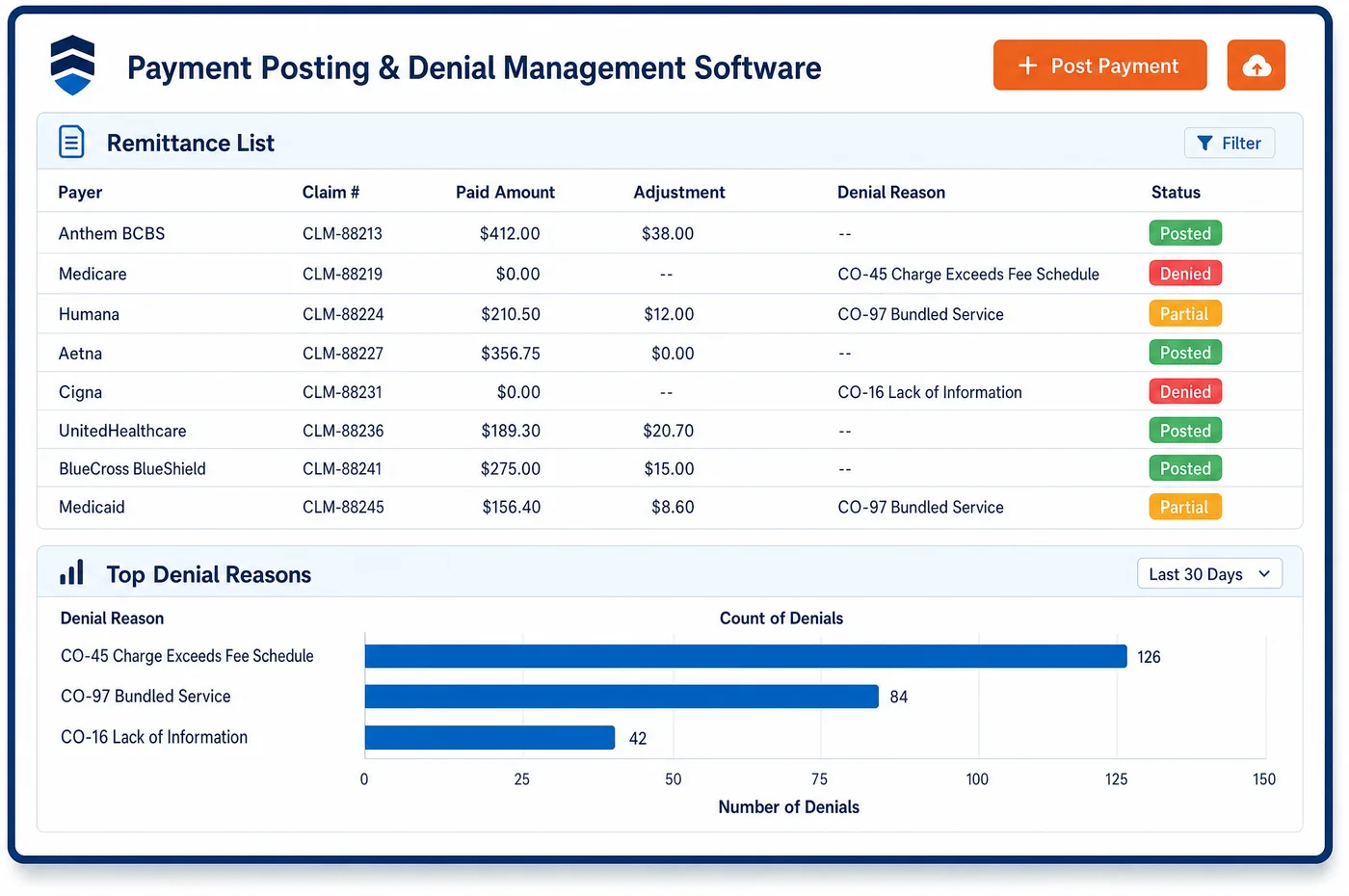
Integrated Patient Payments in a Chiropractic Practice
A chiropractic patient may pay something at almost every visit. That makes how they pay as important as what they owe. With integrated patient payments, the front desk can charge a copay to a stored card at check-out instead of handling cash and checks all day. Self-pay patients on a corrective care plan can split the plan into scheduled installments that charge the card on file automatically. Medicare patients who signed an ABN for maintenance care can pay at the visit, since the practice may collect once the notice is signed. Balances that remain go out by text and email with a link to the online portal. Each payment lands on the same ledger the billing team works from, tied to the visit it pays. That keeps the front desk balance and the statement balance the same number.
Why Is Integrated Patient Payments Different in Chiropractic?
The rhythm of chiropractic care sets the payment problem. Patients come in often, for short visits, and owe a small amount each time. Taking a check or cash at every visit slows check-out and creates deposit work. A stored card, charged under the patient's written permission, turns a daily task into a routine one. Missed copays add up quickly when a patient comes in several times a week.
Cash-pay care is common in chiropractic. Some patients have no chiropractic benefit, some have used up their plan's visits, and some choose ongoing wellness or maintenance care. Many practices price that care as a plan of visits. Patients want to spread the cost, and the practice wants to collect without chasing each payment. Automated payment plans that charge the card on file on schedule meet both needs, as long as each charge posts to the right visits.
Medicare and injury cases need care. Under Medicare rules, a practice may collect for maintenance visits right after the patient signs an ABN, but it must refund the patient if Medicare or a secondary payer later pays. Visits tied to an auto or work injury should not hit the patient's card while the carrier is expected to pay. Integrated patient payments has to know which visits are fair game and which are not.
What Chiropractic Integrated Patient Payments Software Handles
- Collecting under a signed ABN
- Medicare allows the practice to bill and collect for non-covered services right after the ABN is signed, unless another rule or state law prohibits it. Maintenance visit payments are posted to the GA line for that date. (CMS Medicare Claims Processing Manual, Chapter 30, Section 50.15 (ABN collection of funds and refunds))
- Refunds when Medicare pays
- If Medicare or a secondary insurer later pays a visit the patient already paid for, the practice must refund the patient. The paid line and the patient payment sit side by side, so staff can see when a refund is due. (CMS Medicare Claims Processing Manual, Chapter 30, Section 50.15 (ABN collection of funds and refunds))
- HSA and FSA cards
- IRS Publication 502 lists fees paid to a chiropractor for medical care as a medical expense. Many patients pay copays and care plans with those cards, and the payment posts like any other card. (IRS Publication 502: Medical and Dental Expenses (Chiropractor))
- Stored cards and PCI DSS
- Cards on file are kept as encrypted tokens through PCI DSS compliant payment gateways. Staff charge them under the authorization the patient signed, not from card numbers written down at the desk. (PCI Security Standards Council: PCI Data Security Standard)
- Injury visits kept off the card
- For a Medicare patient hurt in an accident, the no-fault, liability or workers' compensation payer must be billed first. Visits on an open injury case are excluded from automatic card charges while that payer is billed. (CMS MLN006903: Medicare Secondary Payer (July 2025))
- Estimates before a self-pay plan
- Patients not using insurance can get a good faith estimate when they schedule ahead or ask. The installment plan is built from that estimate, so the payments match what the patient expected. (CMS: Understanding costs in advance (good faith estimates))
How Does Chiropractic Integrated Patient Payments Software Work?
1. Store the card at registration
The patient's card is saved as a token with a signed authorization. Staff record whether it can be used for copays, plan installments or both.
2. Charge the copay at check-out
The copay for the visit is charged to the stored card or paid at the desk. It posts to that visit at once.
3. Set up the care plan
Self-pay plans are split into scheduled installments that charge the card on file. Each installment is applied to the visits it covers.
4. Remind and link
Open balances go out by text and email with a link to the online payment portal. Patients can see past statements and pay without calling.
5. Respect holds and refunds
Visits on an open injury case are skipped by automatic charges. When Medicare or a secondary later pays a visit the patient paid, the credit is flagged so staff can issue the refund.
Chiropractic Integrated Patient Payments Software vs. Generic Software
| Area | Generic approach | Unlimited Systems |
|---|---|---|
| Copays | Cash and checks at every visit. | Stored card charged at check-out and posted to the visit. |
| Self-pay care plans | Tracked on paper, with staff chasing each payment. | Installments charged on schedule to the card on file. |
| Medicare maintenance visits | Collected and forgotten, even after Medicare pays. | Payments tied to the GA line, with refunds flagged. |
| Injury cases | The patient's card charged by mistake. | Injury-case visits excluded from automatic charges. |
| Posting | Payments keyed in from a separate terminal. | Payments post to the same ledger the billing team uses. |
Who Uses It in a Chiropractic Practice
- Front desk: Faster check-out, with copays charged to a stored card and posted to the visit before the patient leaves.
- Billing manager: Care-plan installments that run on their own, plus a clear list of credits that need a refund after a payer pays.
- Clinic owner: Steady cash from frequent small payments, and deposits that match posted payments without a separate reconciliation.
Chiropractic Integrated Patient Payments Software FAQs
Integrated patient payments let the front desk charge each visit's copay to a card on file at check-out. The patient signs one authorization, and the charge posts to that visit at once. Cash and checks are still accepted. Because care-plan patients come in often, this saves time at the desk and keeps every copay tied to the right date of service.
Self-pay patients can split a care plan into scheduled installments that charge their card on file. Each installment is applied to the visits it covers, so the ledger shows which visits are paid. If the patient stops care early, staff can see what was paid against what was used and settle the balance under practice policy.
Medicare allows the practice to collect for non-covered maintenance visits right after the patient signs an ABN, unless state law or another rule says otherwise. The payment posts to the GA line for that visit. If Medicare or a secondary insurer later pays any part of it, the credit is flagged and the patient must be refunded.
Many patients pay with HSA or FSA cards. IRS Publication 502 counts fees paid to a chiropractor for medical care as a medical expense, though each plan sets its own rules. The card is taken like any other card, and the payment posts to the visit. Patients who need a receipt for their plan can get one from the same record.
Visits tied to an open auto, liability or work-injury case are kept out of automatic card charges while that carrier is billed. Medicare rules also require the primary injury payer to be billed first for Medicare patients. If the case closes without full payment, practice policy decides what the patient owes, and only then is the card used.
Stored cards are kept as encrypted tokens through PCI DSS compliant payment gateways, not as numbers in a notes field. Staff charge the card under the patient's signed authorization, and each charge is logged on the account. Patients can update or remove the card through the office, and payments still post to the same ledger.
Related Chiropractic Software
Payments & AR
In the revenue cycle
Integrated Patient Payments for related specialties
Sources
- CMS Medicare Claims Processing Manual, Chapter 30, Section 50.15 (ABN collection of funds and refunds)
- IRS Publication 502: Medical and Dental Expenses (Chiropractor)
- PCI Security Standards Council: PCI Data Security Standard
- CMS MLN006903: Medicare Secondary Payer (July 2025)
- CMS: Understanding costs in advance (good faith estimates)
GET STARTED
See Unlimited Systems in Action
Whether you're actively evaluating new technology or simply preparing for your next vendor renewal, Unlimited Systems can help you understand where your current workflows may be creating avoidable revenue risk.