

Front office
Diabetes Care Patient Engagement Software
Reach patients with diabetes between visits: device follow-up nudges, data upload reminders, A1c recalls, class openings and drug plan updates.
Diabetes Care Patient Engagement Software keeps the practice in touch with patients between visits. It sends reminders to upload glucose data, recalls patients due for an A1c or a device follow-up, offers open class seats, and lets patients message the care team through a secure portal, with replies that reach the right staff member.



 6,500+ specialty providers
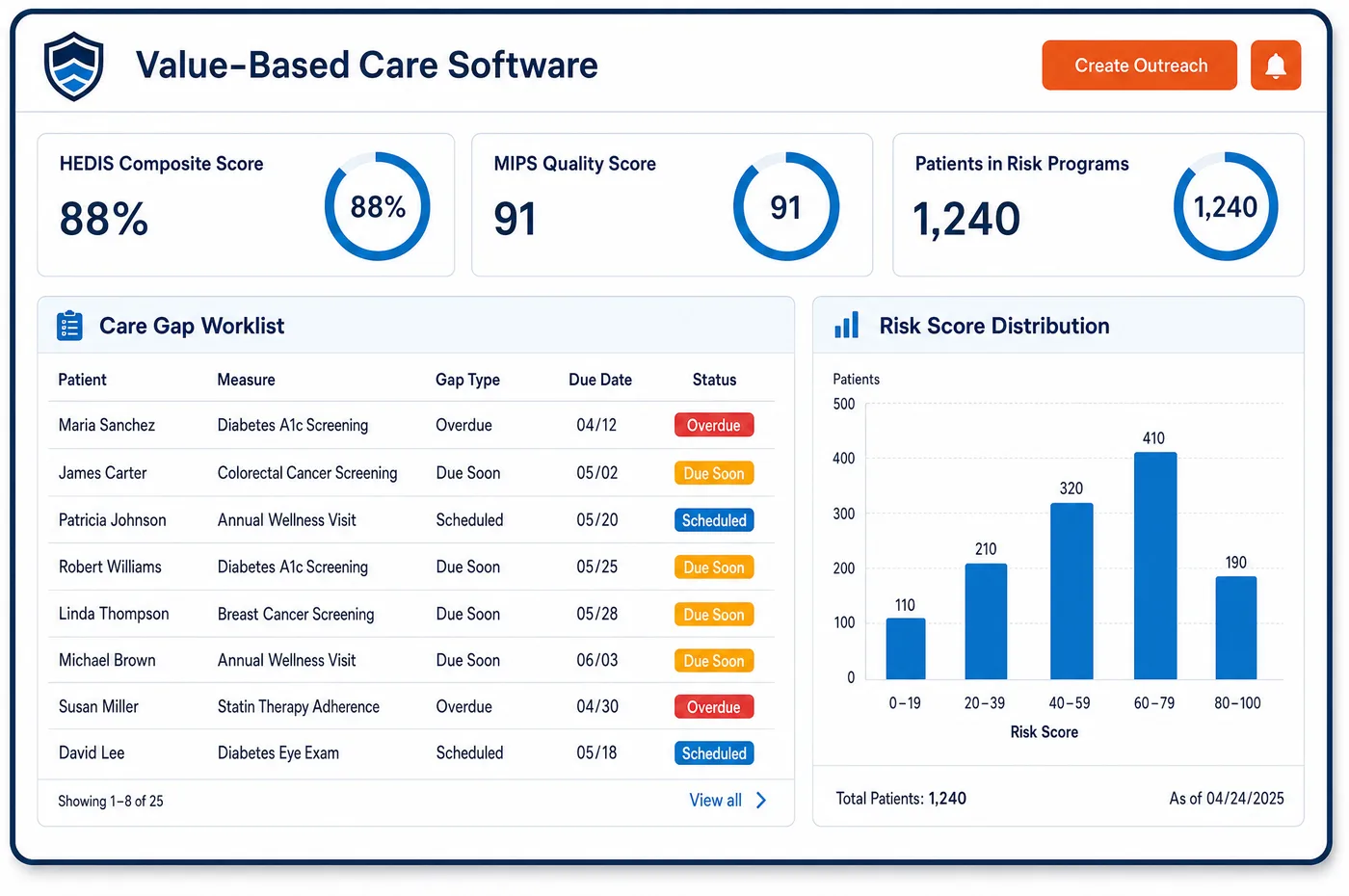
Patient Engagement in a Diabetes Care Practice
Most diabetes care happens at home, so most of the contact does too. A patient on a CGM should upload or share data before a review. A pump user needs a visit on a fixed cadence. A patient whose A1c is due needs a nudge to get the lab done before the appointment, not after it. Each January brings new follow-up education hours and a new year for nutrition therapy referrals. Diabetes care patient engagement software turns these into timed messages. Reminders read the schedule and the eligibility on file, so a message about a class only goes to a patient with hours left. Patients reply by text to confirm or ask for a new time. The portal holds visit summaries and lets patients send questions about doses or supplies. When a drug plan decides on a GLP-1 request, staff can tell the patient through the same channel, before the patient reaches the pharmacy.
Why Is Patient Engagement Different in Diabetes Care?
Diabetes is managed day to day by the patient, and the gaps between visits are long. Engagement here isn't a courtesy. It is how the practice gets the data, the labs and the follow-up visits that both care and coverage depend on. A missed CGM review means the clinician works from memory. A missed device visit can stop a patient's supplies.
Messages also have to be specific. A generic reminder to come in tells the patient nothing. A useful one says what to bring and why: share your sensor data first, get your A1c drawn this week, bring your meter. For education, the message should reflect the benefit the patient actually has left. Outreach that offers a class to someone with no hours left creates a bill the patient didn't expect.
Patients with diabetes also contact the practice often, about doses, sensor failures, supply shipments and drug plan denials. Many of these questions belong to someone specific, such as the educator, the nurse or the staff member who filed the drug plan request. A secure patient portal that routes each question to the right queue saves phone tag and keeps the answer in the chart.
What Diabetes Care Patient Engagement Software Handles
- CGM adherence visit outreach
- Medicare's CGM policy asks for a visit every six months after the first order to document adherence. Patients get a reminder before that visit is due, with a prompt to share their sensor data first. (CMS Medicare Coverage Database, LCD L33822: Glucose Monitors)
- Pump evaluation reminders (E0784)
- Continued Medicare coverage of an E0784 pump needs a visit with the treating practitioner at least every three months. Pump users get recall messages timed to that cadence, and missed visits return to the outreach list. (CMS Medicare Coverage Database, LCD L33794: External Infusion Pumps)
- A1c recalls (83036)
- Medicare's lab NCD treats testing a controlled patient more often than every three months as not reasonable. Recall messages for code 83036 follow the patient's last result date, so reminders don't prompt tests too early. (CMS National Coverage Determination 190.21: Glycated Hemoglobin/Glycated Protein)
- Follow-up DSMT each year (G0108, G0109)
- After initial training, Medicare allows up to 2 hours of follow-up DSMT under G0108 or G0109 in each later year. Outreach at the start of the year tells eligible patients about follow-up classes. (CMS Medicare Claims Processing Manual, Chapter 18, Section 120: Diabetes Self-Management Training Services)
- Nutrition therapy by calendar year
- Medicare nutrition therapy hours don't carry over, and each year's follow-up hours need a new physician referral. Patients who used nutrition therapy last year are reminded early, and staff ask the referring physician for the new referral. (CMS Medicare Claims Processing Manual, Chapter 4, Section 300: Medical Nutrition Therapy Services)
- Diabetic shoes and inserts by calendar year (A5500, A5512)
- Medicare covers one pair of depth shoes (A5500) with up to three pairs of inserts such as A5512, or custom shoes with two extra pairs, each calendar year. Eligible patients can be reminded when a new year opens, with the certifying visit booked first. (CMS Medicare Coverage Database, Policy Article A52501: Therapeutic Shoes for Persons with Diabetes)
How Does Diabetes Care Patient Engagement Software Work?
1. Set outreach rules by program
Each program gets its own message rules: CGM reviews, pump evaluations, A1c recalls, classes and nutrition therapy. Rules use the dates already on the patient's record.
2. Send reminders that say what to do
Reminders tell the patient what to bring or do before the visit, such as sharing sensor data or getting a lab drawn. Patients confirm or ask to reschedule by reply.
3. Offer class seats
When a class has open seats, eligible patients on the waitlist get a text. Only patients with hours left on their order are offered a seat.
4. Route portal messages
Questions about doses, supplies, sensors or drug plans go to the queue of the staff member who handles them. Answers are kept with the patient's chart.
5. Close the loop
Patients who don't respond move to a call list. Booked visits flow to patient scheduling, and balance questions go to the billing team.
Diabetes Care Patient Engagement Software vs. Generic Software
| Area | Generic approach | Unlimited Systems |
|---|---|---|
| Device follow-ups | Patients call when supplies stop. | Reminders sent before the visit coverage depends on. |
| Glucose data | Data reviewed only if the patient remembers to bring it. | Upload reminders sent ahead of each review visit. |
| A1c recalls | Recalls sent on a fixed calendar for everyone. | Recalls timed from each patient's last result. |
| Class outreach | Mass emails about classes. | Seats offered to patients with hours left. |
| Patient questions | Phone messages passed around the office. | Portal messages routed to the right queue and kept with the chart. |
Who Uses It in a Diabetes Care Practice
- Diabetes educator: Classes filled from the waitlist, and patients who arrive with data shared and questions sent ahead.
- Nurse or care coordinator: Portal questions about doses and sensors in their own queue, with the patient's diabetes record a click away.
- Practice manager: Fewer missed device visits and lab recalls, and outreach worklists that show who still needs a call.
Diabetes Care Patient Engagement Software FAQs
Patient engagement keeps a diabetes practice in contact with patients between visits. It sends reminders to share glucose data, recalls patients for an A1c or a device follow-up, offers class seats and gives patients a secure place to send questions. The aim is a visit where the data, the lab and the right staff member are all ready.
Medicare asks for a visit every six months after the first CGM order to document that the patient is using it. If that visit slips, the supplier's claims are at risk. Reminders sent before the visit is due, with a prompt to share sensor data, help the patient keep both the visit and their supplies on track.
Recalls are timed from each patient's last result rather than sent to everyone on one date. That fits Medicare's lab policy, which treats an A1c more often than every three months as not reasonable for a patient whose diabetes is controlled, while still bringing patients in when a test is due.
Class offers go only to patients with hours left on their order. A patient who has used their Medicare DSMT hours for the year would face a bill for more, so they aren't offered a seat. At the start of a new year, patients eligible for follow-up hours get a message about upcoming classes.
Patients can send portal messages about sensors, pump supplies, doses and drug plan decisions. Each topic is routed to the staff member who handles it, such as the educator, the nurse or the person who filed the prior authorization. The reply is kept with the chart, so the next person sees what was said.
Medicare covers a set number of diabetic shoes and inserts each calendar year for patients who qualify. A reminder when the year opens can prompt eligible patients to book the visit their certifying physician needs. The supplier then furnishes and bills for the shoes, using the practice's notes.
Related Diabetes Care Software
Front office
Patient Engagement for related specialties
Sources
- CMS Medicare Coverage Database, LCD L33822: Glucose Monitors
- CMS Medicare Coverage Database, LCD L33794: External Infusion Pumps
- CMS National Coverage Determination 190.21: Glycated Hemoglobin/Glycated Protein
- CMS Medicare Claims Processing Manual, Chapter 18, Section 120: Diabetes Self-Management Training Services
- CMS Medicare Claims Processing Manual, Chapter 4, Section 300: Medical Nutrition Therapy Services
- CMS Medicare Coverage Database, Policy Article A52501: Therapeutic Shoes for Persons with Diabetes
GET STARTED
See Unlimited Systems in Action
Whether you're actively evaluating new technology or simply preparing for your next vendor renewal, Unlimited Systems can help you understand where your current workflows may be creating avoidable revenue risk.