

Front office
Diabetes Care Patient Management Software
Follow each person with diabetes across visits, devices, education hours and supply orders on one record, from diagnosis through years of follow-up.
Diabetes Care Patient Management Software keeps the long view of each patient in one record. It holds the diabetes type, treatment plan, devices in use, education hours used, referrals on file and the visit dates that device coverage depends on, so every staff member sees where the patient stands before the next visit.



 6,500+ specialty providers
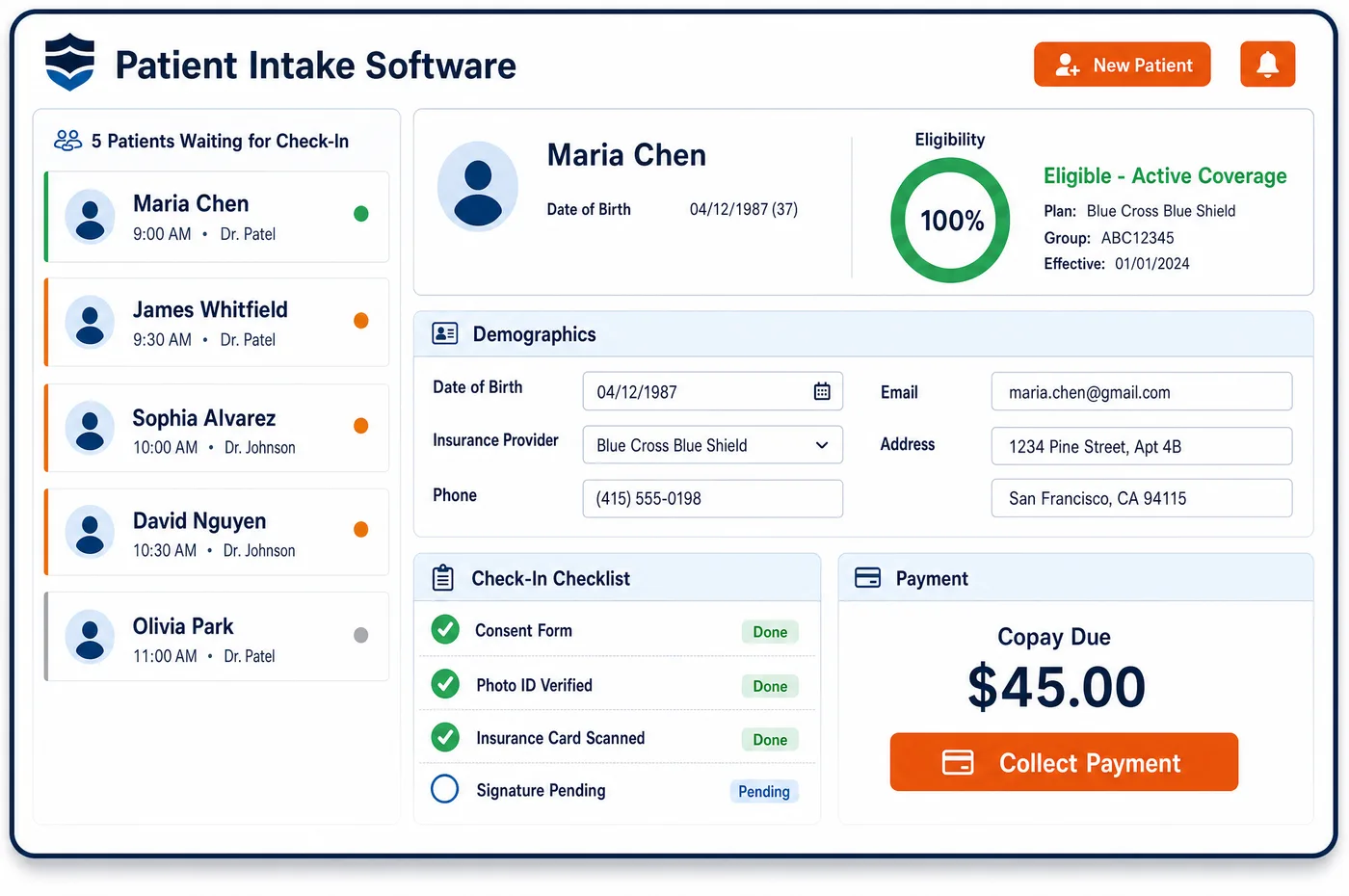
Patient Management in a Diabetes Care Practice
Diabetes care runs for years, and much of it happens between office visits. A patient may start on tablets, add a GLP-1, then move to insulin, a CGM and a pump. Each step changes what the chart has to show and what medical billing can claim. Medicare's CGM policy asks for a visit every six months that documents the patient is using the device as planned. A pump needs a visit with the treating practitioner at least every three months to stay covered. Education runs on its own clock, with initial DSMT hours, yearly follow-up hours and nutrition therapy hours, each tied to a referral. Diabetes care patient management software lays these threads on one timeline. Staff see the last device visit, the education hours left, and which referral runs out at year end. When a supplier asks for chart notes, the visit history and the registration details are already in one place.
Why Is Patient Management Different in Diabetes Care?
Most specialties see a patient for an episode of care and then let go. Diabetes care keeps the patient for life, and the record has to carry that whole arc. A child with type 1 diabetes may move from a parent's plan to their own coverage, then to Medicare decades later. A patient with type 2 diabetes may go years on tablets before insulin starts. Patient management has to keep that history readable, not buried in old notes.
Devices tie coverage to the visit pattern. Under Medicare's glucose monitor coverage policy, a CGM stays covered only when the treating practitioner sees the patient every six months and documents adherence, in person or by Medicare-approved telehealth. Insulin pump users must be seen at least every three months. If a follow-up slips, the supplier's next claim is at risk, even though the practice never bills for the device. The record has to show which patients are close to that line.
Education is the third thread. DSMT and medical nutrition therapy each have hour limits, their own referral rules and a yearly reset, and Medicare won't pay both on the same day. A practice that counts hours on paper loses track when a patient moves between educators or sites. Managing the patient means treating these benefits as part of the plan of care, with the pre-visit forms updated each time the regimen changes.
What Diabetes Care Patient Management Software Handles
- CGM follow-up visits (Glucose Monitors LCD L33822)
- After the first CGM order, Medicare asks for an in-person or Medicare-approved telehealth visit every six months that documents adherence. The patient record shows the date of the last qualifying visit, so staff can book the next one before the supplier's paperwork goes stale. (CMS Medicare Coverage Database, LCD L33822: Glucose Monitors)
- Insulin pump follow-up (External Infusion Pumps LCD L33794)
- For continued coverage of an E0784 pump, the treating practitioner must see and evaluate the patient at least every three months. Pump users are marked on the record, and the visit history shows when the next evaluation is due. (CMS Medicare Coverage Database, LCD L33794: External Infusion Pumps)
- DSMT hours (G0108, G0109)
- Medicare covers up to 10 hours of initial training under G0108 and G0109, then up to 2 follow-up hours each year. Staff log hours used against the referral on the patient's account, so the educator can see what remains before booking a class. (CMS Medicare Benefit Policy Manual, Chapter 15, Section 300: Diabetes Self-Management Training Services)
- Nutrition therapy hours (97802, 97803, 97804)
- Medical nutrition therapy (97802 to 97804) allows 3 hours in the first calendar year and 2 hours in each later year with a new physician referral. Unused hours don't carry over, and the record keeps them apart from DSMT hours because the two benefits are counted separately. (CMS Medicare Claims Processing Manual, Chapter 4, Section 300: Medical Nutrition Therapy Services)
- Visit complexity add-on (G2211)
- Under Medicare, ongoing care for a single serious or complex condition can support G2211 with an office or outpatient E/M visit. The record shows which practitioner holds the long-term relationship that the add-on rests on. (CMS MLN Matters MM13473: How to Use the Office and Outpatient E/M Visit Complexity Add-on Code G2211)
- Therapeutic shoes and inserts (A5500, A5501)
- A certifying MD or DO who manages the patient's diabetes must see the patient and address diabetes in the six months before shoes are delivered. Foot findings and that visit sit on the record, ready for the shoe supplier's request. (CMS Medicare Coverage Database, Policy Article A52501: Therapeutic Shoes for Persons with Diabetes)
How Does Diabetes Care Patient Management Software Work?
1. Open the diabetes record at diagnosis or transfer
The record starts with diabetes type, current treatment, devices and the practitioner who manages the diabetes. Transfers bring outside A1c history and any diabetes education the patient has already had.
2. Track device milestones
When a CGM or pump is ordered, staff log the order date and the supplier. The follow-up interval each device needs then sits beside the visit history.
3. Count education against referrals
Each DSMT or MNT referral is stored with the hours ordered. Educators record attendance after each session, so the balance stays current.
4. Work the list of what is due
Staff work a list of patients due for a device visit, an A1c, a new MNT referral or follow-up DSMT. Patients near a coverage line go to patient scheduling first.
5. Answer supplier and payer requests
DME suppliers and payers ask for orders and chart notes. With visits, orders and education on one record, staff send what was asked without searching several systems.
Diabetes Care Patient Management Software vs. Generic Software
| Area | Generic approach | Unlimited Systems |
|---|---|---|
| Device follow-up | Due dates kept in each provider's head. | Last qualifying CGM or pump visit shown on the record with the next one due. |
| Education hours | DSMT and MNT hours tallied on paper sign-in sheets. | Hours logged per referral, with DSMT and MNT counted apart. |
| Treatment history | Regimen changes scattered across years of notes. | Diabetes type, regimen changes and devices on one timeline. |
| Supplier requests | Staff pull notes from several screens for each request. | Orders, visits and notes found on one patient record. |
| Coverage changes | A patient aging into Medicare is noticed after the first denial. | Coverage history sits beside the clinical record, so Medicare rules apply from the first Medicare visit. |
Who Uses It in a Diabetes Care Practice
- Endocrinologist or treating practitioner: A view of each patient's devices, education and due visits before walking into the exam room.
- Diabetes educator: Hours used and hours left on each referral, so classes and one-on-one sessions are booked inside the benefit.
- Practice manager: Patients near a device follow-up or an education limit, listed in one place, so patient outreach starts before coverage is at risk.
Diabetes Care Patient Management Software FAQs
Patient management in a diabetes practice covers the whole course of care, not one visit. The record holds diabetes type, regimen, devices, education hours, referrals and the dates of device follow-up visits. Staff use it to see what each patient needs next, from an A1c to a pump evaluation, and to answer supplier or payer requests from one place.
The supplier bills the CGM and its supplies, but Medicare coverage rests on the practice's notes. After the first order, the treating practitioner needs an in-person or Medicare-approved telehealth visit every six months that documents adherence. If that visit is missing, the supplier's claims are at risk, and patients often call the practice when their sensors stop shipping.
Under Medicare's external infusion pump policy, continued coverage of an insulin pump requires the treating practitioner to see and evaluate the patient at least every three months. The visit should be documented in the chart. Commercial plans set their own rules, so staff check each plan's policy and note the interval that applies to each pump user.
DSMT and medical nutrition therapy are separate Medicare benefits with separate limits. Initial DSMT allows up to ten hours, with yearly follow-up hours after that. MNT allows three hours in the first calendar year and two in later years, each with a physician referral. The two can't be billed on the same day, so the record tracks them apart.
When a patient moves to Medicare, the rules for devices, education and labs change. CGM and pump coverage follow Medicare's DME policies, DSMT needs an order that meets Medicare's rules, and A1c testing follows a national frequency limit. Medicare Advantage plans may add their own steps. Updating coverage on the record lets staff apply the new rules before the first claim.
Medicare covers diabetic shoes and inserts only when a certifying MD or DO who manages the patient's diabetes documents a qualifying foot condition. That physician must see the patient and address diabetes within six months before delivery. With visit notes and foot findings on one record, staff can respond quickly when the shoe supplier asks for the certifying statement.
Related Diabetes Care Software
Front office
Patient Management for related specialties
Sources
- CMS Medicare Coverage Database, LCD L33822: Glucose Monitors
- CMS Medicare Coverage Database, LCD L33794: External Infusion Pumps
- CMS Medicare Benefit Policy Manual, Chapter 15, Section 300: Diabetes Self-Management Training Services
- CMS Medicare Claims Processing Manual, Chapter 4, Section 300: Medical Nutrition Therapy Services
- CMS MLN Matters MM13473: How to Use the Office and Outpatient E/M Visit Complexity Add-on Code G2211
- CMS Medicare Coverage Database, Policy Article A52501: Therapeutic Shoes for Persons with Diabetes
GET STARTED
See Unlimited Systems in Action
Whether you're actively evaluating new technology or simply preparing for your next vendor renewal, Unlimited Systems can help you understand where your current workflows may be creating avoidable revenue risk.