
Analytics & value-based care
Multi-Specialty Reporting Software
Deliver the right report to each department chair, compensation committee and quality lead on a set schedule.
Multi-Specialty Reporting Software produces the standard and custom reports a group has to run each period: collections by department, work RVUs by provider, billed-versus-paid yield and quality submissions. Reports are scheduled and sent to the people who own them, so each chair and committee sees its own figures without asking billing.



 6,500+ specialty providers

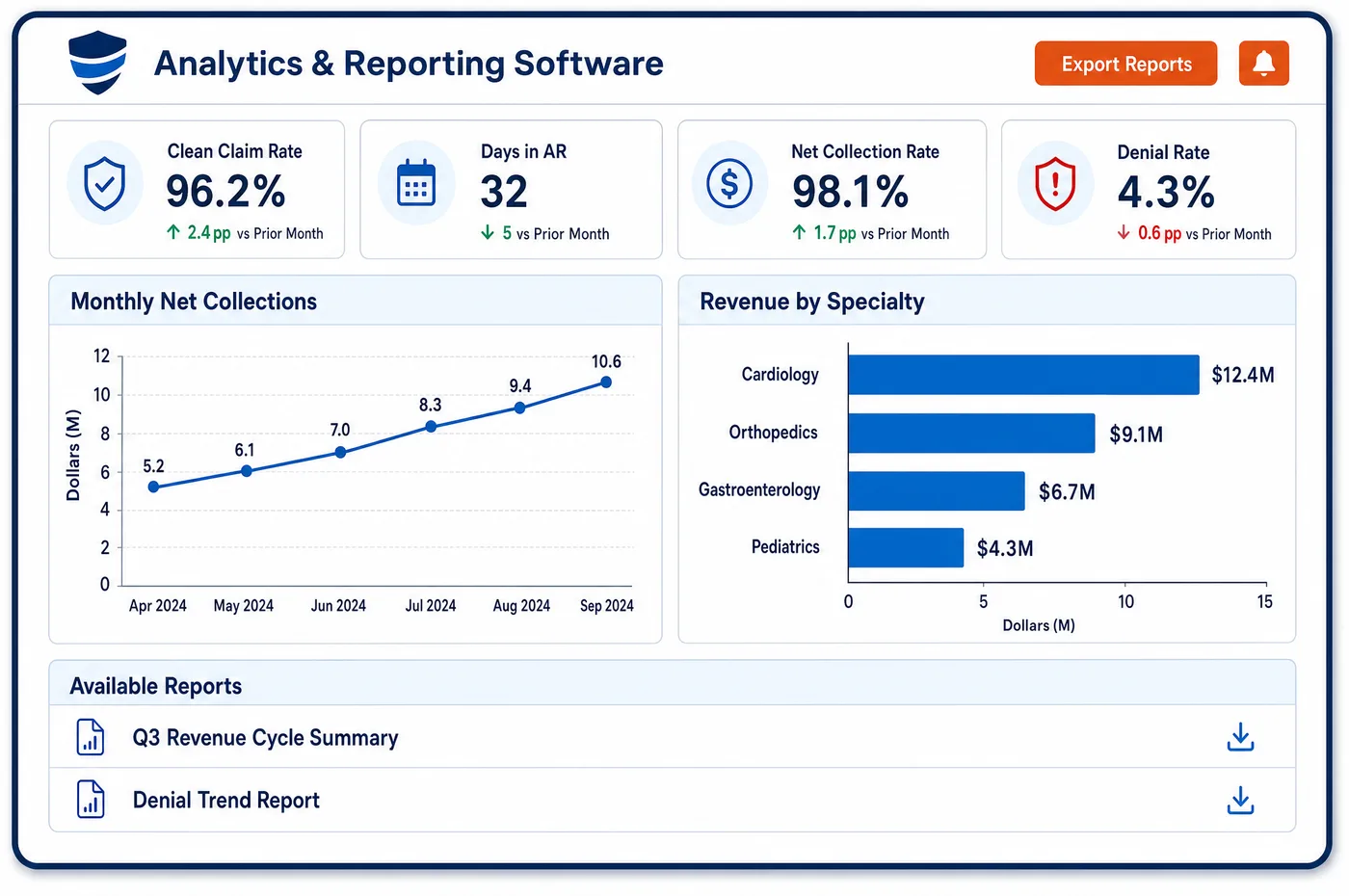
Reporting in a Multi-Specialty Practice
A multi-specialty group has many readers for the same data. The compensation committee wants work RVUs and collections by provider. Department chairs want their own denials and aging. The compliance lead wants proof of how a bonus was calculated. The quality lead wants the figures behind the group's MIPS submission. Reporting software lets staff build each report once, save it and schedule it. A self-service designer lets a manager add filters or columns without waiting for a programmer. Reports can be sent as PDF or CSV to named recipients on a fixed schedule. Because every report reads the same account data and the same definitions, a number on the chair's page matches the number on the controller's page. Reports built to answer a question once can be saved as standing reports. Ad hoc requests go to the same designer, which keeps one-off work from becoming a second set of books.
Why Is Reporting Different in Multi-Specialty?
A single-specialty practice produces a handful of reports. A multi-specialty group produces dozens, and each has a different audience, a different cadence and a different tolerance for error. A chair wants a weekly view. A compensation committee wants a quarterly one. A regulator or payer wants a specific form on its own date. If each is built by hand in a spreadsheet, mistakes are certain.
Provider pay is the most sensitive report. Many groups pay on work relative value units, collections or both, and some share profit. Federal self-referral rules for group practices expect productivity bonuses and profit shares to be calculated in a reasonable and verifiable way, with supporting records ready on request. A report that cannot be reproduced is a risk.
Quality reporting adds a twist. Under MIPS, clinicians in a group can be scored as a group or as individuals, and the highest available score for a clinician applies. A group needs reports that show each clinician's and each department's data, so leaders can see which path serves them. Multispecialty groups reporting MIPS Value Pathways must now use subgroups unless they are small practices.
What Multi-Specialty Reporting Software Handles
- Provider productivity reports
- Work RVUs for each procedure code come from the Medicare fee schedule relative value files. A provider report totals the work component for services each physician performed, next to collections. Staff keep the code version used, so the same report can be rerun for any quarter. (CMS: Physician Fee Schedule relative value files)
- Support for bonuses and profit shares
- Under 42 CFR 411.352, a productivity bonus or profit share must be calculated in a reasonable and verifiable way, with supporting documentation made available to the Secretary on request. The saved report and its inputs are that record, filed with the committee's minutes. (eCFR: 42 CFR 411.352, Group practice)
- MIPS group versus individual
- CMS defines a group as one Tax ID with two or more clinicians. Group reporting covers all clinicians billing under that Tax ID. A clinician with several possible scores receives the highest one. A report that lists each clinician's measures shows which path helps most. (CMS Quality Payment Program: Individual, group and subgroup participation)
- MIPS Value Pathways and subgroups
- Starting with the 2026 performance year, multispecialty groups that are not small practices must report MVPs as subgroups or individuals. A subgroup is a part of a Tax ID with at least two clinicians. Reports must therefore be able to slice clinician data by planned subgroup before registration. (CMS Quality Payment Program: MIPS Value Pathways (MVPs))
- Billed-versus-paid yield
- A yield report sets the 837 claim amounts against the 835 remittances posted for them, by payer and department. Gaps point to underpayments, denials or unposted cash. Analytics is where the cause of a gap is worked out. (CMS: HIPAA adopted standards and operating rules (837, 835))
How Does Multi-Specialty Reporting Software Work?
1. List the reports and readers
The group writes down each report, its owner, its audience and its due date. A chair, a committee and a quality lead each get their own list.
2. Build once in the designer
Staff create each report with its filters and columns and save it. A manager can adjust a copy without changing the original.
3. Schedule delivery
Each report goes to named recipients as PDF or CSV on a fixed schedule. A late or empty report is noticed by the owner, not found at the deadline.
4. Freeze the inputs
For compensation and quality reports, staff keep the data cut and code version used. The same report can be rerun and match. See data visualization for the on-screen views that sit beside these reports.
5. Review and sign off
A department lead or committee checks the report against what they know. Questions go back to billing before the report is final.
6. Retire or promote
Ad hoc requests that recur become standing reports. Reports nobody reads are retired, so the list stays short.
Multi-Specialty Reporting Software vs. Generic Software
| Area | Generic approach | Unlimited Systems |
|---|---|---|
| Report building | A spreadsheet rebuilt by hand each period. | Reports saved once in a designer and rerun on live data. |
| Delivery | Billing emails files when someone asks. | Reports are scheduled to named recipients as PDF or CSV. |
| Provider pay | Production totals from a separate list that cannot be reproduced. | Saved reports with fixed inputs, rerunnable for any period. |
| Quality submissions | One group figure with no clinician detail. | Clinician and department detail for choosing group, individual or subgroup reporting. |
| Ad hoc requests | Each one a new project for an analyst. | A self-service designer for managers, with recurring ones saved. |
Who Uses It in a Multi-Specialty Practice
- Compensation committee: Provider production and collections reports that can be rerun and filed, so a bonus calculation can be shown to anyone who asks.
- Quality lead: Clinician and department detail needed to decide on group, individual or subgroup MIPS reporting, produced from the same account data as billing. See value-based care for program detail.
- Department chair: A scheduled report with the chair's own collections, denials and aging, delivered without a request.
Multi-Specialty Reporting Software FAQs
Reporting software lets staff build each standard report once, save it and send it on a schedule to named recipients as PDF or CSV. Every report reads the same account data and definitions, so the chair's figures match the controller's. Managers can adjust filters in a self-service designer without waiting for IT.
A committee usually needs work RVUs and collections by provider for each period, plus the inputs used. For groups that pay productivity bonuses or share profit, federal rules expect a reasonable and verifiable method with records ready on request. Saved, rerunnable reports serve as that record.
CMS defines a group as one Tax ID with two or more clinicians. Group reporting covers everyone under it, while individual reporting is by clinician and Tax ID. When a clinician has several scores, the highest applies. Reports showing both views let leaders choose the better path.
Starting with the 2026 performance year, multispecialty groups that are not small practices must report MVPs as subgroups or as individuals. A subgroup needs at least two clinicians, and a clinician can join only one per Tax ID. Registration happens before the reporting period ends, so planning is needed early.
Yes. The reporting workstation includes a scheduler that sends chosen reports to named executives, controllers or billing coordinators in PDF or CSV form. A department chair can receive only the department's own figures, which keeps sensitive data limited to those who need it.
Reporting produces the fixed documents a group files and sends out on a schedule. Data visualization shows live dashboards a person explores on screen, with drill-downs to the accounts behind each chart. The same data sits under both, so a report and a dashboard for the same measure should agree.
Related Multi-Specialty Software
Analytics & value-based care
In the revenue cycle
Reporting for related specialties
Sources
GET STARTED
See Unlimited Systems in Action
Whether you're actively evaluating new technology or simply preparing for your next vendor renewal, Unlimited Systems can help you understand where your current workflows may be creating avoidable revenue risk.