

Front office
Chiropractic Patient Management Software
Track each course of chiropractic care, from the first exam and treatment plan to re-exams, maintenance care and the payer behind every visit.
Chiropractic Patient Management Software keeps the whole course of care in one record: the payer behind each case, the treatment plan and its visit count, re-exam dates, and the point where active care becomes maintenance. Front desk, chiropractors and billing staff all work from that same record, so each visit is billed to the right party.



 6,500+ specialty providers
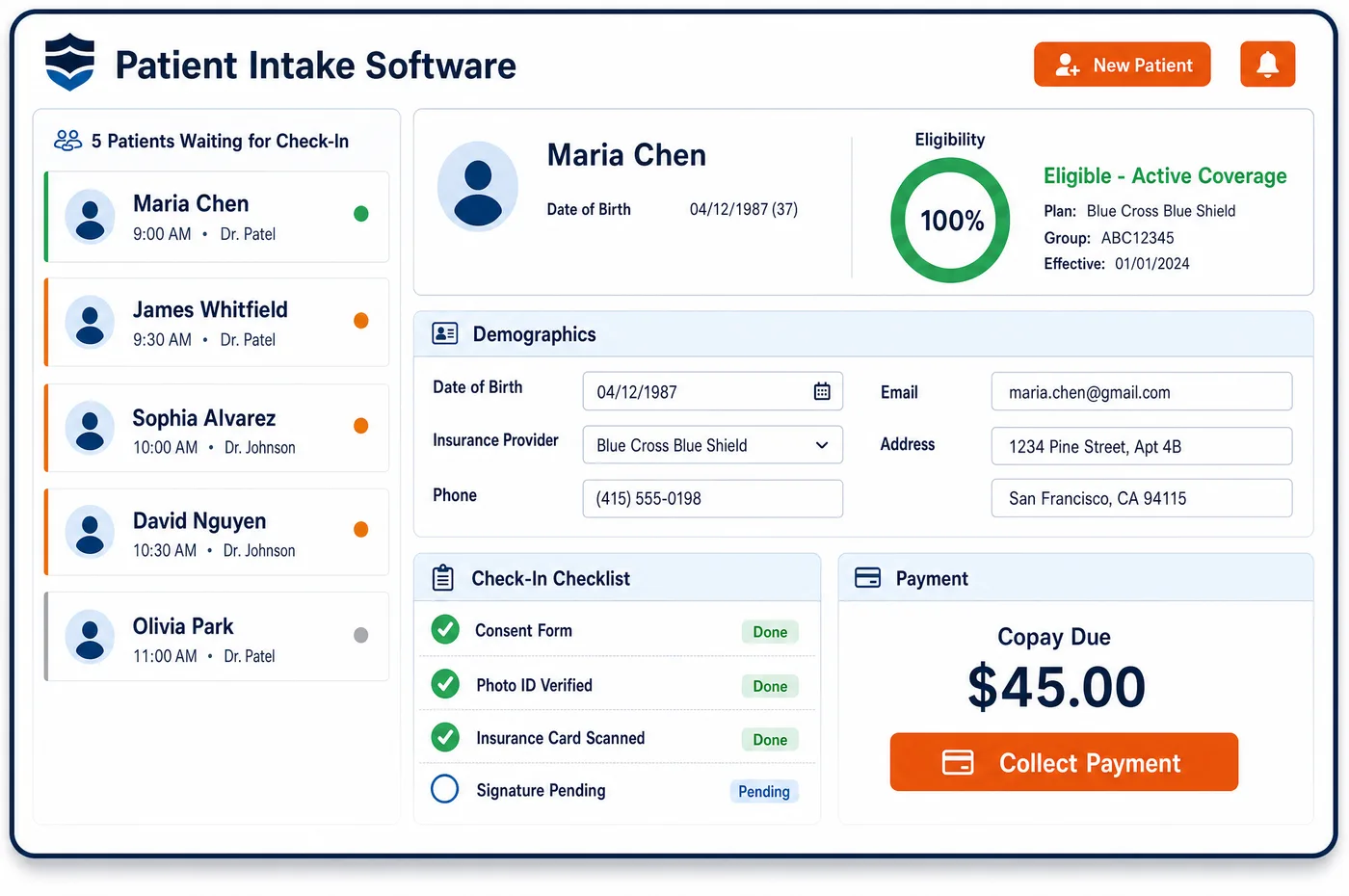
Patient Management in a Chiropractic Practice
A chiropractic patient often has more than one financial story at once. A Medicare patient may be in active treatment for a low back subluxation, with each visit billed with the AT modifier. The patient in the next room may be on a commercial plan that caps visits, or in a car accident case where the auto carrier or a lien pays. Another patient pays a set fee under a cash wellness plan. Chiropractic patient management software keeps each of these as its own case on one patient record. Every case holds the payer, the treatment plan, the visits used and left, and the next re-exam. When the chiropractor decides care has become maintenance, the case changes, and the record shows whether a signed notice is on file before the next Medicare visit. Billing staff see the same facts the front desk sees, so no visit goes to the wrong payer.
Why Is Patient Management Different in Chiropractic?
Chiropractic care is a course, not a single visit. A treatment plan sets how often the patient comes in, the goals, and the objective measures that will show progress. Medicare's manual asks for each of those in the plan, plus the date care began. A record that only tracks appointments loses sight of where the patient is in the plan, and that is where billing errors start.
The payer can also change partway through a course. Care for a car accident injury may be billed to the auto carrier first and to health insurance later, depending on the state and the policy. A Medicare patient who stops improving moves from covered active care to maintenance, which Medicare does not pay for. Each change alters who should get the bill and what the patient should be told before the next visit.
Cash-pay care adds a third track. Many practices sell wellness or maintenance plans with set visit prices. Those visits must stay apart from insurance-billed treatment, yet the patient is the same person on the same schedule. Patient management for a chiropractic office has to hold insurance cases, injury cases and cash plans side by side without mixing them.
What Chiropractic Patient Management Software Handles
- Treatment plan elements (Medicare)
- For Medicare, the plan should state the recommended visit frequency and duration, specific treatment goals, and objective measures of progress. The plan is stored with its case, so staff can compare what was planned with what has been used. (CMS Medicare Benefit Policy Manual, Chapter 15, Section 240: Chiropractic Services)
- Start of care and x-ray dates (CMS-1500 Items 14 and 19)
- Medicare chiropractic claims carry the date the course of treatment began, plus the x-ray date when an x-ray was used to show the subluxation. Both dates live on the case, so every claim in the course pulls the same values. (Medicare Claims Processing Manual, Chapter 26: Completing and Processing Form CMS-1500 (Items 14 and 19))
- Active care versus maintenance therapy
- Medicare covers care that can be expected to improve function. Once the patient is stable and no further improvement is expected, more manipulation is maintenance therapy and is not covered. The case records when the chiropractor made that call. (CMS Medicare Benefit Policy Manual, Chapter 15, Section 240: Chiropractic Services)
- Signed ABN for maintenance visits
- When a Medicare patient chooses to keep coming for maintenance care, a signed advance beneficiary notice lets the practice collect from the patient if Medicare denies the visit. The record shows whether a current notice exists, and those claims carry the GA modifier. (CMS MLN Booklet: Medicare Advance Written Notices of Non-coverage (MLN006266))
- Auto and liability cases (Medicare Secondary Payer)
- For a Medicare patient hurt in a car accident, no-fault insurance or liability coverage pays for injury-related care first. The case holds the carrier, claim number and attorney, so injury visits are not sent to Medicare as the primary payer. (CMS MLN Booklet: Medicare Secondary Payer (MLN006903))
How Does Chiropractic Patient Management Software Work?
1. Open a case for each episode
Each new complaint, injury or cash plan becomes its own case on the patient record. The case holds the payer, the claim or referral details, and the date care started.
2. Attach the treatment plan
The chiropractor's plan, with its visit frequency, goals and measures, is saved to the case. Visits booked against the case count down the plan, so staff can see how many remain.
3. Flag re-exams and plan reviews
The case shows when the plan calls for a re-exam. The findings decide whether active care goes on, a new plan is written, or care moves to maintenance.
4. Record the move to maintenance
When the chiropractor documents that care is now maintenance, staff close the active case and open the next one. For a Medicare patient, staff confirm that a signed notice is on file before the next visit.
5. Keep billing tied to the case
Charges from each visit carry the case's payer and dates into billing. A cash plan visit never lands on an insurance claim, and an auto injury visit goes to the auto carrier, not the health plan.
Chiropractic Patient Management Software vs. Generic Software
| Area | Generic approach | Unlimited Systems |
|---|---|---|
| Care episodes | One flat list of appointments with no sense of a treatment course. | Each episode is a case with its own payer, plan and visit count. |
| Payer for each visit | Staff guess which payer applies when a patient has more than one case. | The visit is booked against a case, so the payer follows it. |
| Move to maintenance | Noted in the chart but never passed to billing. | The case changes status, and billing sees it before the next claim. |
| ABN status | Paper forms in a folder that nobody checks. | Notice status shows on the patient record at check-in. |
| Injury cases | Claim numbers and attorney details kept on sticky notes. | Carrier, claim number and attorney stored on the case. |
Who Uses It in a Chiropractic Practice
- Front desk: A clear view of which case each visit belongs to, built on the details first gathered in patient registration and kept current at every visit.
- Chiropractor: Plan visits used and left, re-exam dates, and the history behind each case. Forms the patient fills out during chiropractic patient intake land on the same record.
- Billing manager: Clean hand-offs from case to claim, and an early look at each payer's limits through chiropractic financial clearance before the visit count runs out.
Chiropractic Patient Management Software FAQs
Chiropractic patient management covers the full course of care, not just the next visit. It keeps each case with its payer, treatment plan, visits used, re-exam dates and any signed notices. Front desk, clinical and billing staff share that one record, so a visit for a car accident case and a visit under a cash plan are each billed the right way.
A patient can hold an insurance case and a cash wellness plan on the same record. Each visit is booked against one case, so staff know whether it goes to the payer or to the plan. Practices should check their payer contracts before selling a cash plan to an insured patient, since network terms can affect how services are priced.
The chiropractor documents that the patient is stable and further improvement is not expected. Staff then close the active case and open a maintenance case for that patient. From that point, Medicare claims no longer carry the AT modifier, and the record shows whether a signed advance beneficiary notice is on file for the visits to come.
Car accident details are stored on the injury case, not on the patient's general profile. The case holds the date of injury, the auto or liability carrier, the claim number and any attorney contact. Visits booked to that case carry those details into billing, so health insurance or Medicare is not billed first by mistake.
Each visit booked to a case counts against the plan the chiropractor wrote. Staff can see how many planned visits remain and when the next re-exam is due. When a payer approved a set number of visits, the same count shows how close the patient is to that limit, so a new request goes out in time.
A re-exam updates the case. If the patient is still improving, the plan may be extended with new goals. If care has reached its peak benefit, the case moves to maintenance or closes. Either way, the change shows on the record that the front desk and billing staff use, so the next visit is booked and billed on the right terms.
Related Chiropractic Software
Front office
Patient Management for related specialties
Sources
- CMS Medicare Benefit Policy Manual, Chapter 15, Section 240: Chiropractic Services
- Medicare Claims Processing Manual, Chapter 26: Completing and Processing Form CMS-1500 (Items 14 and 19)
- CMS MLN Booklet: Medicare Advance Written Notices of Non-coverage (MLN006266)
- CMS MLN Booklet: Medicare Secondary Payer (MLN006903)
GET STARTED
See Unlimited Systems in Action
Whether you're actively evaluating new technology or simply preparing for your next vendor renewal, Unlimited Systems can help you understand where your current workflows may be creating avoidable revenue risk.