

Front office
Chiropractic Patient Engagement Software
Reminders, re-exam prompts, function check-ins and balance notices that keep chiropractic patients on their plan and clear on what they owe.
Chiropractic Patient Engagement Software keeps patients on their treatment plan between visits. It sends visit and re-exam reminders, pain and function check-ins before re-exams, plan and visit-limit updates, and balance and cash plan notices. Each message reads from the live schedule and ledger, so what the patient sees matches what the front desk sees.



 6,500+ specialty providers
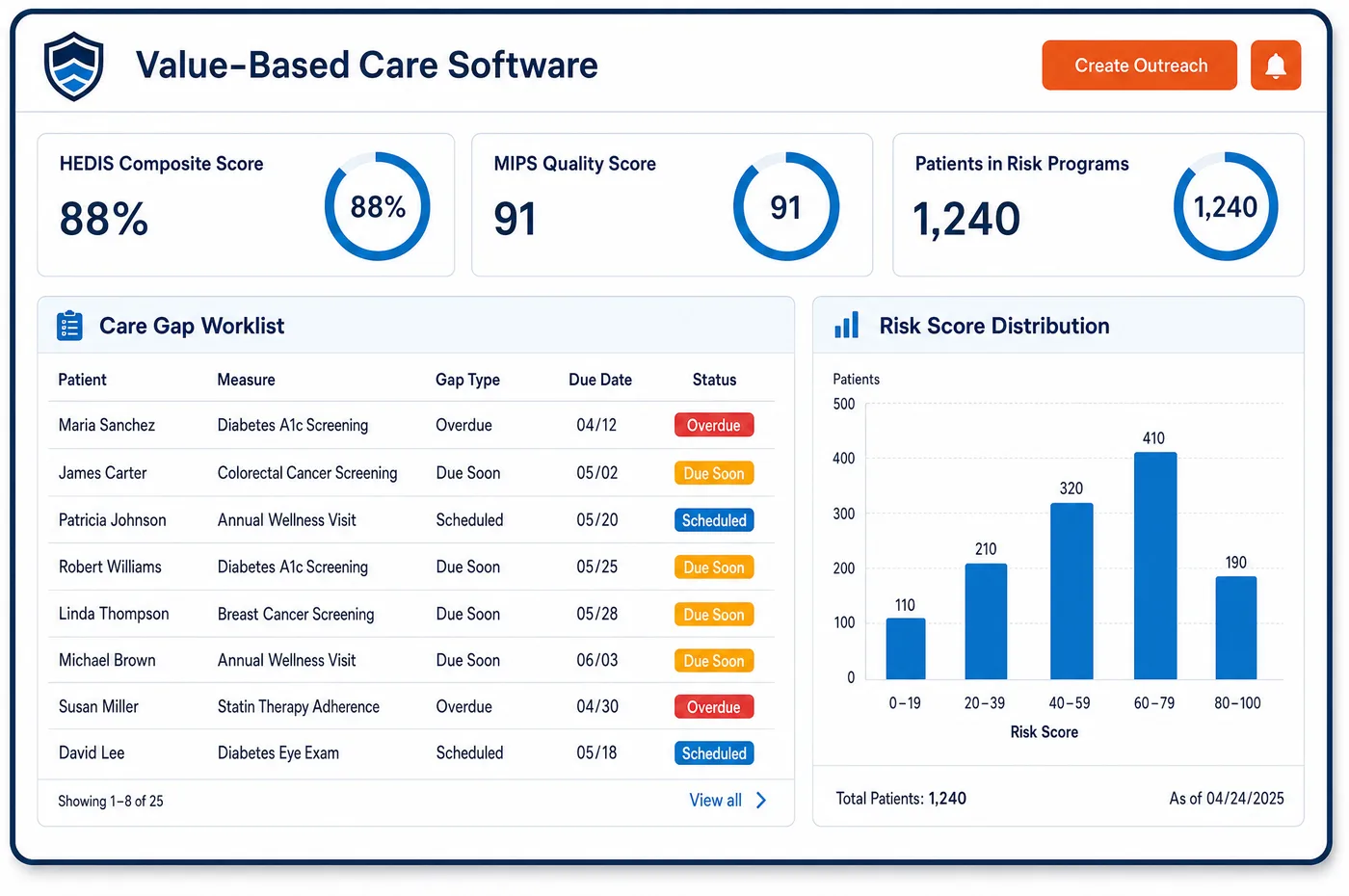
Patient Engagement in a Chiropractic Practice
The hard part of chiropractic care is often the middle of the plan. Pain eases, life gets busy, and a patient who needed a full course of care stops coming. Chiropractic patient engagement software works against that drift. Reminders go out before each visit in the series, and patients confirm or move the visit by reply. When a patient misses visits, outreach goes out and is logged. Before a re-exam, the patient gets a short pain and function questionnaire, and the score lands on the chart for the chiropractor. When a payer's visit limit is close, the patient hears about it before the visit, not at the desk. Cash plan members get notices when their prepaid visits run low. Balance messages and the portal show the same numbers as the ledger, and patients can pay by card from the message itself.
Why Is Patient Engagement Different in Chiropractic?
Chiropractic results depend on finishing the plan. The treatment plan sets goals and the visits needed to reach them, and the record has to show progress toward them. A patient who drops out halfway leaves goals unmet and a chart that ends without a clear outcome. Planned contact between visits keeps more patients on track and gives the chiropractor earlier notice when someone is slipping.
Many messages here are about money, and they have to be right. A patient may be near a yearly visit cap, close to the end of an approved block, or about to move from covered care to maintenance. Each of those changes what the patient pays. Telling the patient ahead of time, with real numbers, avoids the hard talk at the front desk and the unpaid balance that follows it.
Different patients also need different messages. A Medicare patient moving to maintenance needs a clear choice, made in writing. A cash plan member needs to know how many prepaid visits are left. A patient in a car accident case may not get statements at all while the claim is open. Patient engagement in a chiropractic office has to know which case a message is about.
What Chiropractic Patient Engagement Software Handles
- Plan adherence reminders
- The treatment plan sets visit frequency and goals. Reminders follow the series booked from that plan, and missed visits trigger outreach that is logged on the record, so the chart shows each attempt to keep the patient on plan. (CMS Medicare Benefit Policy Manual, Chapter 15, Section 240: Chiropractic Services)
- Pre-re-exam function check-ins
- Treatment plans need objective measures of progress. A short pain and function questionnaire goes out before each re-exam, and the score is saved to the chart for the chiropractor to review. (CMS Medicare Benefit Policy Manual, Chapter 15, Section 240: Chiropractic Services)
- Visit limit notices
- Aetna's policy notes that some plans limit chiropractic care. When a patient nears the plan's visit limit, a message explains what happens next, so the patient can plan before a visit is not covered. (Aetna Clinical Policy Bulletin 0107: Chiropractic Services)
- The maintenance care decision
- Advance notices help Medicare fee-for-service patients choose whether to get care Medicare may not pay for. Messages can prepare the patient for that talk, but the signed notice itself is completed with staff before the visit. (CMS MLN Booklet: Medicare Advance Written Notices of Non-coverage (MLN006266))
- Self-pay estimates by message
- Patients not using insurance can get a good faith estimate of expected charges. The estimate can be sent by text or email with the booking, and the patient can reply with questions. (CMS: What is a good faith estimate?)
How Does Chiropractic Patient Engagement Software Work?
1. Set channels and consent
Each patient's preferred channel and contact consent are stored on the record. Opt-outs are honored, and message content leaves out clinical details.
2. Remind before every visit
Reminders follow the series in the chiropractic schedule. Patients confirm or ask to move a visit by reply, and staff see the answer on the schedule.
3. Check in before re-exams
A short function questionnaire goes out before each re-exam. The score lands on the chart, ready for the chiropractor to compare with the baseline.
4. Warn before limits and plan changes
Patients near a visit limit, an approval end date or the end of a cash plan get a message first. Questions about money go to chiropractic patient billing staff.
5. Send balances that match the ledger
Balance messages and the patient portal read from the live ledger. Patients can pay with a saved card, and the payment posts back to the account.
Chiropractic Patient Engagement Software vs. Generic Software
| Area | Generic approach | Unlimited Systems |
|---|---|---|
| Plan adherence | No contact until the patient stops coming. | Reminders for each planned visit and outreach after missed ones. |
| Re-exam scores | Paper forms handed out at the visit. | Function check-ins sent ahead, with scores on the chart. |
| Visit limits | The patient learns at the desk that the visit isn't covered. | A message before the limit is reached. |
| Cash plan balances | Members ask staff how many visits are left. | Notices when prepaid visits run low. |
| Portal balances | A balance that changed days ago. | The portal reads the live ledger. |
Who Uses It in a Chiropractic Practice
- Front desk: Fewer phone calls to confirm visits and fewer hard talks about money at check-in, since patients hear about limits and balances first.
- Chiropractor: Function scores ready before each re-exam, and fewer patients who quit the plan before the goals are met.
- Practice owner: Fewer gaps in the schedule, cash plans that renew on time, and balance messages that match the ledger used for chiropractic invoicing.
Chiropractic Patient Engagement Software FAQs
Chiropractic patient engagement sends visit reminders for each visit in the plan, re-exam reminders, short pain and function check-ins, notices before a visit limit or approval runs out, cash plan notices, and balance messages. Each one reads from the live schedule and ledger, so the details match what staff see on the patient's record.
Reminders go out before each visit in the series, and patients confirm or move the visit by reply. When a patient misses visits, outreach goes out and is logged. That steady contact helps patients finish the plan, and it gives the chiropractor early notice when a patient is falling behind and may need a call.
A short pain and function questionnaire can go out before each re-exam. The patient answers on a phone, and the score is saved to the chart. The chiropractor compares it with the first score from intake, which gives the record the objective measure of progress that treatment plans call for.
Patients in a car accident case may have their statements held while the claim or lien is open, based on the practice's policy and the case terms. Their reminders still go out as usual. When the case settles or the carrier pays, any balance the patient owes is sent in a clear message.
Cash plan members can see their prepaid visits used and left in the portal. When the plan is close to running out, they get a notice with the renewal options. Because the plan sits on the same ledger as insured care, the count stays current after each visit.
Balance messages include a secure link where the patient can pay by card or use a card already on file. The payment posts back to the patient's account, so the balance in the portal and on the ledger updates together, and staff do not have to key the payment by hand.
Related Chiropractic Software
Front office
Patient Engagement for related specialties
Sources
GET STARTED
See Unlimited Systems in Action
Whether you're actively evaluating new technology or simply preparing for your next vendor renewal, Unlimited Systems can help you understand where your current workflows may be creating avoidable revenue risk.