

Front office
Orthopedics Patient Management Software
One orthopedic patient record that follows each injury, surgery and injection series from the first visit to the last post-op check.
Orthopedics Patient Management Software keeps one record for each patient across injuries, surgeries and repeat procedures. It shows which body part and side is being treated, who pays for each episode, and whether a visit falls inside a global surgical period. Front desk, clinical and billing staff all work from that same record.



 6,500+ specialty providers
Patient Management in a Orthopedics Practice
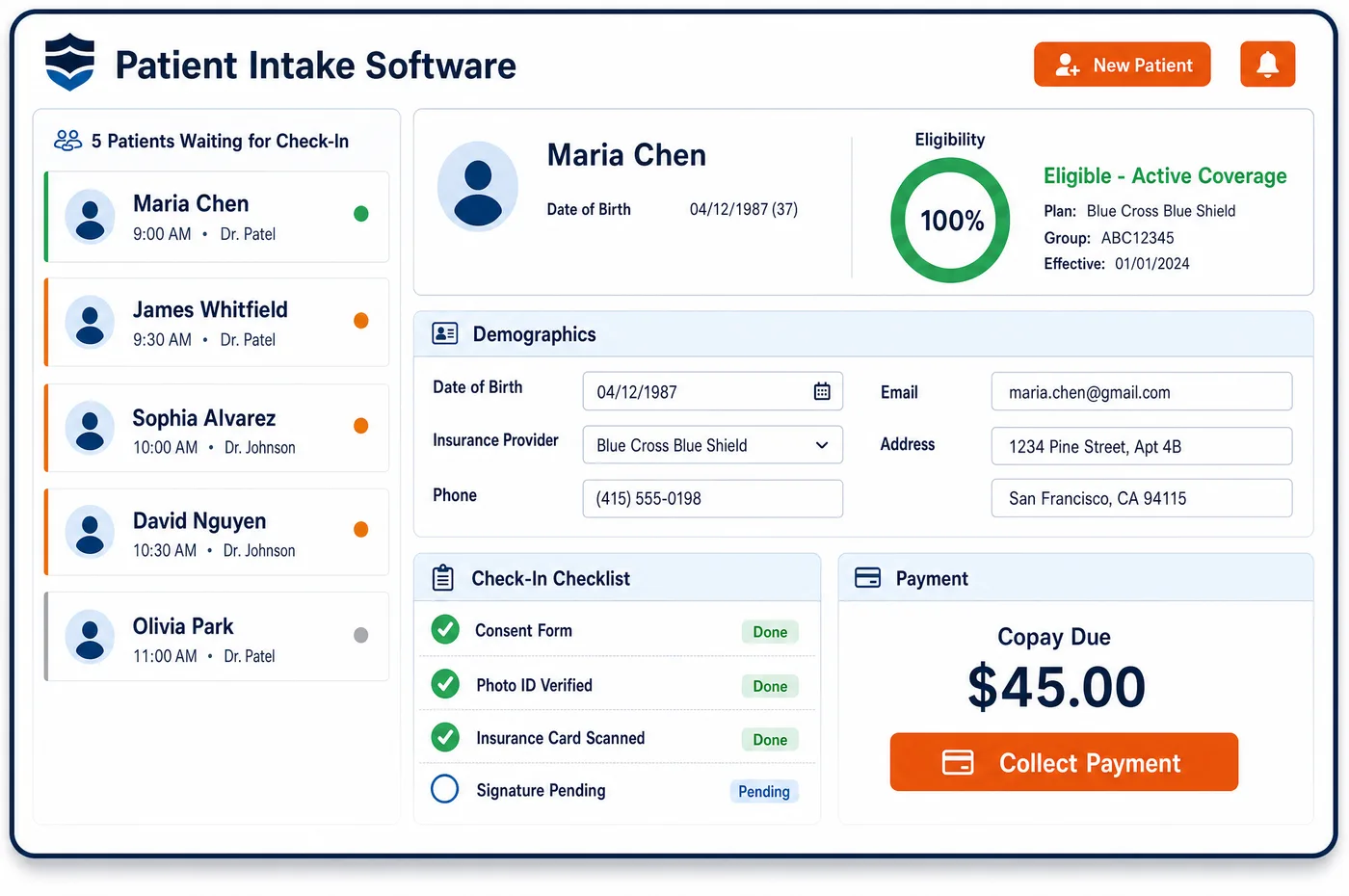
In orthopedics, one patient often has several open episodes at once. A right knee replacement may still be in its global period while the same patient is treated for a work injury to the left wrist. Unlimited Systems keeps each episode on the shared patient record with its own body site, side, diagnosis, payer and status. The work injury carries the employer, the carrier and the claim number. The knee carries the surgery date, the global indicator and the planned post-op visits. When the patient calls, staff can see which episode the call is about and who should be billed. Coverage and authorization status sit beside each episode, so a lapsed approval shows up before the next visit is booked. Balances, messages and documents stay tied to the patient, not to one visit. When an episode closes, its history stays on the record for the next injury, the next surgery or a payer audit.
Why Is Patient Management Different in Orthopedics?
Orthopedic care is built around episodes, not single visits. A fracture, a torn rotator cuff or an arthritic hip each runs from the first exam through imaging, treatment and follow-up. The patient may come back later for the other side. A record that only lists appointments loses that thread. Staff need to see the episode itself: the body part, the side, the procedure, the surgery date and where the patient is in recovery. That is also the base for global period tracking, which decides whether a post-op visit can be billed at all.
The payer can change from one episode to the next. The same person may have a health plan for a knee, a workers' compensation carrier for a back injury at work, and an auto insurer after a crash. Medicare is not the primary payer when workers' compensation, no-fault or liability coverage applies. If the record holds one insurance list for everything, claims go to the wrong payer and come back denied. Each episode has to carry its own payer, claim number and adjuster.
Orthopedic patients also pass through many hands: the clinic, in-office imaging, injection visits, physical therapy, a hospital or ASC for surgery, and back to the clinic. Each hand-off needs current demographics and coverage, which start with orthopedic patient registration and the forms gathered during patient intake. Orthopedics patient management software holds those pieces together across the whole course of care, so no one has to rebuild the story at each step.
What Orthopedics Patient Management Software Handles
- Global surgery indicators 000, 010 and 090
- Each surgery on the record stores its global indicator from the Medicare Physician Fee Schedule. For a major procedure the record counts the day before surgery, the surgery day and the post-op period, and flags any visit that falls inside it. (CMS MLN907166 Global Surgery Booklet (December 2025))
- Post-op visit code 99024
- Post-op visits inside a global period are logged on the episode with code 99024. CMS requires groups of 10 or more practitioners in nine named states to report these visits, and the episode keeps them in one list. (CMS MLN907166 Global Surgery Booklet (December 2025))
- Modifiers 54 and 55 for transfer of care
- When another provider takes over post-op care, the episode records the written transfer and who holds the surgical and post-op portions. Each claim can then carry the right modifier with the same procedure code and surgery date. (CMS MLN907166 Global Surgery Booklet (December 2025))
- CMS-1500 items 10a to 10c (employment, auto and other accident)
- Each injury episode stores whether the condition is work-related, from an auto accident or from another accident, along with the state. Those answers flow to the claim and warn billing that another payer may be primary. (Medicare Claims Processing Manual, Chapter 26: Completing and Processing Form CMS-1500)
- Medicare Secondary Payer for work and accident injuries
- When a Medicare patient's injury involves workers' compensation, no-fault or liability coverage, that payer is listed first on the episode and Medicare follows it. (CMS Coordination of Benefits & Recovery Overview (Medicare Secondary Payer))
- ICD-10-CM laterality and injury 7th characters
- The episode keeps the side and the stage of an injury, such as initial or subsequent care for a fracture, so each visit is coded to the right point in the episode. (CMS ICD-10 code files and official ICD-10-CM coding guidelines)
How Does Orthopedics Patient Management Software Work?
1. Open the episode
A new injury or condition starts its own episode on the patient record. Staff note the body part, the side and how the injury happened. The episode is linked to the referring provider and to the payer for that injury.
2. Attach the right payer
If the injury is work-related or from an accident, the carrier, claim number and adjuster go on the episode. The patient's health plan stays on file for other care. Billing can see which payer owns each visit.
3. Follow the treatment course
Imaging, injections, therapy referrals and surgery are tracked as steps in the episode. The record shows what is done and what comes next. Coverage and authorization status stay visible beside each step.
4. Watch the global period
Once surgery is posted, the episode shows the global window and the visits inside it. The front desk knows when a post-op visit is part of the package. Billing sees when a visit may need modifier 24 or 79 instead.
5. Close and keep the history
When care ends, the episode is closed but stays on the record. A return visit for the other knee starts a new episode with the old one in view. Records requests and audits pull from the same place.
Orthopedics Patient Management Software vs. Generic Software
| Area | Generic approach | Unlimited Systems |
|---|---|---|
| Episodes of care | Visits listed by date with no link between them. | Each injury or surgery grouped as its own episode. |
| Payer by injury | One insurance list used for every visit. | Work, auto and health plan coverage held per episode. |
| Global period | Staff count post-op dates on a desk calendar. | Global window shown on the record from the surgery date. |
| Laterality | Side noted in free text, if at all. | Body part and side stored on the episode. |
| Transfer of care | Paper letters filed in a scanned folder. | Transfer agreement and split care noted on the episode. |
| Shared view | Front desk, clinic and billing work in separate screens. | One patient record with role-based access and an audit trail. |
Who Uses It in a Orthopedics Practice
- Front desk: A clear view of which episode a call or visit belongs to, which payer to bill, and whether the visit falls inside a global period.
- Billing manager: Episodes that already carry the payer, claim number, injury date and surgery date a claim needs, so fewer claims go to the wrong payer.
- Orthopedic surgeon: The full course of care for each joint or injury, including prior imaging, injections and therapy, without searching through old visit notes.
- Practice administrator: One patient management view across clinics, imaging, therapy and surgery sites, with access limited to the staff who need it.
Orthopedics Patient Management Software FAQs
Orthopedics patient management software tracks each patient's episodes of care, not just appointments. Each episode holds the body part and side, the diagnosis, the payer for that injury, the surgery date and global period, and the visits, imaging and injections tied to it. Front desk, clinical and billing staff see the same record, so the history of a knee or shoulder is never rebuilt from scratch.
A patient with a work injury and a separate health plan gets one record with two payers attached to different episodes. The work injury episode carries the employer, the workers' compensation carrier, the claim number and the adjuster. Other care stays with the health plan. Visits are billed to the payer that owns the episode, which keeps work injury claims away from the health plan.
The global surgical period decides whether a post-op visit is paid on its own. Medicare includes related follow-up care in the surgical payment for 010 and 090 procedures. When the global window sits on the patient record, staff know at booking that a visit is part of the package. Billing also knows when an unrelated problem needs modifier 24 or an unrelated procedure needs modifier 79.
Post-op care split between two providers is recorded on the episode. When a surgeon hands follow-up care to someone else, Medicare expects a written transfer agreement in the record. The surgical portion is billed with modifier 54 and the post-op portion with modifier 55, using the same procedure code and surgery date. Keeping that on the episode helps each provider bill only its share.
Patient management uses the data that registration and intake collect, but it covers what happens after sign-up. Registration captures demographics, insurance and identity. Intake gathers forms, history and consent before the visit. Patient management keeps that information current across every episode, and links it to surgeries, global periods, payers and balances over the full course of orthopedic care.
Medicare patients with accident or work injuries are flagged on the episode. Medicare is not the primary payer when workers' compensation, no-fault or liability insurance covers the injury. The episode records which accident type applies and the state where it happened, as the CMS-1500 asks. Billing then sends the claim to the primary payer first and bills Medicare second when that is appropriate.
Related Orthopedics Software
Front office
Patient Management for related specialties
Sources
GET STARTED
See Unlimited Systems in Action
Whether you're actively evaluating new technology or simply preparing for your next vendor renewal, Unlimited Systems can help you understand where your current workflows may be creating avoidable revenue risk.