

Front office
Orthopedics Patient Registration Software
Register orthopedic patients once, with the injury, the liable payer and the guarantor right from the start.
Orthopedics Patient Registration Software captures who the patient is, who is responsible for the bill, and which insurance covers the injury being treated. It records the date of injury, whether the injury is work or accident related, and the carrier and claim number. Duplicate checks keep one clean record for each patient.



 6,500+ specialty providers
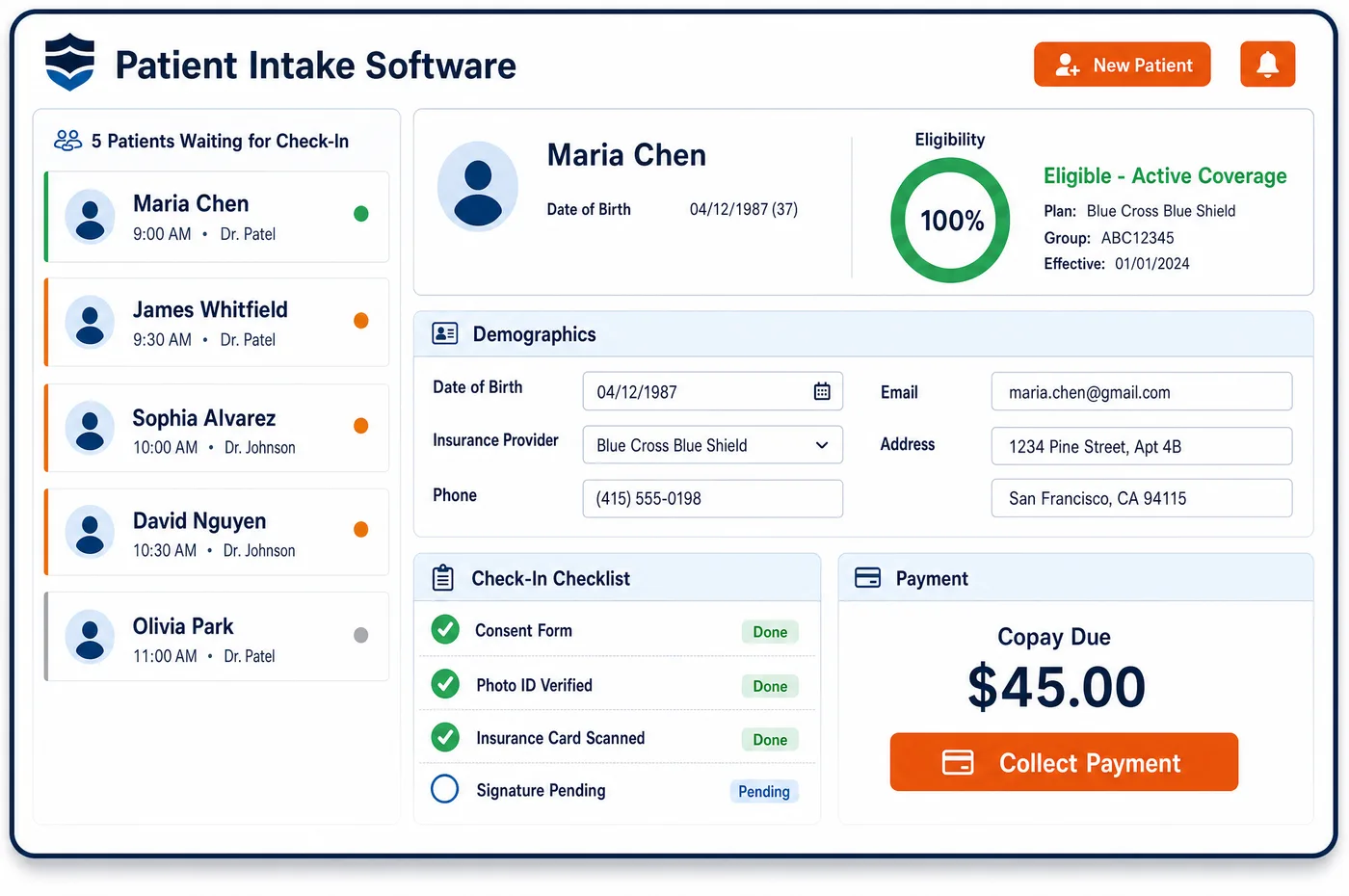
Patient Registration in a Orthopedics Practice
Orthopedic registration starts with a question most specialties never ask: how did this happen? A patient who hurt a shoulder lifting boxes at work is registered with the employer, the workers' compensation carrier, the claim number and the adjuster. A patient hurt in a car crash may have auto or no-fault coverage in one state and a health plan in another. A teenager with a sports fracture needs a parent as guarantor. Unlimited Systems captures each of these at sign-up, with custom fields for details such as an attorney contact on a personal injury case. Dynamic duplicate detection compares the new entry against existing patients and flags a likely match. That stops the common habit of opening a second chart for a work injury. Search is scoped by location, so a front desk at one clinic sees its own patients first. The result is one record with the right payer attached from the first visit.
Why Is Patient Registration Different in Orthopedics?
Most practices register a patient with a single insurance card. Orthopedic practices often need two or three. The health plan covers routine care, but a work injury belongs to the workers' compensation carrier, and an auto injury may belong to an auto or no-fault insurer. The CMS-1500 asks for these facts. Is the problem from work, a car crash or another accident? In which state? On what date? If registration does not collect them, billing has to call the patient back, and the claim waits.
Medicare patients add another layer. Medicare pays second when workers' compensation, no-fault or liability coverage applies, and also in some group health plan cases. Registration staff need to ask the Medicare Secondary Payer questions and record the answers. A Medicare claim for a work injury with no primary payer listed is a claim that will be reversed or recovered later.
Duplicate records are a real risk in orthopedics. Patients come from emergency rooms, urgent care and employers. Names and dates are often typed in different ways. Some practices still open a separate account for each injury. Every duplicate splits the history and sends claims out with old patient demographics. Orthopedics patient registration software keeps one record per person and lets that record carry many cases. That record then feeds patient management across episodes and the forms collected during orthopedic intake.
What Orthopedics Patient Registration Software Handles
- CMS-1500 item 14: date of current injury
- Registration records the injury date for every accident or work case. The date is stored on the case and printed on each claim, so carriers can match the visit to the reported injury. (Medicare Claims Processing Manual, Chapter 26: Completing and Processing Form CMS-1500)
- CMS-1500 item 16: dates unable to work
- When a patient is off work, registration captures the dates. CMS notes that an entry here may point to employment-related coverage, which is a cue to confirm the workers' compensation carrier. (Medicare Claims Processing Manual, Chapter 26: Completing and Processing Form CMS-1500)
- CMS-1500 items 10a to 10c with accident state
- Registration asks whether the condition relates to employment, an auto accident or another accident, and which state the accident happened in. A yes answer tells billing another payer may come before Medicare. (Medicare Claims Processing Manual, Chapter 26: Completing and Processing Form CMS-1500)
- Insurance primary to Medicare
- The Medicare manual lists group health plan coverage, no-fault and liability insurance, and work-related coverage such as workers' compensation as cases where Medicare may pay second. Registration stores the primary payer in the order the claim needs. (Medicare Claims Processing Manual, Chapter 26: Completing and Processing Form CMS-1500)
- Workers' compensation, no-fault and liability recovery
- CMS recovers payments it made by mistake when a liability, no-fault or workers' compensation payer should have paid. Capturing the right payer at registration keeps those claims from being clawed back. (CMS Coordination of Benefits & Recovery Overview (Medicare Secondary Payer))
- Coordination of benefits denial (CARC 22)
- When a payer replies that care may be covered by another payer, the registration record shows which coverage applies to the injury. Staff correct the payer order on the record once instead of on each claim. (X12 Claim Adjustment Reason Codes)
How Does Orthopedics Patient Registration Software Work?
1. Search before creating
Staff search by name, date of birth and other identifiers, scoped to their location. If a likely match exists, the system flags it. The existing record is opened instead of a new one being made.
2. Ask how the injury happened
Registration asks whether the problem came from work, a car crash or another accident. The answer decides which payer is billed first. The injury date and accident state are captured at the same time.
3. Capture each payer and guarantor
The health plan, the workers' compensation or auto carrier, the claim number and the adjuster are added to the case. A parent or other guarantor is linked for minors. Payment methods beyond insurance are noted on the account.
4. Scan cards and confirm coverage
Insurance card images are captured and read so member IDs are not typed by hand. Coverage is checked against the payer before the visit. Errors are fixed while the patient is still at the desk.
5. Hand off a clean record
The finished record carries demographics, payers and guarantor into scheduling, intake and billing. Custom fields hold practice-specific details such as an attorney contact. Every later step works from the same data.
Orthopedics Patient Registration Software vs. Generic Software
| Area | Generic approach | Unlimited Systems |
|---|---|---|
| Duplicate records | A second chart is opened for each new injury. | Dynamic duplicate detection flags a likely match first. |
| Liable payer | Only the health plan card is collected. | Work, auto and liability payers captured with claim numbers. |
| Injury details | Injury date gathered later by billing. | Injury date, accident type and state taken at sign-up. |
| Medicare order | Medicare billed first for work injuries. | Primary payer stored ahead of Medicare when it applies. |
| Multi-site search | Every clinic searches every patient. | Location-based security narrows search to the user's sites. |
| Practice-specific data | Attorney and adjuster details kept on sticky notes. | Custom fields hold them on the patient account. |
Who Uses It in a Orthopedics Practice
- Front desk: A registration screen that asks the injury questions in order, flags duplicates and shows only the patients at their location.
- Workers' compensation coordinator: Employer, carrier, claim number and adjuster on the case before the first visit, so reports and claims go to the right place.
- Billing manager: Fewer claims sent to the wrong payer, and fewer coordination of benefits denials to work.
- Compliance lead: One record per patient with an audit trail, which supports safe care and accurate billing for each service.
Orthopedics Patient Registration Software FAQs
Orthopedics patient registration software captures demographics, identity, guarantor and every payer that may cover the patient's injury. For orthopedic cases that includes the injury date, whether the condition relates to work, an auto accident or another accident, the accident state, and the carrier and claim number. The goal is a single record with the right payer order before the first claim is built.
Work injuries are registered as a case on the patient's existing record, not as a new chart. Staff add the employer, the workers' compensation carrier, the claim number, the adjuster and the injury date. The patient's health plan stays on file for unrelated care. Visits tied to the work injury are then billed to the carrier rather than to the health plan.
Patient registration asks about accidents because the answer changes who pays. The CMS-1500 asks whether the condition relates to employment, an auto accident or another accident. A yes answer means workers' compensation, auto or liability coverage may be primary, and for Medicare patients it means Medicare may pay second. Asking at sign-up avoids holding claims while billing tracks the patient down.
Duplicate detection compares a new entry with existing demographics as staff type and flags a likely match. In orthopedics this matters because patients come from emergency rooms, urgent care and employers with details entered in different ways. Opening the existing record keeps the full injury and surgery history together and keeps old addresses and policies off new claims.
Personal injury cases can be registered with the details the practice needs. Custom fields hold the attorney's contact and other case notes on the patient account. The auto or liability carrier and claim number sit beside the patient's health plan. Billing and follow-up staff can then see who to contact about the case without searching through scanned papers.
If Medicare is billed first for an injury that workers' compensation, no-fault or liability insurance should cover, the payment can later be recovered. CMS contractors recover these mistaken payments from the party that owes them. Recording the primary payer at registration, with the accident type and state, sends the claim to the right payer first and protects the practice from later recoveries.
Related Orthopedics Software
Front office
In the revenue cycle
Patient Registration for related specialties
Sources
GET STARTED
See Unlimited Systems in Action
Whether you're actively evaluating new technology or simply preparing for your next vendor renewal, Unlimited Systems can help you understand where your current workflows may be creating avoidable revenue risk.