

Platform & AI
Diabetes Care EHR Integration Software
Keep the diabetes chart and the billing record in step, so orders, diagnoses, lab results and visit notes reach billing without re-keying.
Diabetes Care EHR Integration Software connects the clinical record a diabetes practice uses to Unlimited Systems billing. Demographics, appointments, diagnoses, orders, lab results and charges move between the two in both directions, so a referral, an A1c result or a CGM review documented in the chart is already in front of billing when the claim is built.



 6,500+ specialty providers
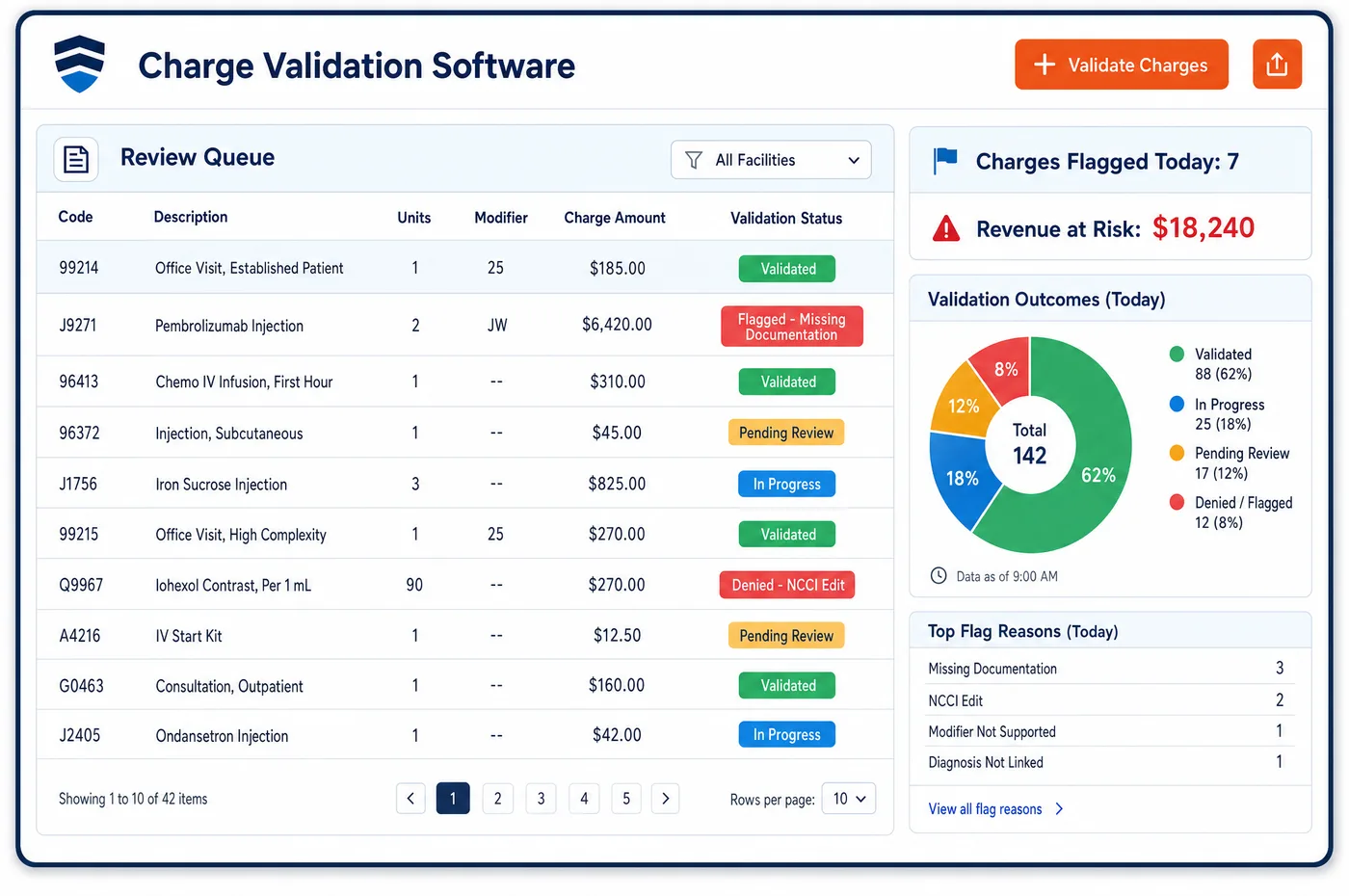
EHR Integration in a Diabetes Care Practice
Most of what a diabetes biller needs begins in the chart. The referral for a class, the order for nutrition therapy, the diagnosis that supports it, the A1c result and the note documenting CGM use are all written by clinicians. Without a link, billing staff re-key them or chase them by message. EHR integration lets that information arrive by exchange of messages and standard data. A patient registered in one system appears in the other, and an appointment booked on one side shows on the other. Diagnoses and orders on an encounter travel with the charge, and lab results land on the patient record where measure and timing rules can read them. Charges and account status can flow back, so a clinician sees which items are held and why. The exchange runs both ways and does not depend on one-time file drops. Where the EHR cannot send an item, staff enter it once in a queue. The wider rules for standards sit with interoperability.
Why Is EHR Integration Different in Diabetes Care?
Diabetes billing depends on clinical facts more than most specialties. A class is payable only with a written referral from the treating practitioner, nutrition therapy needs a diagnosis of diabetes or renal disease, and a CGM stays covered only with documented visits. These facts live in the chart. If they do not cross to billing, the biller sees a claim with no support, and the denial arrives later.
Timing is the second problem. A result recorded in the EHR after the claim is sent cannot help that claim, and a referral renewed in the chart but not in billing will lapse at the next class. An integration that updates both sides as the work happens keeps the clock the same on each. Charge assembly and patient registration both depend on the chart and billing holding the same patient.
Practices also run on mixed systems. A diabetes program may sit inside a primary care group, an endocrinology clinic or a hospital outpatient department, each with its own chart. Integration has to work with the chart the practice already has, without forcing the clinicians into a new tool. Staff should enter each fact once, in the place that owns it, and see it where they need it.
What Diabetes Care EHR Integration Software Handles
- Referral and order for DSMT
- Medicare requires a referral from the treating physician or qualified practitioner for training, which states the diagnosis and the hours ordered. The order travels from the chart to billing and is attached to each class claim. (CMS Medicare Benefit Policy Manual, Chapter 15, Section 300: Diabetes Self-Management Training Services)
- Diagnosis for nutrition therapy
- Medicare covers medical nutrition therapy for diabetes or renal disease, so the diagnosis on the encounter must reach the claim. Integration carries the diagnosis list with the charge, and a missing one is flagged. (CMS Medicare Claims Processing Manual, Chapter 4, Section 300: Medical Nutrition Therapy Services)
- A1c and GMI results
- MIPS 001 and the HEDIS glycemic measure read the most recent A1c or GMI. Results from the chart land on the patient record with their dates, so measure and timing rules use current data. (CMS QPP: 2026 MIPS CQM Quality ID #001, Diabetes: Glycemic Status Assessment Greater Than 9%)
- Kidney labs for KED
- The kidney health evaluation needs an eGFR and a urine albumin-creatinine ratio in the period. Both results move into billing and quality views, and patients with one test only are listed. (NCQA: Kidney Health Evaluation for Patients With Diabetes (KED))
- CGM documentation
- Medicare's glucose monitor policy asks for visits with the treating practitioner every six months and documented use of the device. Visit notes and dates cross from the chart so the record is ready if a supplier asks. (CMS Medicare Coverage Database: LCD L33822, Glucose Monitors)
- Outside eye exam results
- MIPS 117 counts an exam by an eye care professional, including one done at another practice. The result is entered once in the chart and reaches the quality view with its date. (CMS QPP: 2026 MIPS CQM Quality ID #117, Diabetes: Eye Exam)
How Does Diabetes Care EHR Integration Software Work?
1. Register once
A patient entered in the chart appears in billing with demographics and coverage. A registration change in one place updates the other.
2. Share appointments
Visits and classes booked on either side appear on both. Cancellations and no-shows update the same way, so the schedule matches the claim.
3. Send orders and diagnoses with the charge
The encounter's diagnoses, orders and referrals travel with its charge lines. Billing does not have to ask for them again.
4. Bring results back to the record
A1c, eGFR, uACR and eye exam results land on the patient record with their dates. Measure rules read them at once.
5. Return account status to the chart
Held charges, denials and balances flow back so clinicians and educators see them. Exceptions go to work queues when the chart cannot send an item.
Diabetes Care EHR Integration Software vs. Generic Software
| Area | Generic approach | Unlimited Systems |
|---|---|---|
| Registration | Demographics typed twice. | Entered once and shared in both directions. |
| Referrals and orders | Paper or fax, found when the claim is built. | Orders and referrals attached to each charge from the chart. |
| Lab results | Results read from a PDF. | Results on the record with dates, readable by measure rules. |
| Account status | Clinicians ask billing by message. | Held charges and denials visible from the chart. |
| Mixed systems | A new tool for each site. | The practice's own chart kept, with the same exchange for each. |
Who Uses It in a Diabetes Care Practice
- Diabetes educator: A referral and diagnosis already on the class claim, so sessions are billed with support the payer can see.
- Biller: Orders, diagnoses and results on the account when the charge arrives, with no chasing the chart for notes.
- Clinician: Held charges and denials shown in the chart with the reason, so a missing note can be fixed in the place where the clinician works.
Diabetes Care EHR Integration Software FAQs
EHR integration moves patient, appointment, diagnosis, order, result and charge data between the clinical chart and billing in both directions. For diabetes care, that means a class referral, an A1c result or a CGM visit note is already in front of billing when the claim is built, so fewer claims are denied for missing support.
The most important items are the referral and orders for classes and nutrition therapy, the encounter diagnoses, A1c, eGFR and uACR results with dates, and visit notes that document CGM use. These items drive claim support, frequency rules and quality measures. Demographics and appointments matter as well, since they keep both records on the same patient.
Billing can return account status to the chart, including held charges, denials and balances. A clinician can see why a charge is held and add the note or reason in the chart. This closes the loop without messages, and the held item can then be released.
If the chart cannot send an item, staff enter it once in a work queue with the patient and the reason. The queue shows the item's age and owner. Repeated gaps point to a setup change in the chart or in the exchange, which the manager can request.
A practice keeps the chart it already uses. Integration works through standard messages and data exchange between that chart and billing, so clinicians do not move to a new tool. A diabetes program inside a larger group can use the same exchange as one run in its own clinic.
Quality measures read results and dates from the chart. When A1c, GMI, eGFR, uACR and eye exam results land on the patient record as they are entered, the measure views stay current. Staff can then find true gaps, instead of patients whose results were recorded but never reached billing.
Related Diabetes Care Software
Platform & AI
In the revenue cycle
EHR Integration for related specialties
Sources
- CMS Medicare Benefit Policy Manual, Chapter 15, Section 300: Diabetes Self-Management Training Services
- CMS Medicare Claims Processing Manual, Chapter 4, Section 300: Medical Nutrition Therapy Services
- CMS QPP: 2026 MIPS CQM Quality ID #001, Diabetes: Glycemic Status Assessment Greater Than 9%
- NCQA: Kidney Health Evaluation for Patients With Diabetes (KED)
- CMS Medicare Coverage Database: LCD L33822, Glucose Monitors
- CMS QPP: 2026 MIPS CQM Quality ID #117, Diabetes: Eye Exam
GET STARTED
See Unlimited Systems in Action
Whether you're actively evaluating new technology or simply preparing for your next vendor renewal, Unlimited Systems can help you understand where your current workflows may be creating avoidable revenue risk.