

Platform & AI
Diabetes Care Workflow Software
Give every referral, CGM review, class claim and supplier request a queue, an owner and a due date, so nothing waits in someone's inbox.
Diabetes Care Workflow Software sends every piece of diabetes revenue work to a queue that has a named owner. Referral renewals, CGM follow-up visits, education hour checks, held charges, denials and supplier documentation requests each have a place, a person responsible and an age, so work moves instead of waiting in an inbox.



 6,500+ specialty providers
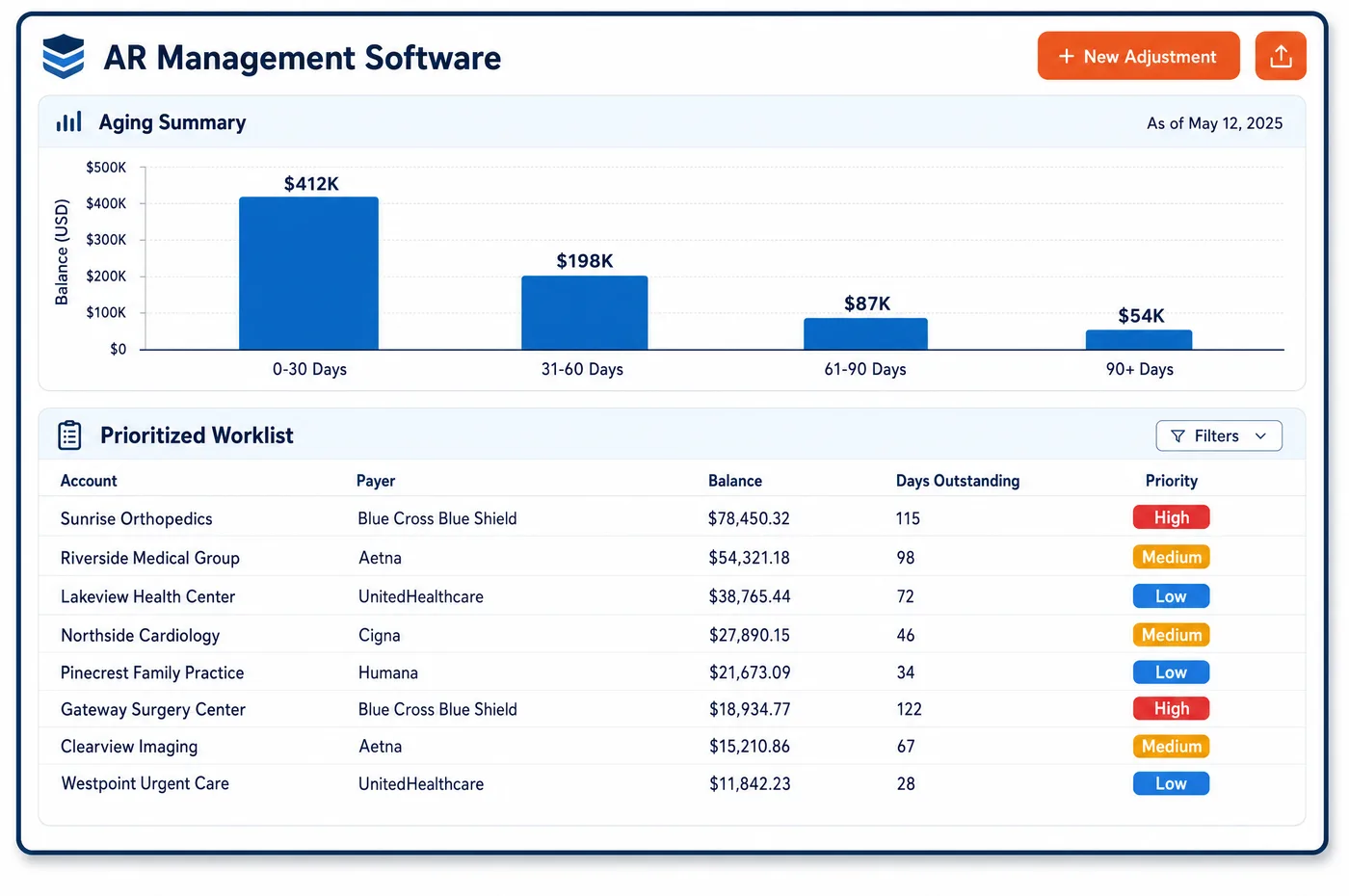
Workflow in a Diabetes Care Practice
Diabetes work is full of small follow-ups that belong to different people. A class referral has lapsed, and the front desk must renew it. A CGM patient is near the end of the six-month visit window, and a scheduler must book them. A held charge needs a reason from the clinician. A supplier has asked for notes to support a sensor order. A denial needs a coder. Workflow software gives each of these a queue. Items arrive by a rule or an event, such as a failed benefit check or a held line, and each carries the patient, the reason and the data needed to act. The owner sees the oldest and most urgent items first, with filing limits shown where they apply. Work can be reassigned, escalated when it ages, or closed with a note. A manager sees queue size and age by team, which shows where the bottleneck is. Routine checks run through automation, and people handle what is routed to them.
Why Is Workflow Different in Diabetes Care?
The hard part of diabetes workflow is that the work crosses roles. A held CGM line starts in billing, needs a clinician's answer, and ends back with a coder. A class denial may need the educator, the front desk and the biller in turn. Without a shared queue, the item sits with whoever saw it last, and nobody is sure whose turn it is. Clear ownership at each step is the main benefit.
Deadlines differ by item. A lapsed referral blocks the next class, so it is urgent for the schedule. A denial has a filing limit that may be a calendar year for Medicare and shorter for other payers. A CGM follow-up visit has a window set by the coverage policy. Treating all work as one list buries the urgent items. Queues in diabetes care are sorted by the clock that matters for that item, whether a class date, a visit window or a filing deadline.
Small teams are common in diabetes programs, so one person often holds several roles. The workflow has to let one person work several queues without losing track, and let a manager move work when someone is out. Queue rules should be simple enough that the team keeps them current. The end result should be the same each time. A new denial reaches denial management, a held line reaches the coder, and a lapsed referral reaches scheduling before the class date.
What Diabetes Care Workflow Software Handles
- Referral renewal queue
- Medicare education follow-up hours need a new referral each calendar year. Patients with a referral near its end go to a queue owned by the front desk, with the education team shown the hours still open. (Noridian JF Part B: Diabetic, Diabetes Self-Management Training (DSMT) and Medical Nutrition Therapy (MNT) (updated 2025-07-11))
- CGM follow-up queue
- Medicare's glucose monitor policy calls for a visit with the treating practitioner every six months. Patients nearing that limit are queued for schedulers, ordered by how soon the window closes. (CMS Medicare Coverage Database: LCD L33822, Glucose Monitors)
- Held charge queue
- Charges held by a frequency or modifier rule land with the coder, with the earlier billing dates shown. Items needing a clinician's reason, such as an early A1c, are passed on with the question attached. (CMS National Coverage Determination 190.21: Glycated Hemoglobin/Glycated Protein)
- Supplier documentation queue
- Suppliers bill for sensors and pumps and ask the practice for visit notes and orders. Requests are logged in a queue with the patient, the supplier and the date, so the note goes out and the request is closed. (CMS Medicare Coverage Database, LCD L33794: External Infusion Pumps)
- Denial queues by reason code
- Denials are routed by remittance reason, such as 197 for missing authorization or 151 for frequency. Each queue shows the claim, the history and the filing deadline. (X12 Claim Adjustment Reason Codes)
- Filing deadline queue
- Medicare's filing rule in 42 CFR 424.44 sets an outer limit on claim submission. A queue lists open items by days left in the limit, so older items are worked first. (eCFR: 42 CFR 424.44, Time limits for filing claims)
How Does Diabetes Care Workflow Software Work?
1. Create the item
A rule or an event adds work to a queue, such as a lapsed referral, a held charge or a payer denial. The item carries the patient, the reason and the data needed.
2. Assign an owner
Each queue has a default owner by role or by site, and items can be reassigned. Owners see their own list first.
3. Work the item with context
The owner opens the item with the account history, order and payer rule beside it. Questions to a clinician or educator go out from the item, so the answer stays attached.
4. Escalate by age
Items that pass a set age or approach a filing limit move up to a lead. Medicare appeal levels and payer limits set the clock for denial items.
5. Close and measure
A closed item records the action taken. Managers see queue size, age and time to close by team, which shows where staffing or setup needs to change.
Diabetes Care Workflow Software vs. Generic Software
| Area | Generic approach | Unlimited Systems |
|---|---|---|
| Ownership | Work sits in a shared inbox. | Each item has a queue and a named owner. |
| Urgency | One list sorted by date entered. | Queues sorted by class date, visit window or filing deadline. |
| Cross-role work | Questions sent by email. | Questions sent from the item, with the answer kept on it. |
| Coverage when staff are out | Work stops until they return. | Managers reassign queues in one step. |
| Bottlenecks | Found when a patient complains. | Queue age and size shown by team. |
Who Uses It in a Diabetes Care Practice
- Front desk lead: A referral renewal queue that shows which patients need paperwork before their next class, ordered by class date, plus the reminder list that feeds patient engagement.
- Coder: Held and denied lines in one place, with the reason, history and deadline, so work can be done in order of risk.
- Practice manager: Queue size and age by team, with escalations for items near a deadline, which shows where to add help or change a rule.
Diabetes Care Workflow Software FAQs
A workflow queue is a list of work items of one kind, such as lapsed referrals, CGM follow-up visits, held charges or denials. Each item has an owner, the patient and the reason, and an age. Staff work the oldest or most urgent items first and close each with a note.
Patients nearing the end of the six-month visit window set by Medicare's glucose monitor policy are placed in a queue for schedulers. The queue is ordered by how soon the window closes. Each booking closes the item, and the visit note is in place if the supplier later asks for records.
The coder owns the item first. When the hold needs a clinical reason, such as why an A1c was ordered early, the question goes to the clinician from the item itself. The answer stays attached, and the item returns to the coder to release or correct the charge.
Managers can move a queue or a group of items to another person in one step, and set a default owner by role or site. Small diabetes teams often have one person in several roles, so the system lets them work several queues and still see each item's age.
Denials are routed by remittance reason. Missing authorization items go to the front end, frequency and modifier items to a coder, and medical necessity items to a clinician. Each item shows the claim, the earlier billing history and the filing deadline, so the owner can act without searching.
Managers see the number of items in each queue, how old they are and how long they take to close, by team and by item type. A growing queue or a rising age shows where a bottleneck sits, and repeat causes can be traced back to a setup or scheduling fix.
Related Diabetes Care Software
Platform & AI
In the revenue cycle
Workflow for related specialties
Sources
- Noridian JF Part B: Diabetic, Diabetes Self-Management Training (DSMT) and Medical Nutrition Therapy (MNT) (updated 2025-07-11)
- CMS Medicare Coverage Database: LCD L33822, Glucose Monitors
- CMS National Coverage Determination 190.21: Glycated Hemoglobin/Glycated Protein
- CMS Medicare Coverage Database, LCD L33794: External Infusion Pumps
- X12 Claim Adjustment Reason Codes
- eCFR: 42 CFR 424.44, Time limits for filing claims
GET STARTED
See Unlimited Systems in Action
Whether you're actively evaluating new technology or simply preparing for your next vendor renewal, Unlimited Systems can help you understand where your current workflows may be creating avoidable revenue risk.