
Front office
Diagnostic Imaging Patient Intake Software
MRI safety, contrast screening, consents, notices and an order check, done before the patient reaches the scanner.
Diagnostic Imaging Patient Intake Software collects what the technologist and the billing team need before the patient is on the table. Patients complete MRI safety and contrast screening forms, history, consents and insurance updates on their own device. At check-in, staff confirm the order and approval match the exam about to be done.



 6,500+ specialty providers
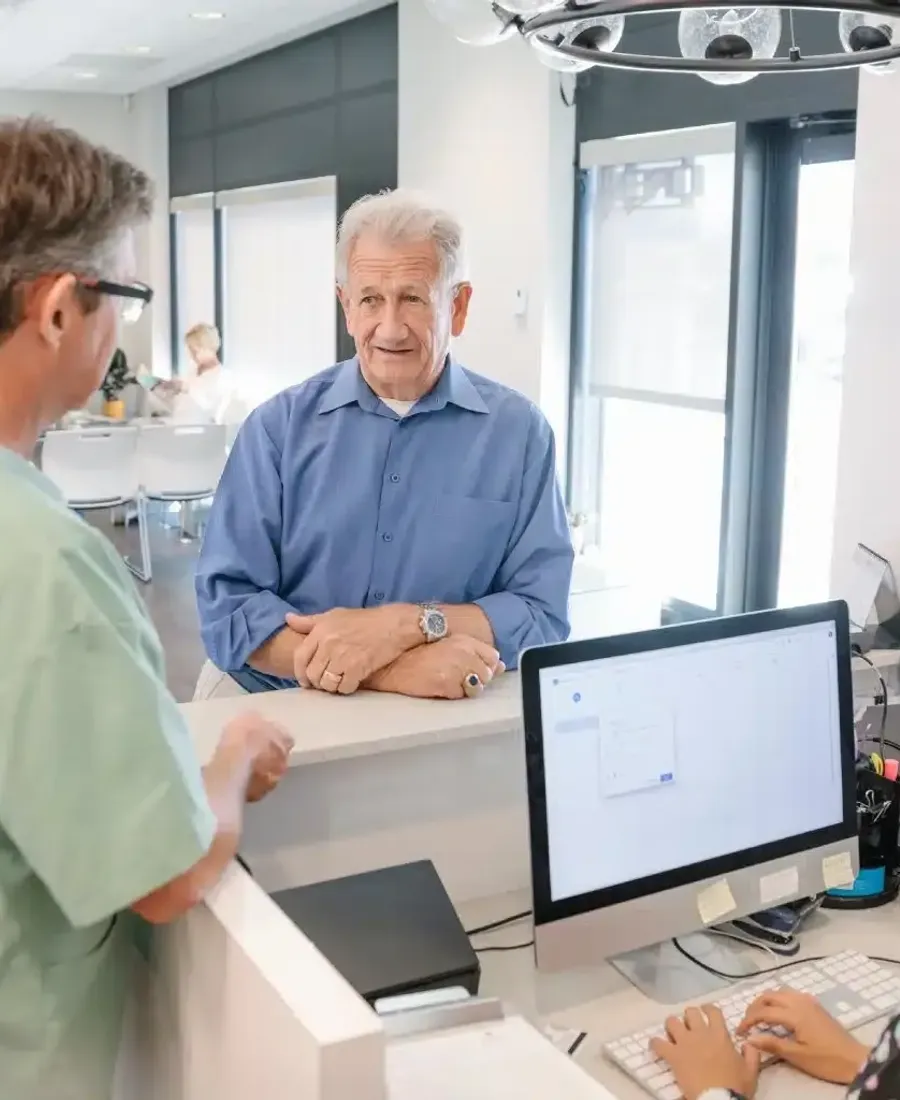
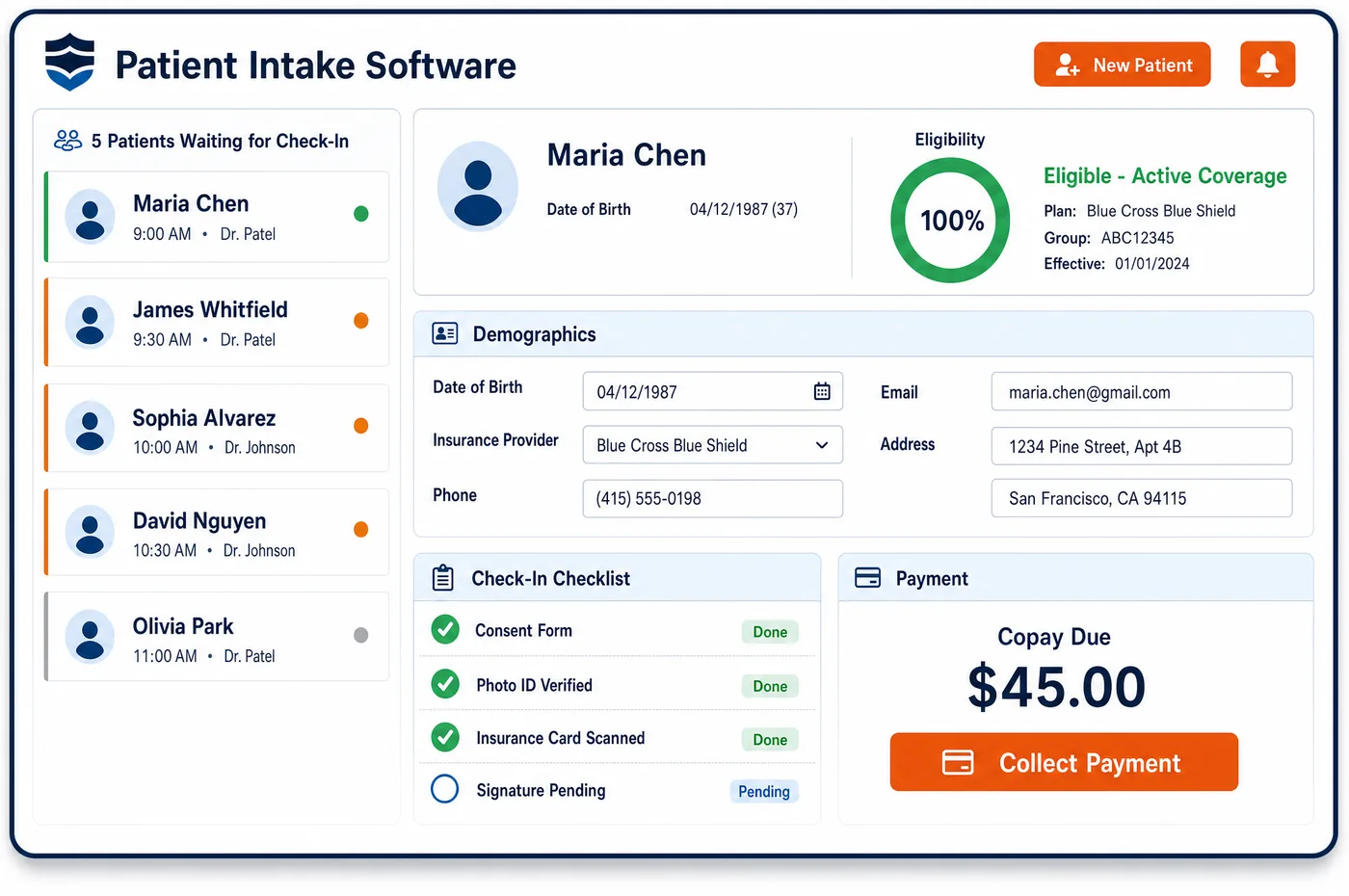
Patient Intake in a Diagnostic Imaging Practice
Imaging intake is mostly about safety and the order. Before an MRI, every patient answers questions about implants, devices, metal fragments and past surgery. Before a contrast study, the form asks about prior reactions, allergies and kidney problems. Women of childbearing age may be asked about pregnancy before CT or x-ray. Patient intake software sends these forms with the visit confirmation, so answers arrive before the patient does and a technologist can review any flag in advance. The patient also signs consents and confirms insurance, address and the doctor who sent them. For a first lung screening, staff check that the counseling visit is documented. At check-in, the front desk compares the scheduled study with the order and the approval on file. If they differ, the exam waits until the order or approval is fixed. Intake answers land on the record built by patient registration and stay with imaging patient management for the next visit.
Why Is Patient Intake Different in Diagnostic Imaging?
An imaging exam can harm a patient if intake misses something. A pacemaker, a nerve stimulator or a metal fragment can make an MRI unsafe unless the device is labeled for it. A past contrast reaction changes how a CT is done. These answers have to reach the technologist before the patient is in the scanner room, not on a clipboard handed over at the door.
Intake also guards the claim. For Medicare, a testing facility may not swap in a different test than the one ordered without a new order. A radiologist can adjust how a study is done, such as views or contrast use, but a change from CT to MRI needs the treating clinician. Under many radiology benefit programs, the rendering site must also confirm approval before the exam. Check-in is the last point to catch a mismatch before the scan.
Some exams have paperwork rules of their own. Medicare's lung screening coverage needs a documented counseling visit before the first low-dose CT. A Medicare patient whose test may not meet coverage rules should get an Advance Beneficiary Notice before the scan, not after. Patient intake for imaging builds these steps into the forms, so they are done the same way at every site.
What Diagnostic Imaging Patient Intake Software Handles
- MRI with implanted pacemakers (NCD 220.2)
- Medicare covers MRI for patients with implanted pacemakers when the device is used under its FDA-approved MRI labeling. Intake forms ask for the device and model, so the technologist can check the labeling before the slot is confirmed. (CMS Medicare Claims Processing Manual, Chapter 13, Section 40: Magnetic Resonance Imaging (MRI) Procedures)
- Telephone and e-mail orders (BPM 80.6.1)
- Medicare accepts an order sent as a signed document, by phone or by e-mail from the treating clinician's office. A phone order must be documented in both the ordering office's and the testing facility's records, so intake notes who called and what they ordered. (CMS Medicare Benefit Policy Manual, Chapter 15, Section 80.6: Requirements for Ordering and Following Orders for Diagnostic Tests)
- Order changes at the testing facility (BPM 80.6.2 to 80.6.4)
- If the radiologist thinks a different test is better, such as MRI instead of CT, a new order is needed first. The radiologist may decide views or contrast use within the ordered test. Intake flags any gap between the order and the scheduled study. (CMS Medicare Benefit Policy Manual, Chapter 15, Section 80.6: Requirements for Ordering and Following Orders for Diagnostic Tests)
- Lung screening shared decision-making (NCD 210.14)
- Before the first low-dose CT lung screening, the patient must have a counseling and shared decision-making visit, using one or more decision aids, documented in the record. Intake asks for that note with the order. (CMS National Coverage Determination 210.14: Lung Cancer Screening with Low Dose Computed Tomography (LDCT))
- Advance Beneficiary Notice (ABN)
- When a Medicare test may be denied as not reasonable and necessary, the patient can be given an ABN before the service. Intake keeps the signed notice with the visit, so billing can add the right modifier. (CMS Medicare Claims Processing Manual, Chapter 30, Section 50: Advance Beneficiary Notice of Non-coverage (ABN))
- Rendering-site approval check
- Under UnitedHealthcare's commercial radiology protocol, the rendering provider must confirm before the exam that prior authorization is complete and a coverage decision was issued. Check-in shows the approval status next to the scheduled study. (UnitedHealthcare: Outpatient radiology prior authorization FAQ, commercial and Individual Exchange plans)
How Does Diagnostic Imaging Patient Intake Software Work?
1. Send forms with the confirmation
Safety, history and consent forms go out by text or e-mail when the exam is booked through imaging patient scheduling. The forms match the study, so an MRI patient gets the implant questions and a contrast CT patient gets the contrast questions.
2. Flag answers for review
Answers that suggest a device, a past reaction or a possible pregnancy are flagged for the technologist or radiologist. They decide what to do, and the decision is noted on the visit.
3. Capture outside images and history
Patients list where earlier scans were done, which helps staff request priors for comparison. Insurance and address changes are captured at the same time.
4. Collect notices and consents
Consents for contrast or procedures, and an ABN when one applies, are signed before the exam. Copies are stored with the visit for billing and audit.
5. Confirm order and approval at check-in
The front desk compares the scheduled study with the order and with any approval from imaging financial clearance. A mismatch holds the exam until it is fixed.
Diagnostic Imaging Patient Intake Software vs. Generic Software
| Area | Generic approach | Unlimited Systems |
|---|---|---|
| Safety screening | Paper forms filled in at the front desk. | Forms done before the visit and reviewed in advance. |
| Form content | One form for every exam. | Questions matched to MRI, contrast or screening studies. |
| Order check | Order assumed to match the schedule. | Order, schedule and approval compared at check-in. |
| ABN timing | Handed over at checkout, after the scan. | Signed before the exam and stored with the visit. |
| Prior studies | Found only when the radiologist asks. | Listed by the patient during intake for staff to request. |
Who Uses It in a Diagnostic Imaging Practice
- Technologist: Safety answers flagged before the patient arrives, so device checks and contrast questions are settled ahead of the slot.
- Front desk: A check-in screen that shows whether the order, the scheduled study and the approval agree.
- Billing manager: Signed ABNs, consents and counseling notes stored with the visit, ready when a claim is reviewed.
Diagnostic Imaging Patient Intake Software FAQs
Patient intake software sends an MRI safety form before the visit. It asks about pacemakers, other implants and devices, metal fragments, past surgery and anything else that could make the scan unsafe. Answers that suggest a device are flagged, so the technologist can check the device's MRI labeling ahead of time. The patient also confirms insurance, history and consent.
Contrast screening can be done before the visit as part of the intake forms. The form asks about prior reactions to contrast, allergies, kidney problems and other history the practice wants. Answers come back to the visit record, and anything that needs a decision is flagged for the technologist or radiologist, who decide whether the study goes ahead as planned.
When the scheduled study does not match the order, the exam is held at check-in. For Medicare, a different test needs a new order from the treating clinician, though the radiologist may still decide details like views or contrast within the ordered test. Many radiology benefit programs also expect the approval to match the CPT code. Staff fix the order or approval first.
An ABN is given before the exam when the imaging center expects Medicare may deny the test as not reasonable and necessary. The patient reads it, chooses whether to go ahead, and signs it. A notice handed over after the scan comes too late to protect the center. Intake keeps the signed ABN with the visit, so billing can report it on the claim.
For a first low-dose CT lung screening, Medicare requires a counseling and shared decision-making visit documented in the patient's record. Intake asks the ordering office for that note along with the order. The forms also collect the smoking history the coverage rules depend on, so staff can see that the patient fits before the screening is done.
Medicare accepts orders by phone from the treating clinician or their office, as long as both sides document the call in their records. At intake, staff note who called, the study ordered and the reason given. The record keeps that note with the visit, alongside any written or e-mailed orders that follow.
Related Diagnostic Imaging Software
Front office
In the revenue cycle
Patient Intake for related specialties
Sources
- CMS Medicare Claims Processing Manual, Chapter 13, Section 40: Magnetic Resonance Imaging (MRI) Procedures
- CMS Medicare Benefit Policy Manual, Chapter 15, Section 80.6: Requirements for Ordering and Following Orders for Diagnostic Tests
- CMS National Coverage Determination 210.14: Lung Cancer Screening with Low Dose Computed Tomography (LDCT)
- CMS Medicare Claims Processing Manual, Chapter 30, Section 50: Advance Beneficiary Notice of Non-coverage (ABN)
- UnitedHealthcare: Outpatient radiology prior authorization FAQ, commercial and Individual Exchange plans
GET STARTED
See Unlimited Systems in Action
Whether you're actively evaluating new technology or simply preparing for your next vendor renewal, Unlimited Systems can help you understand where your current workflows may be creating avoidable revenue risk.