
Front office
Diagnostic Imaging Patient Management Software
One patient record that carries every order, study, payer, approval and report status across years of imaging visits.
Diagnostic Imaging Patient Management Software keeps one record for each patient across every study they have, from a first screening mammogram to years of follow-up CT. The record holds each order and ordering provider, coverage and authorizations, safety history, outside studies for comparison and the status of each report.



 6,500+ specialty providers

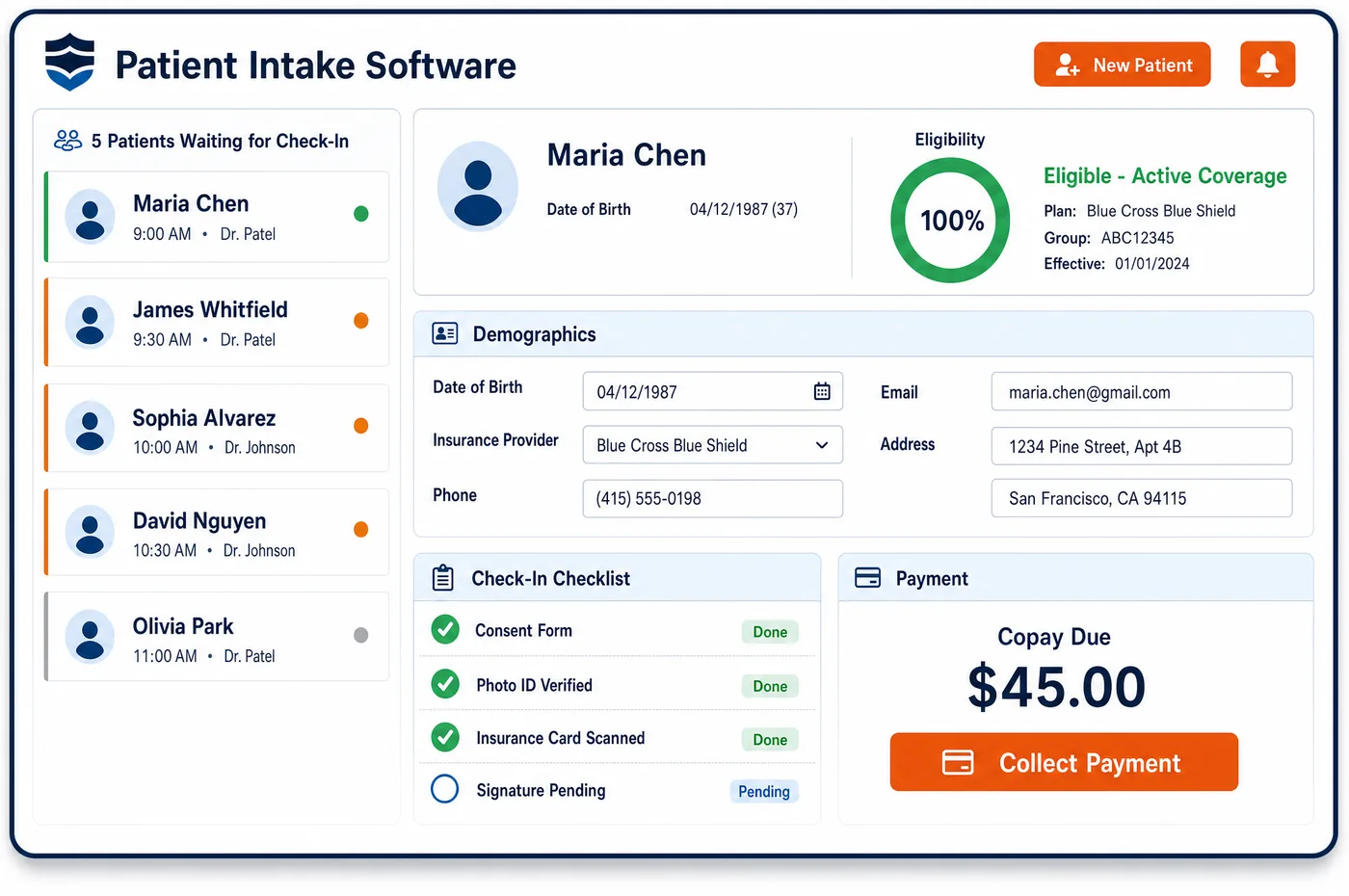
Patient Management in a Diagnostic Imaging Practice
An imaging patient rarely comes in just once. A woman may have a screening mammogram, a diagnostic follow-up, an ultrasound and a biopsy, each ordered by a different clinician. A cancer patient may return for CT or PET at set points in treatment. Every one of those exams starts with an order from a treating provider, and each one can fall under a different payer rule. Patient management software keeps that history in one place. Staff see which orders are open, which are scheduled, which need approval, and which have a signed report. Safety facts carry forward too, such as an implanted device or a past reaction to contrast, so they are not lost between visits. The record also notes where earlier studies were done, so staff can request outside images. The same record feeds registration and pre-visit intake, so nothing is typed twice.
Why Is Patient Management Different in Diagnostic Imaging?
Imaging centers care for patients someone else sent. Under Medicare, a diagnostic test must be ordered by the physician or practitioner who treats the patient and uses the result. The radiologist reads the study, but the ordering clinician owns the patient's care. Patient management here has to keep two relationships straight for every exam: the patient's, and the referring provider's.
A patient's status can also change between studies. A CT done during a hospital inpatient stay is billed through the hospital, not by an outside supplier. For a nursing facility resident in a covered Part A stay, the facility bills the technical component of most radiology, though CT, MRI and a few other services are excluded from that bundling. The next scan, done as an outpatient, may go to Medicare directly. The record has to show the patient's status on the date of each study, not only today's.
Screening adds another layer of rules. Medicare covers a screening mammogram without an order, while a diagnostic mammogram needs one. Low-dose CT lung screening needs an order and, before the first scan, a counseling visit. Mammography facilities must also send every patient a plain-language summary that now includes a breast density notice. A record that knows what kind of exam each one was keeps those rules from slipping.
What Diagnostic Imaging Patient Management Software Handles
- Treating-provider orders (42 CFR 410.32(a))
- Each study on the record is tied to its order and the clinician who placed it. Medicare treats a test not ordered by the treating physician or practitioner as not reasonable and necessary, so staff can see a study with no order on file before it is booked. (eCFR: 42 CFR 410.32, Diagnostic x-ray tests, diagnostic laboratory tests, and other diagnostic tests: Conditions)
- IDTF written orders (42 CFR 410.33(d))
- For an independent diagnostic testing facility, every procedure must be ordered in writing, and the order must state the diagnosis or other reason for the test. The written order is stored with the study, since an IDTF may not add procedures from its own protocols without one. (eCFR: 42 CFR 410.33, Independent diagnostic testing facility)
- Screening mammography with no referral
- Medicare pays for a screening mammogram at the patient's own request, within age and frequency limits. The record keeps the date of the last screening, so staff can tell whether the next one falls within coverage. (CMS Medicare Benefit Policy Manual, Chapter 15, Section 280.3: Screening Mammography)
- Hospital inpatient status
- Medicare does not pay an outside supplier for the technical component during a hospital inpatient stay, and overlapping claims are recouped. Status is kept by date of service, so each study is routed to the right biller. (CMS Medicare Claims Processing Manual, Chapter 13, Sections 20.2.1 and 150: Radiology Services and Other Diagnostic Procedures)
- SNF consolidated billing exclusions
- For a resident in a covered Part A stay, the nursing facility bills the technical component of most radiology. CMS excludes CT scans, MRIs, angiography and cardiac catheterization from that bundling, and excludes only certain radioisotope services by HCPCS code. Staff check each study against the exclusion list. (CMS: Skilled Nursing Facility Consolidated Billing (excluded services))
- MQSA lay summary with breast density
- Under the amended MQSA rules, enforced since September 10, 2024, each patient's lay summary must include a breast density statement. Staff can log on the record that the summary went out for each mammogram. (FDA: Important Information, Final Rule to Amend the Mammography Quality Standards Act (MQSA))
- Lung screening counseling visit (NCD 210.14)
- Before a patient's first low-dose CT lung screening, Medicare requires a counseling and shared decision-making visit that is documented in the record. The patient record shows whether that visit is on file before the first screening is booked. (CMS National Coverage Determination 210.14: Lung Cancer Screening with Low Dose Computed Tomography (LDCT))
How Does Diagnostic Imaging Patient Management Software Work?
1. Open the record from the order
A new order finds or creates the patient record and attaches the study, the ordering provider and the reason for the test. Staff search by name, birth date and member ID first, so a returning patient does not get a second chart.
2. Link coverage and approvals to the study
Insurance, any radiology benefit manager case and the approved CPT codes sit on the study itself. Imaging financial clearance works from that same record.
3. Carry safety history forward
Implanted devices, past contrast reactions and earlier screening answers stay on the record for the next visit. The technologist still screens again on the day, but starts from what is already known.
4. Track each study to its report
The record shows where each study stands: ordered, approved, scheduled, done, read and billed. Staff can see which studies are still waiting on a signed report before the charge moves to billing.
5. Follow up on what comes next
Screening due dates and follow-up studies are tracked on the record. Reminders go out through patient engagement, and each contact is logged.
Diagnostic Imaging Patient Management Software vs. Generic Software
| Area | Generic approach | Unlimited Systems |
|---|---|---|
| Patient record | A new chart for each order, so one patient ends up with several. | One record per patient, with every order and study attached. |
| Ordering provider | Kept only on a scanned paper order. | Stored on each study with the provider's NPI. |
| Patient status | Every scan assumed to be outpatient. | Status kept by date of service, so inpatient and SNF studies are routed correctly. |
| Safety history | Asked from scratch at every visit. | Carried forward from the last visit for staff to confirm. |
| Screening history | Last mammogram date found by calling the patient. | Last screening date shown on the record before booking. |
Who Uses It in a Diagnostic Imaging Practice
- Front desk and schedulers: One search that finds the existing patient, the open order and its approval, so the next study is booked on the right record through imaging patient scheduling.
- Radiologist: The reason for the exam, the ordering clinician, outside studies on file and safety history in one view before the read.
- Imaging center manager: A clear view of where every study stands, from open order to billed claim, across sites, scanners and mobile units.
Diagnostic Imaging Patient Management Software FAQs
Patient management for an imaging center means one record per patient that holds every order, study, payer, approval and report status. Patients often return for screening, follow-up and comparison studies, each ordered by a different clinician. Keeping them on one record lets staff see the full history, avoid duplicate charts and route each study to the right biller.
Each study carries its own order and ordering provider, so a patient sent by a primary care doctor for a mammogram and by an orthopedist for an MRI keeps both on one record. The ordering provider's name and NPI stay with the study they ordered. That matters because the claim reports the ordering provider, and the report goes back to that clinician.
A patient's status on the date of the scan decides who bills Medicare. During a hospital inpatient stay, the hospital bills the technical part, and supplier claims that overlap the stay are recouped. For a nursing facility resident in a covered Part A stay, the facility bills most radiology, with exceptions such as CT and MRI. The record keeps status by date, so each study goes to the right place.
Staff can see the date of the last screening mammogram on the patient record before a new one is booked. Medicare covers screening at the patient's request, with no order needed, but only within age and frequency limits. Showing the last date helps staff tell a patient whether the next screening will be covered or should wait.
Safety history stays on the patient record, including implanted devices, earlier screening answers and any past reaction to contrast. The next visit starts from that history instead of a blank form. Technologists still screen each patient on the day of the exam, because devices and health can change, but they start with what the center already knows.
Patients seen at several sites or on a mobile unit stay on one record, with each study tagged by the place it was done. That place matters for the claim: for Medicare, the setting where the patient had the scan is reported on both components. Staff at any site see the same history, orders and approvals.
Related Diagnostic Imaging Software
Front office
Patient Management for related specialties
Sources
- eCFR: 42 CFR 410.32, Diagnostic x-ray tests, diagnostic laboratory tests, and other diagnostic tests: Conditions
- eCFR: 42 CFR 410.33, Independent diagnostic testing facility
- CMS Medicare Benefit Policy Manual, Chapter 15, Section 280.3: Screening Mammography
- CMS Medicare Claims Processing Manual, Chapter 13, Sections 20.2.1 and 150: Radiology Services and Other Diagnostic Procedures
- CMS: Skilled Nursing Facility Consolidated Billing (excluded services)
- FDA: Important Information, Final Rule to Amend the Mammography Quality Standards Act (MQSA)
- CMS National Coverage Determination 210.14: Lung Cancer Screening with Low Dose Computed Tomography (LDCT)
GET STARTED
See Unlimited Systems in Action
Whether you're actively evaluating new technology or simply preparing for your next vendor renewal, Unlimited Systems can help you understand where your current workflows may be creating avoidable revenue risk.