
Front office
Multi-Specialty Patient Management Software
Give every department one patient record, with each specialty's episodes, referrals and privacy limits kept visible and separate.
Multi-Specialty Patient Management Software keeps one record for each patient across every department, site and Tax ID in a group. It shows each specialty's episodes of care, open referrals, upcoming visits and balances together. Staff in any department see the same patient history, limited to what their role needs.



 6,500+ specialty providers

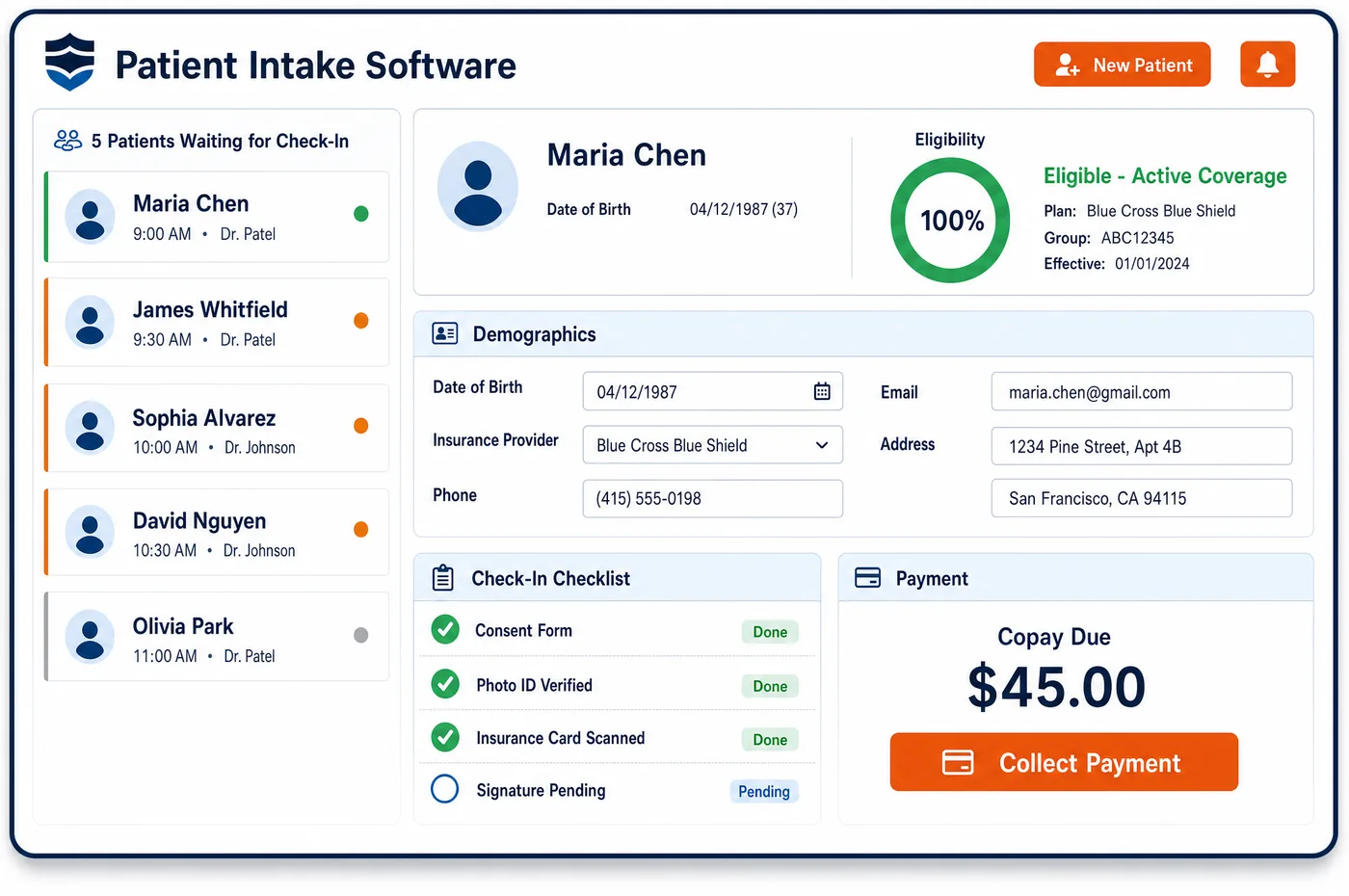
Patient Management in a Multi-Specialty Practice
A patient in a multi-specialty group may see a primary care physician, a cardiologist and an orthopedic surgeon in the same season. Without a shared record, each department keeps its own chart, its own insurance details and its own notes. Multi-specialty patient management software holds one patient record and opens a separate episode of care for each specialty the patient uses. Each episode keeps its own referring provider, dates, authorizations and site of service. Staff can see open referrals, upcoming visits in other departments and balances in one place. Access follows the user's role and location, so a front desk worker at one site sees only what that job needs. Records with stricter rules, such as a substance use disorder program covered by 42 CFR Part 2, can be limited to the staff allowed to see them. Billing reads the same record, so claims carry the right provider and entity. Start with patient registration and pre-visit intake to feed it.
Why Is Patient Management Different in Multi-Specialty?
A group with several specialties does not have one workflow. Primary care works in short visits. Surgery works in cases with a procedure date and a recovery period. Behavioral health works in a series of timed sessions. Each department has its own forms, note habits and ways of tracking what comes next. A shared record has to hold all of those without forcing them into one template.
Care also moves inside the group. A primary care visit leads to a cardiology referral, and the cardiologist sends the patient to a surgeon. Each step has an owner, a reason and often an authorization. If the record only shows the latest visit, the first doctor never learns whether the referral was kept, and the patient has to explain the story again at every desk.
Privacy rules make a single open chart a poor fit. The minimum necessary standard under HIPAA means staff should see only what their work needs. Some departments hold records with extra rules, and a group may bill under more than one Tax ID. A multi-specialty record has to be shared enough to coordinate care, and controlled enough to respect those lines.
What Multi-Specialty Patient Management Software Handles
- Minimum necessary access
- HIPAA asks covered entities to limit use of patient information to what a job needs. Role and location settings in the shared record let a scheduler, a biller and a nurse each see their own slice of the same patient, in line with HIPAA safeguards. (HHS: Minimum Necessary Requirement (HIPAA Privacy Rule guidance))
- 42 CFR Part 2 programs inside the group
- If one department is a substance use disorder program covered by Part 2, its records carry their own consent rules. The group can limit those records to the staff who are permitted to see them, while the rest of the chart stays open for coordination. (HHS: Part 2 (Confidentiality of Substance Use Disorder Patient Records))
- Psychotherapy notes kept apart
- HIPAA treats psychotherapy notes, kept separate from the rest of the chart, differently from other mental health records. The record keeps them out of the shared view, so a general chart review does not expose them. (eCFR: 45 CFR 164.508, Uses and disclosures for which an authorization is required)
- New and established patient status by specialty
- For Medicare, a patient is new only if no physician or group practice of the same specialty has given them a face-to-face service within the previous 3 years. The record shows which specialties have already seen the patient, so staff can pick new or established from the right starting point. (CMS Medicare Claims Processing Manual, Chapter 12: Physicians/Nonphysician Practitioners)
- Site of service on every episode
- Each episode carries a place of service code, such as 11 for the office or 22 for an on-campus hospital outpatient department. The code stays with the encounter into charge validation, where it affects the payment rate. (CMS: Place of Service Code Set)
- Group enrollment and reassignment
- A group enrolls with Medicare on form CMS-855B and lists its practice locations and the practitioners who reassign benefits to it. The record keeps each episode tied to the billing entity that matches that enrollment. (CMS: Form CMS-855B, Medicare Enrollment Application for Clinics, Group Practices and Certain Other Suppliers)
How Does Multi-Specialty Patient Management Software Work?
1. Open one record at first contact
The patient is entered once, with demographics and coverage, and the match check runs against the whole group. Staff then see a single patient no matter which department took the call. Registration does the matching and the record carries it forward.
2. Attach an episode to each specialty
When a department sees the patient, it opens an episode with the referring provider, the reason, the rendering provider and the site. The episode holds orders, authorizations and notes for that specialty. Other departments can read its status without editing it.
3. Link referrals to the receiving episode
A referral from one department names the receiving specialty and stays open until a visit is scheduled and completed. Staff can see which referrals are waiting for an appointment and which have been seen.
4. Apply role and site access
Each user's role and location decide which parts of the record they can open. Restricted departments, such as a Part 2 program, show only to the staff cleared for them. Staff can review who changed the record.
5. Carry the record into billing
Each episode passes its provider, entity and place of service to charges and claims. Balances from every department appear on the one account, so the front desk can talk about the whole bill.
Multi-Specialty Patient Management Software vs. Generic Software
| Area | Generic approach | Unlimited Systems |
|---|---|---|
| Patient chart | Each department keeps its own chart for the same patient. | One record with a separate episode for each specialty. |
| Referral tracking | Referrals live on paper or in email, with no check that they were kept. | Open referrals tracked on the record for staff to work until the visit is completed. |
| Access control | Everyone sees everything, or nobody outside the department sees anything. | Role and location rules let staff see what their job needs. |
| Billing entity | Staff guess which Tax ID a visit belongs to when billing. | Each episode carries its entity, provider and site. |
| Balances | Each department sends its own bill to the patient. | Balances from every department sit on one account. |
Who Uses It in a Multi-Specialty Practice
- Front desk lead: One view of the patient at check-in, with upcoming visits in other departments, open referrals and the balance. The desk can answer questions without calling another site, and the account feeds scheduling across departments.
- Department manager: A list of the department's open referrals and episodes, so waiting patients are booked and nothing stays unowned. The manager sees only their own department's detail.
- Compliance officer: A clear record of who can see restricted departments and a log of changes, which supports reviews of minimum necessary access and Part 2 consent.
Multi-Specialty Patient Management Software FAQs
Multi-specialty patient management software keeps one record for each patient across the group. The registration check looks for a match before it creates a new chart, and each department adds an episode to the existing record. Staff see one history, one set of coverage details and one balance, instead of a chart per department.
Yes, when the practice sets role and location rules that way. A department with stricter privacy rules, such as a Part 2 program or psychotherapy notes, can limit who opens those records. The rest of the chart stays shared so other departments can still coordinate care and billing.
An episode is a block of care for one specialty, opened for a reason such as a knee problem or a heart failure workup. It holds the referring provider, dates, orders, authorizations and site of service. Several episodes can run at once on the same patient record, each owned by its own department.
A referral stays on the record as open until the receiving department has seen the patient. Staff can filter for referrals that have no appointment yet. That list lets a manager call the patient or the referring office before the referral is forgotten.
Each episode records the rendering provider, the location and the billing entity that applies. When a group has more than one Tax ID, that detail decides which entity's claim goes out. Billing staff do not have to work it out from the schedule after the visit.
Front desk and billing staff usually need to see the whole balance so they can explain it and collect it. Clinical staff may only need the clinical side. Role-based access lets the group show balances to the people who handle them, and hide them from those who do not.
Related Multi-Specialty Software
Front office
Patient Management for related specialties
Sources
- HHS: Minimum Necessary Requirement (HIPAA Privacy Rule guidance)
- HHS: Part 2 (Confidentiality of Substance Use Disorder Patient Records)
- eCFR: 45 CFR 164.508, Uses and disclosures for which an authorization is required
- CMS Medicare Claims Processing Manual, Chapter 12: Physicians/Nonphysician Practitioners
- CMS: Place of Service Code Set
- CMS: Form CMS-855B, Medicare Enrollment Application for Clinics, Group Practices and Certain Other Suppliers
GET STARTED
See Unlimited Systems in Action
Whether you're actively evaluating new technology or simply preparing for your next vendor renewal, Unlimited Systems can help you understand where your current workflows may be creating avoidable revenue risk.