
Front office
Multi-Specialty Patient Registration Software
Register a patient once for the whole group, with coverage, guarantor and specialty details captured in a form each department can use.
Multi-Specialty Patient Registration Software captures a patient's identity, insurance and guarantor once and shares them with every department and site in the group. It checks for an existing match before a new chart is created. Each department then adds only the fields its specialty needs, without re-asking for the basics.



 6,500+ specialty providers

Patient Registration in a Multi-Specialty Practice
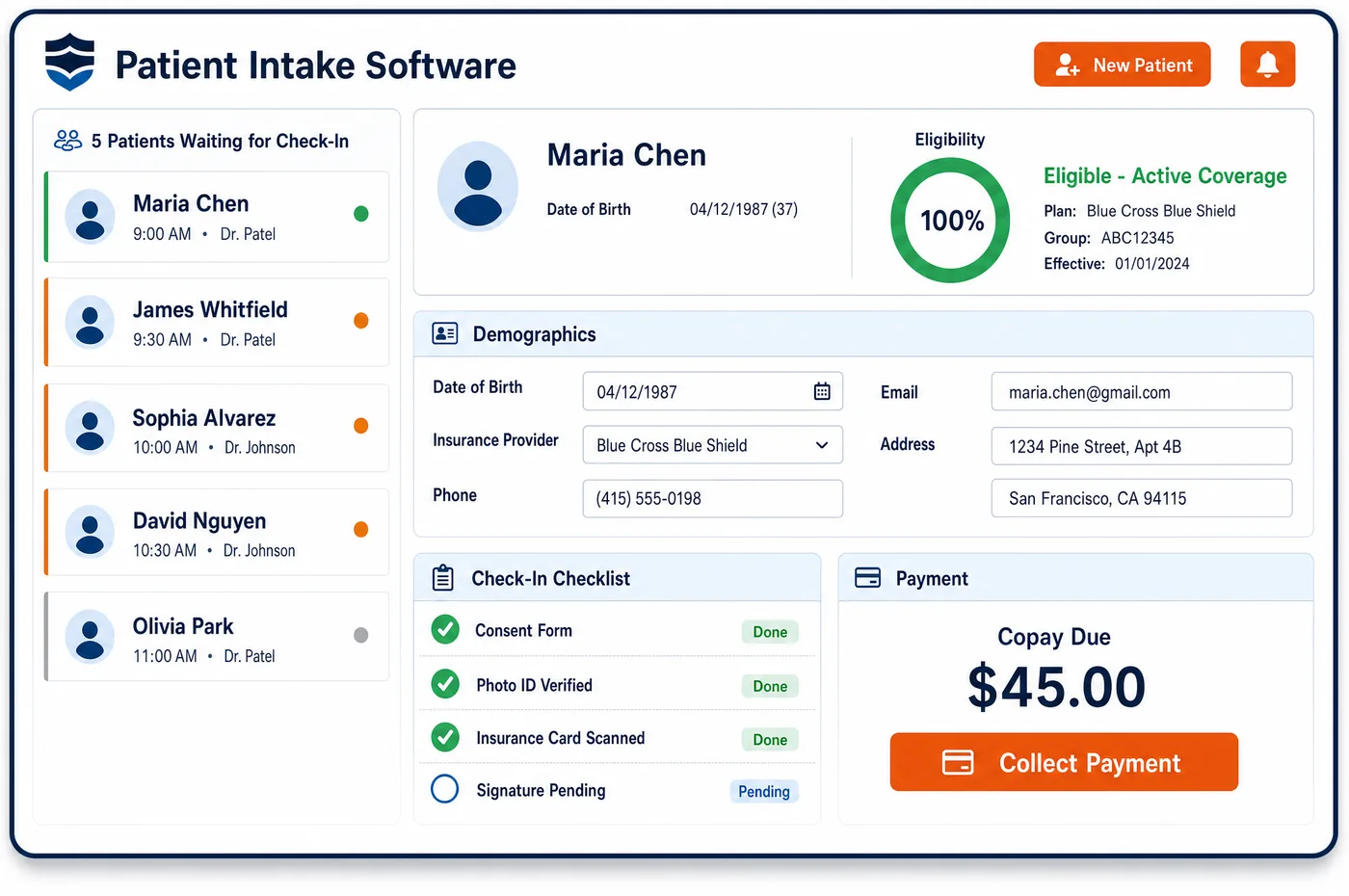
Patient registration in a multi-specialty group has to serve many front desks at once. A patient may call the cardiology line on Monday and walk into orthopedics on Friday. Multi-specialty patient registration software enters the name, date of birth, address, phone and coverage one time. As the new record is typed, the system compares it with existing demographics and flags a likely match, so staff open the existing chart rather than create a second one. Search can be narrowed to the facilities a user works in. Custom fields hold the extra items one department needs, such as injury date for a work-related claim or a referring provider for a specialist. Payment methods other than insurance are noted on the account at the same time. The result feeds patient management and the next step, pre-visit intake, with one clean set of demographics for every claim.
Why Is Patient Registration Different in Multi-Specialty?
Duplicates are the main risk. When several front desks register patients, spelling differences, nicknames and changed addresses create two charts for one person. Each chart then holds part of the history, part of the insurance and part of the balance. Claims built from the wrong chart carry the wrong demographics and can be denied because the payer cannot match the patient.
Coverage is also harder to pin down. A patient may have a health plan, a Medicare plan with a secondary, and a separate carrier liable for a work or auto injury. Which plan pays first can depend on the reason for the visit. The primary care visit may go to the health plan, while the orthopedic visit for the injury goes to another carrier. Registration has to record every plan and let each department pick the right one.
Finally, registration asks different things of different specialties. A surgical department wants the referring provider and the date of injury. A behavioral health department may need a separate release. A pain clinic may need the name of another prescriber. A single fixed registration screen forces some departments to keep that information elsewhere, where billing never sees it.
What Multi-Specialty Patient Registration Software Handles
- Medicare Secondary Payer screening
- Medicare is secondary when certain other coverage exists, such as an employer group plan or liability insurance. Staff record the answers once at registration, and every department's claims start from the same coverage order. This builds on the Medicare secondary payer rules. (CMS MLN: Medicare Secondary Payer (MSP))
- Coordination of benefits across several plans
- When a patient has more than one health plan, the order of payment must be set and kept current. The record holds each plan with its subscriber, so later claims can go to the right payer first and cross over to the next. (CMS: Coordination of Benefits and Recovery Overview)
- Work injury and accident fields on the claim
- The CMS-1500 asks whether a condition is related to employment or an auto accident, and for the date of the current injury. A custom field captures those answers at registration, so the department that treats the injury does not have to ask again. (CMS Medicare Claims Processing Manual, Chapter 26: Completing and Processing Form CMS-1500)
- Subscriber and patient are not always the same person
- A child may be covered under a parent, and a spouse under a partner's plan. The claim form names both the patient and the insured. Registration stores the subscriber, the relationship and the guarantor apart from the patient. (CMS Medicare Claims Processing Manual, Chapter 26: Completing and Processing Form CMS-1500)
- Patient not identified as insured (CARC 31)
- Payers use claim adjustment reason code 31 when they cannot match the patient to a covered member. Careful name, birth date and member ID entry during patient registration is the best defense across every department's claims. (X12: Claim Adjustment Reason Codes)
How Does Multi-Specialty Patient Registration Software Work?
1. Search before creating
Staff search by name, birth date and phone, scoped to the sites they work in. A likely match opens the existing chart. A new chart is created only when no match is found.
2. Enter demographics and the guarantor
The patient's details are entered once, along with the guarantor and subscriber if they differ. The same record is then ready for every department the patient sees.
3. Record every plan and the payment order
Each health plan is added with its subscriber, member ID and order. The Medicare secondary payer answers are saved with the coverage. A work or accident plan can be added for the visits it applies to.
4. Add department fields
Custom fields capture what a specialty needs, such as a referring provider, an injury date or a prior surgeon. Departments see their own fields, and billing sees the ones that feed the claim.
5. Hand off to intake and clearance
The clean record moves on to intake for forms and consent, and to financial clearance for eligibility and authorization. Neither step has to re-enter the demographics.
Multi-Specialty Patient Registration Software vs. Generic Software
| Area | Generic approach | Unlimited Systems |
|---|---|---|
| Duplicate charts | Duplicates are found later, when claims deny or balances look wrong. | Likely matches are flagged while the patient is being entered. |
| Insurance order | Each department asks about coverage again, and answers differ. | One coverage list with the payment order kept on the record. |
| Specialty fields | Extra details live on paper or in notes. | Custom fields hold them and pass them to billing. |
| Patient search | Staff scroll through patients from every site. | Search is narrowed to the sites the user works in. |
| Non-insurance payment | Card or payment plan details are kept elsewhere. | If a patient will also pay by card, plan or other means, that is recorded on the account. |
Who Uses It in a Multi-Specialty Practice
- Front desk staff: A fast match check at entry and a short form that asks for only what is missing. They stop creating second charts for returning patients.
- Billing manager: Clean demographics and a clear coverage order on every claim, which cuts the member-match denials that come from typing errors. The same data supports medical billing at claim time.
- Practice administrator: A way to add fields for a new department or site without a separate registration process. One standard for data entry across all locations.
Multi-Specialty Patient Registration Software FAQs
As a patient is entered, the system compares the new details against existing demographics and flags a likely match. Staff open the existing chart instead of making another one. Because every department registers into the same group record, a patient who moves from primary care to cardiology keeps one chart, one history and one set of coverage details.
Registration should capture each health plan, its subscriber, the member ID and the order of payment. It should also record answers to the Medicare secondary payer questions and any work or accident carrier. With that data in place, each department's claims can go to the right payer first.
Yes. Custom fields let a department capture details its specialty needs, such as a referring provider, an injury date or a prior surgeon. Those fields sit on the same patient record, and billing can use them when the claim is built, so nobody asks the patient twice.
A payer cannot find the patient when the name, birth date or member ID on the claim does not match its file. Large groups see this when several desks type the same patient differently. Duplicate checks and one clean record reduce those mismatches.
Registration stores the guarantor and the insurance subscriber separately from the patient. That matters for children, spouses and adult dependents. The claim names the insured, and patient statements go to the guarantor, so every department in the group uses the right person for each task.
Search can be narrowed to the facilities a user works in. This keeps results short and protects patient data at sites where a staff member has no reason to look. The underlying record stays shared, so a patient seen at another site is still one chart.
Related Multi-Specialty Software
Front office
In the revenue cycle
Patient Registration for related specialties
Sources
GET STARTED
See Unlimited Systems in Action
Whether you're actively evaluating new technology or simply preparing for your next vendor renewal, Unlimited Systems can help you understand where your current workflows may be creating avoidable revenue risk.