

Billing & claims
Chronic Care Charge Assembly Software
Turn a month of logged minutes, reading days and care plan work into coded CCM, PCM, APCM and remote monitoring charge lines.
Chronic Care Charge Assembly Software turns a month of documented care management work into coded charge lines. It adds up logged minutes by who did the work, counts device reading days, reads the program and complexity on the record, and builds the base and add-on lines that the month supports.



 6,500+ specialty providers
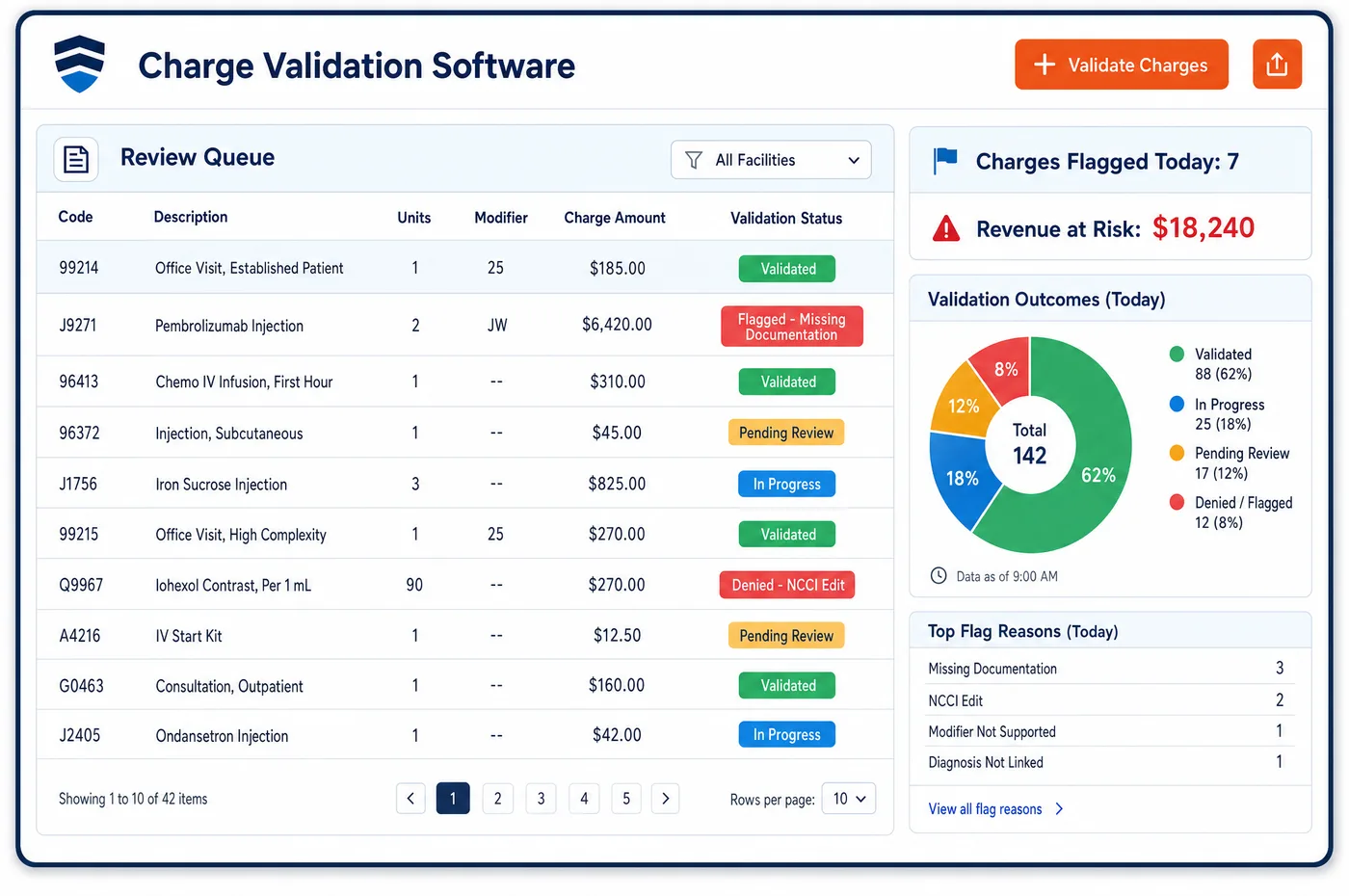
Charge Assembly in a Chronic Care Practice
In most specialties a charge starts with a visit. In care management it starts with a month of small pieces. A nurse logs a phone call. A care coordinator logs time spent arranging home health. The practitioner logs time revising the care plan. A device sends readings on some days and not others. At month end, or once a threshold is met, those pieces have to become charge lines. The first question is who did the work, since staff time and the practitioner's own time use different codes. The second is the program: CCM, complex CCM, PCM, APCM or remote monitoring. The third is how much: minutes for time-based codes and reading days for device codes. Chronic care charge assembly software reads all three from the record and builds the lines. A base code comes first, then any add-on units the minutes support, then any APCM add-ons for integrated behavioral health care.
Why Is Charge Assembly Different in Chronic Care?
Care management charges are built from time, and time is easy to lose. Five minutes on a pharmacy call and ten on a care plan update may never reach a log. When they do, they may be logged under the wrong person. Charge assembly in chronic care depends on time entries that name the role, the activity and the program, so each minute lands in the right code family.
The code families don't mix freely. Staff CCM, practitioner CCM and complex CCM each have a base code and an add-on, and practitioner CCM can't share a month with the other two. PCM has its own staff and practitioner pairs. APCM counts no minutes at all. Remote monitoring splits device days from treatment time. One patient's month can hold lines from several families, as long as no minute is used twice.
Device codes add a second clock. Remote monitoring device supply counts reading days in a thirty-day period. Treatment management counts minutes in a calendar month. For 2026, new codes cover shorter reading spans and shorter treatment time, so a month that once billed nothing may now support a charge. Assembly has to know which version of each rule applies to each period.
What Chronic Care Charge Assembly Software Handles
- Staff and practitioner CCM (99490, 99439, 99491, 99437)
- Code 99490 covers the first 20 minutes of clinical staff time, with 99439 for each added 20. Code 99491 covers the first 30 minutes of the practitioner's own time, with 99437 for each added 30. Time is grouped by role first. (CMS MLN Booklet: Chronic Care Management Services (MLN909188))
- Complex CCM (99487, 99489)
- Code 99487 covers the first 60 minutes of clinical staff time with moderate or high complexity decision making, and 99489 adds each further 30 minutes. Assembly reads the decision making level from the record before choosing it. (CMS: Frequently Asked Questions about Billing the Physician Fee Schedule for CCM Services)
- PCM pairs (99424 to 99427)
- For one high-risk condition under principal care management, 99424 and 99425 cover the practitioner's own time and 99426 and 99427 cover clinical staff time, each in 30 minute steps. CMS doesn't pay PCM codes 99424 or 99426 for under 30 minutes in a month. (Federal Register: CY 2022 Physician Fee Schedule final rule (November 19, 2021), PCM and CCM codes)
- APCM base and behavioral health add-ons (G0568, G0569, G0570)
- APCM is one monthly line at level 1, 2 or 3. For 2026, the same practitioner can add G0568 or G0569 for collaborative care, or G0570 for general behavioral health integration, with no minutes counted. (Federal Register: CY 2026 Physician Fee Schedule final rule (November 5, 2025), remote monitoring and APCM sections)
- RPM device and time lines (99445, 99454, 99470, 99457, 99458)
- Reading days choose 99445 or 99454, never both. Code 99470 covers the first 10 minutes of treatment management, and 99457 covers the first 20 minutes, with 99458 for each added 20. Codes 99470 and 99457 aren't added together. (Federal Register: CY 2026 Physician Fee Schedule final rule (November 5, 2025), remote monitoring and APCM sections)
- Extensive care planning (G0506)
- When the practitioner does extensive assessment and care planning beyond the usual initiating visit effort, G0506 can be added once to that visit. Assembly builds it from the visit, not the monthly log. (CMS MLN Booklet: Chronic Care Management Services (MLN909188))
How Does Chronic Care Charge Assembly Software Work?
1. Log time by role and activity
Each entry names who did the work, what they did and which program it served. The entries come from the record, so charge capture doesn't depend on a separate sheet.
2. Count reading days
Device reading days are counted for each thirty-day period. The count decides whether a device line can be built and which code it uses.
3. Pick the family and the base code
Minutes by role, the program and the decision making level point to a code family. The base code is built first, then any add-on units the minutes support.
4. Add program add-ons
APCM patients with integrated behavioral health care get the matching add-on line. A patient with an extensive initiating visit gets G0506 on that visit.
5. Hand off for checking
Built lines go to chronic care charge validation for pairing and documentation checks. Lines that pass move on to care management claim billing.
Chronic Care Charge Assembly Software vs. Generic Software
| Area | Generic approach | Unlimited Systems |
|---|---|---|
| Time sources | Minutes kept on paper or in a spreadsheet. | Time entries by role and program on the record. |
| Code family | One CCM code used for every patient. | Family chosen from role, program and complexity. |
| Add-on units | Added by hand, or not at all. | Built from the minutes past each base threshold. |
| Device lines | Built only when readings hit the old higher day count. | Built from the current reading-day spans for each thirty-day period. |
| APCM add-ons | Behavioral health care billed on its own time-based codes. | APCM add-ons built with no minutes counted. |
Who Uses It in a Chronic Care Practice
- Care manager: Time entries that take seconds and name the program, so the month's work turns into the right lines.
- Coder or billing specialist: Charge lines built from the record with the role, minutes and complexity visible behind each one.
- Medical director: Confidence that practitioner time and staff time are billed under the right codes, with the logs to show it. Time logs and notes reach billing through care management EHR integration.
Chronic Care Charge Assembly Software FAQs
Charge assembly looks at who did the work. Code 99490 covers clinical staff time directed by the practitioner, and 99491 covers time the practitioner spends personally. Practitioner time can count toward 99490 if it isn't used for 99491. Because 99491 and 99437 can't share a month with 99490 or 99439, assembly picks one family per patient per month.
Complex CCM (99487 and 99489) applies when the month includes moderate or high complexity medical decision making and enough clinical staff time for the code. The decision making is judged across the whole month, so the claim is reported at month end. Like other CCM, it also needs a care plan that is established, implemented, revised or monitored.
An APCM month gets one line at level 1, 2 or 3, based on the patient's chronic conditions and QMB status. No minutes are counted. For 2026, if the same practitioner also furnishes collaborative care or general behavioral health integration, an add-on line such as G0568, G0569 or G0570 is built with it.
For 2026, CPT added 99445 for two to fifteen reading days in a thirty-day period and 99470 for the first ten minutes of treatment management. Device codes 99445 and 99454 are not added together, and neither are 99470 and 99457. Code 99458 still adds time after 99457. Months with short readings or short contact can now support a line.
PCM covers a single high-risk condition, and CCM covers two or more chronic conditions. The rules for pairing them depend on who bills each one and when, so assembly follows the record's program enrollment. When the same practitioner bills APCM, neither PCM nor CCM can be billed by that practitioner in the same month.
Logged minutes become charges only when they meet a code's time and the other rules are met. Short months may support no line at all. CMS expects care to continue after a threshold is met, so minutes past the last full add-on still belong in the record. They show the care given even when they don't change the charge.
Related Chronic Care Software
Billing & claims
In the revenue cycle
Charge Assembly for related specialties
Sources
- CMS MLN Booklet: Chronic Care Management Services (MLN909188)
- CMS: Frequently Asked Questions about Billing the Physician Fee Schedule for CCM Services
- Federal Register: CY 2022 Physician Fee Schedule final rule (November 19, 2021), PCM and CCM codes
- Federal Register: CY 2026 Physician Fee Schedule final rule (November 5, 2025), remote monitoring and APCM sections
GET STARTED
See Unlimited Systems in Action
Whether you're actively evaluating new technology or simply preparing for your next vendor renewal, Unlimited Systems can help you understand where your current workflows may be creating avoidable revenue risk.