
Billing & claims
Multi-Specialty Charge Assembly Software
Gather every department's services for an encounter into one set of charges, with an owner assigned to anything unclear.
Multi-Specialty Charge Assembly Software gathers the services documented for each encounter into charge lines before they become a claim. It tags each line with the department, provider and site, assigns encounters that need a person to a named owner, and flags the ones at risk, so no department's work sits unbilled.



 6,500+ specialty providers

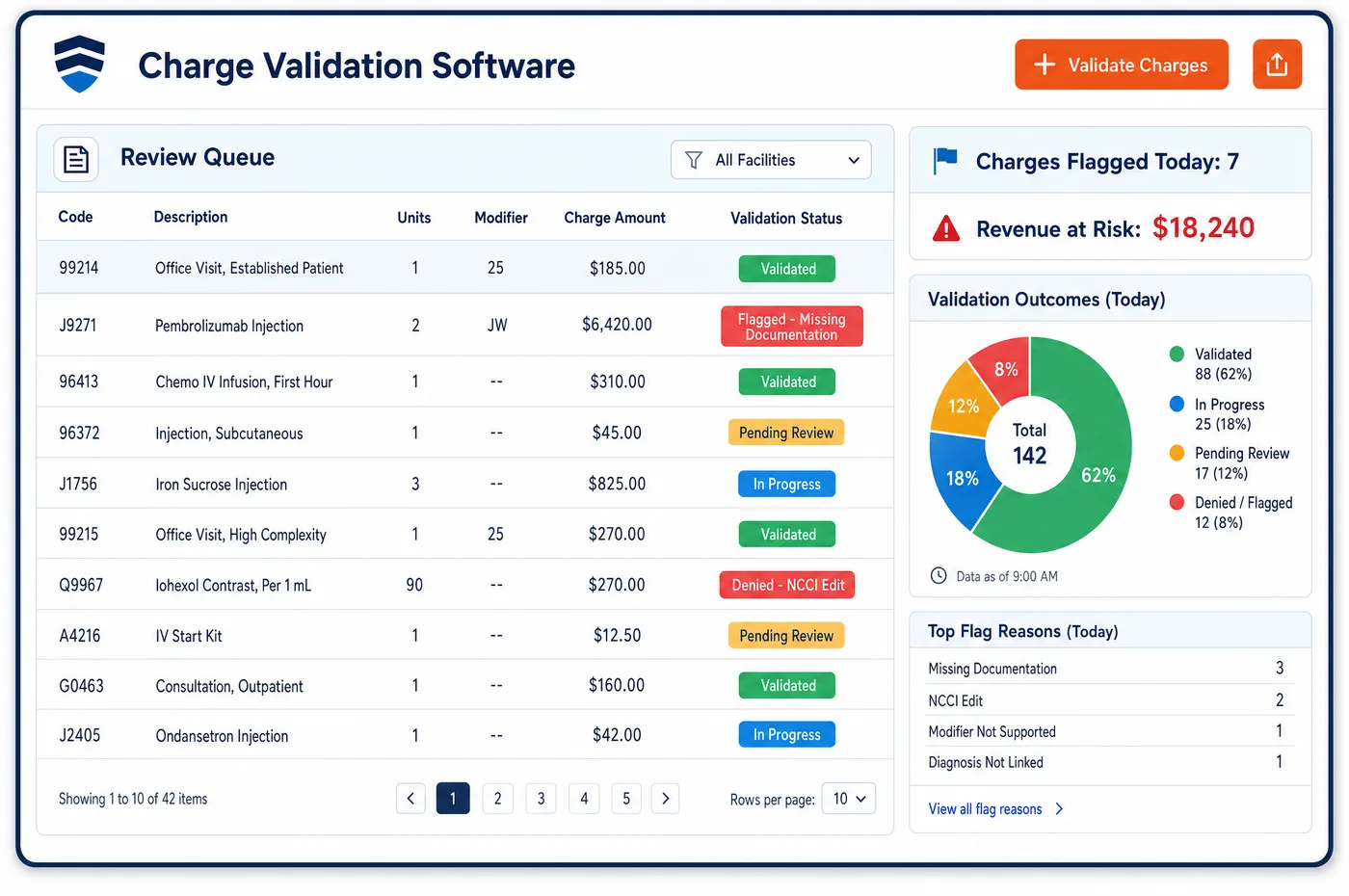
Charge Assembly in a Multi-Specialty Practice
In a group, one patient visit can produce charges from several people. A physician sees the patient, a nurse practitioner adds a service, a technician runs a test and a second department sees the patient later the same day. Multi-specialty charge assembly software collects those pieces under the encounter. Each line keeps the clinician who did the work, the department and the place of service. Staff can search assemblies, filter by department and assign them as tasks. Event-driven checks flag encounters that need a person, such as one with a missing provider or a visit with no charge lines. An at-a-glance view shows the patient's recent billing history beside the charges, so staff can see what was billed before. Finished assemblies pass to charge validation, and the claim is built in medical billing.
Why Is Charge Assembly Different in Multi-Specialty?
Charges arrive from many sources. A hospital-based department may send charges through its own process, while an office department enters them at checkout. Some visits have the service documented in the note and no charge entered at all. Without one place to gather them, a department can go a long time with unbilled visits, and no one notices because each person sees only a piece.
Provider roles complicate the picture. A service furnished by a nurse practitioner may be billed under the nurse practitioner or, under Medicare incident-to rules, under the supervising physician. Which one applies depends on supervision, the stage of the patient's care and the setting. The assembly step has to hold both the person who did the work and the person who bills, so that the claim shows the right one.
Same-day services add judgment. Two visits with the same specialty on one day count as one for Medicare unless the problems are unrelated. An evaluation on the same day as a minor procedure may need modifier 25. These decisions begin when the charges are put together, not at the claim, so the assembly view has to show everything that happened that day for the patient.
What Multi-Specialty Charge Assembly Software Handles
- Encounter-level collection across departments
- Each charge line keeps its department, rendering provider and place of service. Lines from different departments on the same date stay separate until staff review them, so one department's work does not hide another's. (CMS Medicare Claims Processing Manual, Chapter 26 (Items 24J and 32))
- Incident-to charges
- Under Medicare, incident-to services require direct supervision and are billed by the supervising physician or practitioner only. Assembly records the person who did the work and the biller separately. See incident-to billing. (eCFR: 42 CFR 410.26, Services and supplies incident to a physician's professional services)
- Multiple E/M visits on one date
- Medicare treats same-specialty physicians in one group as a single physician and allows one E/M service per day unless the problems are unrelated. The assembly view shows all of a patient's same-day visits so staff can spot this. (CMS Medicare Claims Processing Manual, Chapter 12 (sections 30.6.5 and 30.6.7))
- E/M with a procedure on the same date
- NCCI allows a separately reportable E/M on the same date as a minor procedure only when it is significant and separately identifiable, reported with modifier 25. Staff review these pairs at assembly; see modifier 25. (CMS NCCI Policy Manual for Medicare Services, Chapter I: General Correct Coding Policies)
- Supervisor NPI on incident-to lines
- When a service is furnished incident to a physician and the person who ordered it is not supervising, Medicare tells the biller to enter the supervisor's NPI in item 24J. Assembly keeps the supervisor on the line so the claim can carry it. (CMS Medicare Claims Processing Manual, Chapter 26 (Items 24J and 32))
How Does Multi-Specialty Charge Assembly Software Work?
1. Collect charges under the encounter
Charges from every source are tied to the patient and the date of service. Each line keeps its department, provider and place of service.
2. Flag encounters that need a person
Events such as a missing provider, a visit with no charge or a mismatch with the schedule raise a flag. Staff see these first instead of reviewing every encounter the same way.
3. Assign and search
Assemblies can be searched by department, provider or date and assigned to a person as a task. Each task has an owner and a status, using queues the practice configures.
4. Review the billing history
The at-a-glance view lists recent billing for the patient. Staff compare it with the new charges to find duplicates, same-day conflicts and missing follow-up services.
5. Release to validation
Reviewed assemblies move on to checks against specialty and payer rules. Items sent back keep the reason with them.
Multi-Specialty Charge Assembly Software vs. Generic Software
| Area | Generic approach | Unlimited Systems |
|---|---|---|
| Charge sources | Each department sends charges its own way. | All charges collected under one encounter. |
| Ownership | Unbilled visits sit in a shared pile. | Assemblies assigned to a person as tasks. |
| Review effort | Staff review every encounter the same way. | Event-driven flags point to encounters at risk. |
| Same-day visits | Found when the payer denies one. | Shown together in the assembly view. |
| Billing history | Several screens to check what was billed. | One at-a-glance view beside the charges. |
Who Uses It in a Multi-Specialty Practice
- Charge entry specialist: A task list of assemblies with the department and reason attached, so each one is worked once. They stop hunting for unbilled visits.
- Department manager: A view of which encounters in the department lack charges, and how long charges take to post. The manager can fix the habit that causes the delay.
- Compliance officer: A record of who did the work and who billed it, which supports reviews of incident-to claims and same-day visits and ties to charge validation.
Multi-Specialty Charge Assembly Software FAQs
Charge assembly keeps each department's lines separate within one encounter or one date, with the clinician, department and site attached. Staff review them together, so a same-day conflict is visible. Each line moves forward with its own owner, and nothing is merged into a single line by accident.
Charge assembly gathers the services for an encounter into charge lines and assigns the work. Charge validation then checks those lines against specialty and payer rules before a claim is made. Assembly asks whether everything was captured, and validation asks whether it was captured correctly.
Event-driven flags point to encounters that look incomplete, such as a visit with no charge or a missing provider. Staff can also filter by department to find visits older than expected. The history view shows what was billed before, which helps spot a service that normally recurs.
That depends on Medicare incident-to rules and the payer. If the conditions are met, the supervising physician bills. Otherwise the nurse practitioner bills under their own NPI. The assembly record keeps both the person who performed the service and the biller, and staff confirm the rule before release.
Yes. Assemblies can be searched and assigned as tasks to a person or a role, such as a department's charge specialist. Each task shows its status and due date, and reassigned work keeps its history. This keeps encounters from sitting in a shared queue with no clear owner.
Charge lag is the gap between service and charge entry. A department with long lag delays claims and cash, and it risks missing filing limits. Seeing it by department tells managers which clinic needs a process change, rather than treating the group average as the problem.
Related Multi-Specialty Software
Billing & claims
In the revenue cycle
Charge Assembly for related specialties
Sources
- CMS Medicare Claims Processing Manual, Chapter 26 (Items 24J and 32)
- eCFR: 42 CFR 410.26, Services and supplies incident to a physician's professional services
- CMS Medicare Claims Processing Manual, Chapter 12 (sections 30.6.5 and 30.6.7)
- CMS NCCI Policy Manual for Medicare Services, Chapter I: General Correct Coding Policies
GET STARTED
See Unlimited Systems in Action
Whether you're actively evaluating new technology or simply preparing for your next vendor renewal, Unlimited Systems can help you understand where your current workflows may be creating avoidable revenue risk.