
Front office
Chronic Care Patient Intake Software
Gather the history, medication list, assessments and program consent that a care management enrollment needs, before and during the initiating visit.
Chronic Care Patient Intake Software collects what a patient's care plan and program consent need before the initiating visit. Patients or caregivers complete forms on a phone or tablet: conditions, medications, allergies, daily function, home supports and goals. Consent for CCM, APCM or remote monitoring is signed or recorded with the points the rules require.



 6,500+ specialty providers
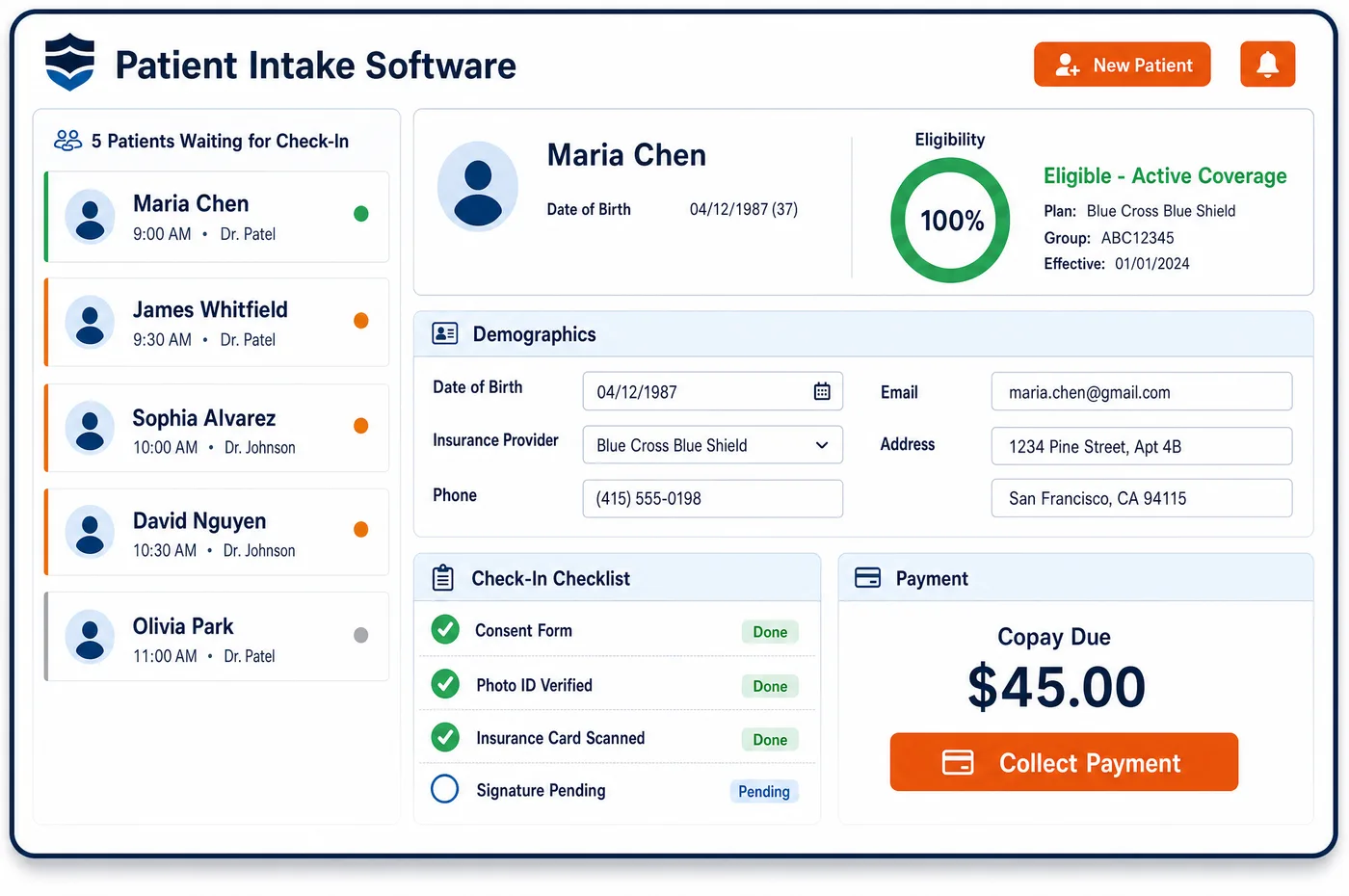
Patient Intake in a Chronic Care Practice
Intake for care management starts before the initiating visit, at home or in the waiting room. The patient gets a link to forms on a phone. They list their conditions, every medication and allergy, how they manage daily tasks, who helps at home and what they want from care. Those answers feed the assessment that the care plan is built on. At check-in, staff confirm the forms are done and flag the visit as an initiating visit, so the practitioner knows to discuss care management. If the patient agrees, consent is recorded on the spot, in writing or by voice. It notes that the patient heard about cost sharing, the one-practitioner rule and the right to stop. A patient starting remote monitoring also gets device setup and teaching. Chronic care patient intake software sends all of it into the record as structured fields, not loose scans.
Why Is Patient Intake Different in Chronic Care?
A care plan is only as good as the intake behind it. CMS expects the CCM care plan to rest on a physical, mental, cognitive, psychosocial, functional and environmental assessment, plus a list of the patient's resources and supports. That is far more than a visit intake asks for. If the forms skip daily function or home supports, the care plan will too.
Consent is part of intake here, and it has rules. The patient has to hear that the service is offered, that cost sharing may apply, that only one practitioner can bill it each month and that they can stop at any time. Staff must note what was explained and whether the patient said yes. A signature with no talking points behind it may not hold up when the claim is reviewed.
Many patients are older and live with several conditions. Some have trouble with small print, and some rely on a caregiver to answer for them. Patient intake in chronic care has to work on a family member's phone as well as the patient's own, in plain words and in the patient's language. It also has to reach the patients who will never fill out a form unless someone calls them.
What Chronic Care Patient Intake Software Handles
- CCM consent talking points
- Consent can be written or verbal. Before billing, staff record that the patient was told about the service, the possible cost sharing, the one-practitioner rule and the right to stop at the end of any month. The record also notes whether the patient agreed. (CMS MLN Booklet: Chronic Care Management Services (MLN909188))
- Who may obtain consent
- CMS allows consent to be obtained when services first start. Auxiliary staff under the billing practitioner's general supervision can obtain it, and they can be employees, contractors or leased staff. Intake records who took the consent. (CMS MLN Booklet: Telehealth & Remote Monitoring (MLN901705))
- Initiating visit for CCM
- The initiating visit can be a comprehensive E/M visit, an annual wellness visit or an initial preventive exam. If CCM isn't discussed during it, it doesn't count. Check-in flags the visit, so the practitioner knows to raise care management. (CMS MLN Booklet: Chronic Care Management Services (MLN909188))
- Extensive care planning add-on (G0506)
- When the billing practitioner personally does assessment and care planning beyond the usual effort of the initiating visit, G0506 may be billed once as part of that visit. Intake forms give the practitioner a head start on that work. (CMS MLN Booklet: Chronic Care Management Services (MLN909188))
- APCM initiating visits (99212 to 99215)
- For APCM, an office E/M visit at levels 2 to 5, the in-person TCM visit, an annual wellness visit or an initial preventive exam can serve as the initiating visit. APCM must be discussed during the visit for it to count. (CMS: Advanced Primary Care Management (APCM) Services FAQ)
- RPM setup and teaching (99453)
- Code 99453 covers initial setup and patient teaching on the device. For 2026, CMS adopted the CPT change that lets it be reported with as few as two days of data in a thirty-day period. RPM consent is also recorded when the service starts. (Federal Register: CY 2026 Physician Fee Schedule final rule (November 5, 2025), remote monitoring and APCM sections)
How Does Chronic Care Patient Intake Software Work?
1. Send forms before the visit
Patients or caregivers get a secure link to the intake forms. The forms ask about conditions, medications, allergies, daily function, home supports and goals, with details already confirmed at chronic care patient registration filled in.
2. Reach patients who don't finish
Some patients never open the link. Staff can see who hasn't finished, call them, and fill in the forms by phone while the patient talks.
3. Check in and flag the initiating visit
At arrival, staff confirm the forms and mark the visit as an initiating visit. The practitioner then knows to discuss chronic care management or APCM during the visit.
4. Record consent
If the patient agrees, consent is recorded in writing or by voice. The required talking points are listed on the form, and the record notes who took the consent and when.
5. Start the program record
Intake answers, signed forms and consent go into the record as structured fields. Enrollment then moves to patient management for care management, where the care plan and programs live.
Chronic Care Patient Intake Software vs. Generic Software
| Area | Generic approach | Unlimited Systems |
|---|---|---|
| Assessment forms | A visit form that skips daily function and home supports. | Forms built around the assessment a care plan needs. |
| Consent | A signature line with no record of what was said. | Consent with each required talking point and the patient's answer. |
| Caregivers | Forms that only the patient can open. | Links a caregiver can complete for the patient. |
| Initiating visit | Nobody tells the practitioner the visit should start CCM. | Check-in flags the visit, so care management gets discussed. |
| Data entry | Paper forms scanned into the chart as images. | Answers stored as structured fields in the record. |
Who Uses It in a Chronic Care Practice
- Front desk: Fewer clipboards, a view of who has finished forms, and a consent form that lists every talking point.
- Care manager: An assessment and medication list ready before the first call, so the care plan starts from facts. Questions about benefits go to care management clearance.
- Billing practitioner: A visit flagged as initiating, with the patient's answers in hand. Consent is on file before any monthly claim.
Chronic Care Patient Intake Software FAQs
Patient intake for CCM should collect the patient's conditions, medications, allergies, daily function, home supports and goals. CMS expects the care plan to rest on a broad assessment that covers physical, mental, cognitive, psychosocial, functional and environmental needs. Collecting those answers before the initiating visit gives the care team a head start and keeps the plan grounded in what the patient reports.
CCM consent can be written or verbal. Either way, staff document that the patient was told the service is available, that cost sharing may apply, that only one practitioner can bill it in a calendar month and that they can stop at any time. The record also shows whether the patient accepted. Consent is needed only once unless the patient changes CCM practitioners.
CMS says that, in general, auxiliary staff under the general supervision of the billing practitioner can obtain consent for care management and virtual services. They can be employees, contractors or leased staff. Consent can also be obtained when the service first starts, so a nurse can record it during an outreach call.
For CCM, a comprehensive E/M visit, an annual wellness visit or an initial preventive exam can count, as long as CCM is discussed. For APCM, office E/M levels 2 through 5, the in-person TCM visit, an annual wellness visit or an initial preventive exam qualify when APCM is discussed. The initiating visit itself is billed on its own.
A patient starting remote physiologic monitoring is taught how to use the device, and setup is reported once with code 99453. For 2026, CMS adopted the CPT change that lets 99453 be reported with as few as two days of data in a thirty-day period. Consent for RPM is recorded when the service is first provided.
Many care management patients need help with forms. A caregiver can complete the link on their own phone, or staff can call the patient and enter answers while they talk. The answers land in the same structured fields either way, so the care plan has the same facts no matter how they were collected.
Related Chronic Care Software
Front office
In the revenue cycle
Patient Intake for related specialties
Sources
GET STARTED
See Unlimited Systems in Action
Whether you're actively evaluating new technology or simply preparing for your next vendor renewal, Unlimited Systems can help you understand where your current workflows may be creating avoidable revenue risk.