
Platform & AI
Diagnostic Imaging Automation Software
Rules that run without a person: check authorization before the scan, drop bundled contrast lines, add the right equipment modifier, and post clean remittances.
Diagnostic Imaging Automation Software runs the repeatable billing tasks that imaging volume makes costly to do by hand. Staff set the rules once. The software then checks eligibility and authorization before a scan, applies code and modifier rules to each study, checks claim status, and posts clean remittances, and it sends only true exceptions to a person.



 6,500+ specialty providers

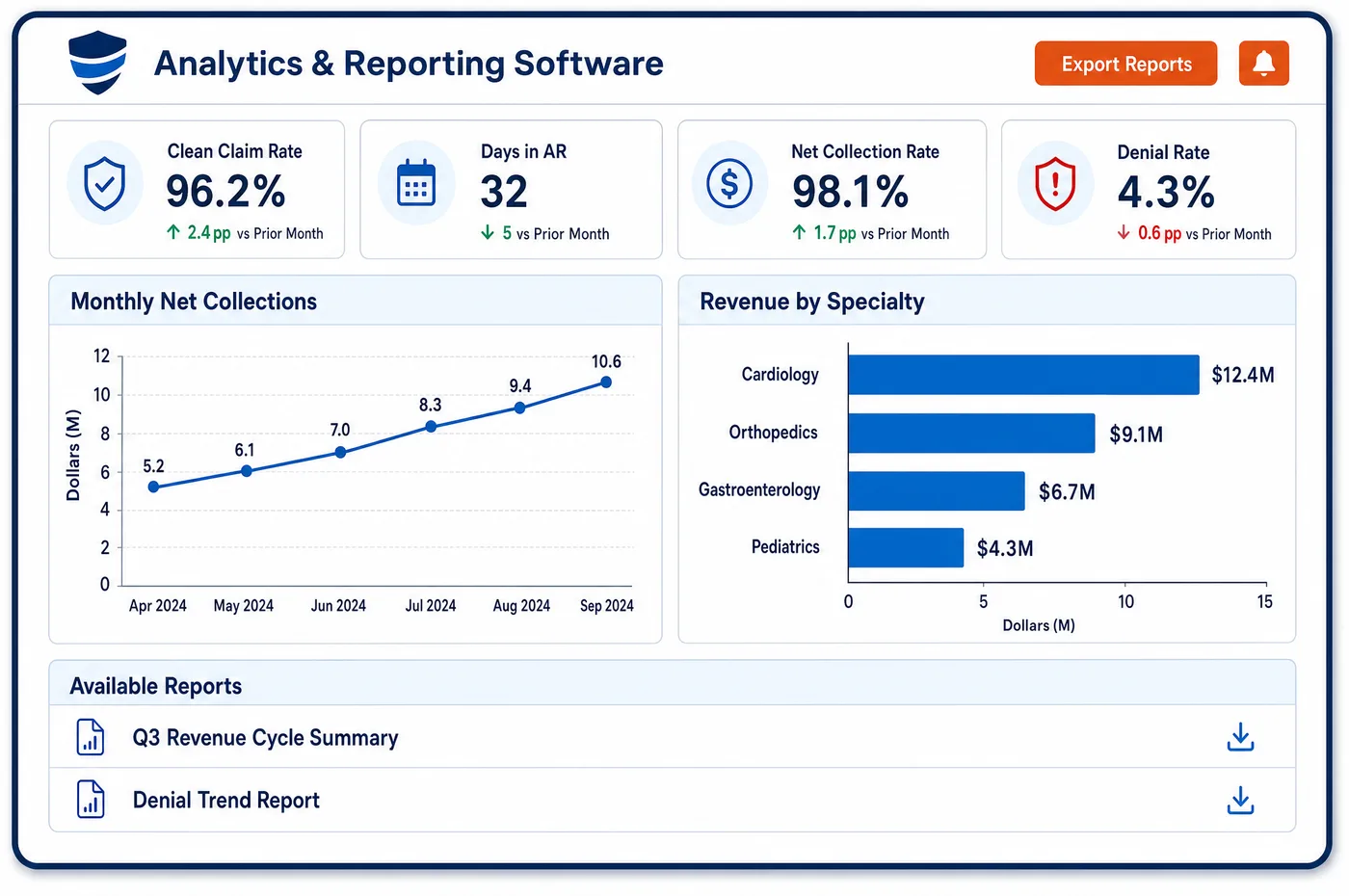
Automation in a Diagnostic Imaging Practice
Imaging billing is full of small, repeated decisions. Is the authorization on file for this CT? Was the contrast line already included in the study? Does this room need the film or computed radiography modifier? Did the screening mammogram and the same-day diagnostic study carry the right pair of modifiers? Automation takes these decisions out of the daily queue. Staff write each rule from the payer or CMS policy behind it, test it on past claims, and turn it on. After that, the rule runs on every study and records what it did. A claim that passes goes forward. A claim that fails is held with the reason attached and goes to the right person through imaging workflow queues. The same approach covers eligibility runs the night before a schedule, bulk claim status checks, and remittance posting. People spend their time on denials and appeals, where judgment is needed.
Why Is Automation Different in Diagnostic Imaging?
Imaging has high volume and thin margins on many studies. A single X-ray or ultrasound pays little, so a few minutes of hand work on each one erases the margin. At the same time, a missed rule on an expensive MRI or PET study costs real money. Automation fits imaging because the same checks repeat across thousands of studies, and because most of the rules are written down in payer policy and the NCCI manual rather than left to judgment.
Many imaging rules are about what not to bill. Under the Medicare NCCI policy manual, when a CT or MRI needs contrast given into a vein, the vascular access and the contrast administration codes are part of the study and are not billed separately. A chest film taken to check a catheter is part of the catheter procedure. Repeated images for poor quality count as one unit of service. A human coder will catch these most days. A rule catches them every day, before the claim leaves, and keeps the write-offs and takebacks from piling up.
Imaging also has rules about equipment. Medicare pays less for film X-rays, for computed radiography and for CT on scanners that lack a dose feature, and the claim must carry the right modifier. The practice knows which rooms and scanners fall in each group, so a rule can add the modifier by room. Automation does not replace the coder, and it does not replace payer review. It frees the coder to handle odd cases, and it feeds imaging claim edits with rules that are already tested.
What Diagnostic Imaging Automation Software Handles
- Contrast and vascular access bundling
- Under the Medicare NCCI edits, vascular access and contrast administration for CT and MRI are integral to the study. A rule removes separate lines such as 36000, 36410 or 96360 to 96379 before the claim is sent. A coder reviews any exception. (CMS Medicare NCCI Policy Manual, Chapter IX: Radiology Services, CPT Codes 70000 to 79999 (revision 1/1/2026))
- Same-day screening and diagnostic mammograms
- When both are done on one date, Medicare requires the diagnostic code to carry modifier GG and the screening code to carry modifier 59 or XU. A rule adds the pair, or holds the claim when one is missing. (CMS Medicare NCCI Policy Manual, Chapter IX: Radiology Services, CPT Codes 70000 to 79999 (revision 1/1/2026))
- Tomosynthesis add-on 77063
- CPT 77063 is an add-on code for screening digital tomosynthesis and may be reported with 77067. A rule holds a claim that shows 77063 without a screening mammogram on the same claim. (CMS Medicare NCCI Policy Manual, Chapter IX: Radiology Services, CPT Codes 70000 to 79999 (revision 1/1/2026))
- Chest films after line or tube placement
- A chest film taken to confirm a central line, chest tube or intubation is integral to that procedure. A rule drops 71045 or 71046 when it appears with the procedure for the same encounter, and logs the removal. (CMS Medicare NCCI Policy Manual, Chapter IX: Radiology Services, CPT Codes 70000 to 79999 (revision 1/1/2026))
- Equipment modifiers by room (CT, FX, FY)
- Claims for CT on non-compliant scanners, film X-rays and computed radiography must carry modifier CT, FX or FY. A rule adds the modifier based on the room or scanner that performed the study. (CMS Medicare Claims Processing Manual, Chapter 13: Radiology Services and Other Diagnostic Procedures)
- Authorization check before the scan (CARC 197)
- CARC 197 reports a missing authorization and CARC 198 an exceeded one. A nightly run checks the next day's schedule for orders with no approval number, and sends each gap to the staff who work with the payer. (X12: Claim Adjustment Reason Codes)
How Does Diagnostic Imaging Automation Software Work?
1. Write the rule from its source
Each rule starts with the payer policy, NCCI chapter or CMS manual section behind it. The source is stored beside the rule, so a reviewer knows why it exists.
2. Test on past claims
The rule is run on claims already paid or denied to see what it would have done. Rules that change too many claims are narrowed before they go live.
3. Run the automation unattended
Once approved, the rule runs on every study and on a schedule, such as the night before a day's appointments. Each action is recorded.
4. Hold exceptions with a reason
A claim that fails a check is held with the rule name and the reason attached. It goes to the person who owns that kind of problem, and nobody has to find it in a long list.
5. Review what the rules did
Managers look at which rules fire most often and which denials still get through. The result is fed back into imaging denial prevention and the next rule update.
Diagnostic Imaging Automation Software vs. Generic Software
| Area | Generic approach | Unlimited Systems |
|---|---|---|
| Contrast bundling | Coders remove lines by memory. | A tested rule removes them on every claim and logs the change. |
| Equipment modifiers | Added when someone remembers. | Added by room or scanner. |
| Authorization checks | A front desk call on the morning of the scan. | A nightly check of the next day's schedule. |
| Claim status | Staff open payer portals one claim at a time. | Bulk status checks, with only exceptions sent to staff. |
| Rule changes | Learned from a denial after the fact. | Automation rules written from the source and tested on past claims first. |
Who Uses It in a Diagnostic Imaging Practice
- Billing manager: Fewer routine touches on clean claims, and a list of what rules fired so coding questions are raised once, not on every claim.
- Coder: A smaller queue of unusual studies, since automation handles routine bundling and modifier rules are handled before the claim reaches the queue.
- Revenue cycle director: A way to turn a payer or CMS policy change into a rule on one day, and a record of what that rule did. Patterns inform imaging workflow design.
Diagnostic Imaging Automation Software FAQs
Imaging billing tasks that follow written rules can be automated. They include eligibility and authorization checks before a scan, bundling edits for contrast and chest films, equipment modifiers by room, claim status checks and remittance posting. Judgment tasks such as appeals and unusual coding questions still go to staff, with the reason for each hold attached.
Under the Medicare NCCI policy manual, contrast given for a CT or MRI is part of the study, as are vascular access codes such as 36000 and administration codes 96360 to 96379. The contrast agent itself may be paid under its own supply code. Other payers may differ, so the practice checks each payer's policy.
When a screening and a diagnostic mammogram occur on the same day, Medicare requires modifier GG on the diagnostic code and modifier 59 or XU on the screening code. A rule adds the pair, or holds the claim if one is missing. A coder looks at the held claim before it goes out.
A rule can add modifier FX for film X-rays or FY for computed radiography based on the room that performed the study. The practice knows its equipment, so the rule is set by room. Medicare reduces the technical payment for both. The rule keeps the modifier from being missed and keeps the claim accurate.
A scheduled run can review the next day's imaging appointments and flag any study with no authorization number on file. Each gap goes to the staff who work with that payer, in time to get an approval or move the visit. The check cannot approve a study. It only finds the gaps early.
A billing manager reviews which rules fired, how many claims they held and which denials still got through. Rules that fire too often are narrowed, and new payer policies become new rules. Each rule keeps its source, so a reviewer can see why it exists.
Related Diagnostic Imaging Software
Platform & AI
In the revenue cycle
Automation for related specialties
Sources
GET STARTED
See Unlimited Systems in Action
Whether you're actively evaluating new technology or simply preparing for your next vendor renewal, Unlimited Systems can help you understand where your current workflows may be creating avoidable revenue risk.